
How Dropshipping EDI Works, With a Simple Order Example
Understand dropship EDI documents, follow a two-item order, distinguish file receipt from supplier acceptance, and plan mapping

Understand dropship EDI documents, follow a two-item order, distinguish file receipt from supplier acceptance, and plan mapping

Choose a dropshipping API for catalog supply, print on demand or order routing. Run a read-only product
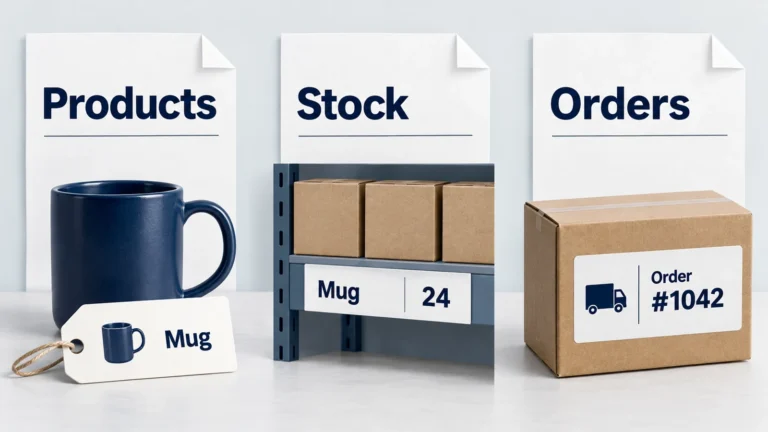
A product import can create a listing without reserving stock or requesting shipment. Follow two mug colors

A store edit can leave the supplier shipping the original item. Follow the buyer request through supplier

Cancelling a storefront order does not always stop supplier picking or shipment; trace both sides.
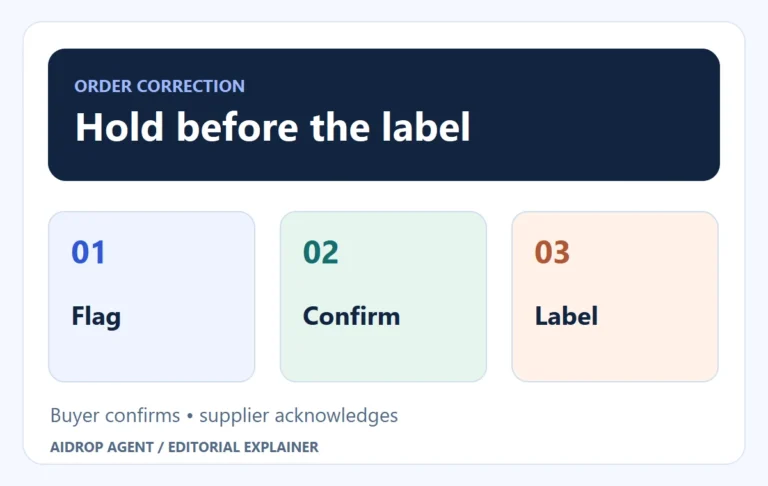
A corrected store address helps only when the supplier’s label and order use the confirmed destination.
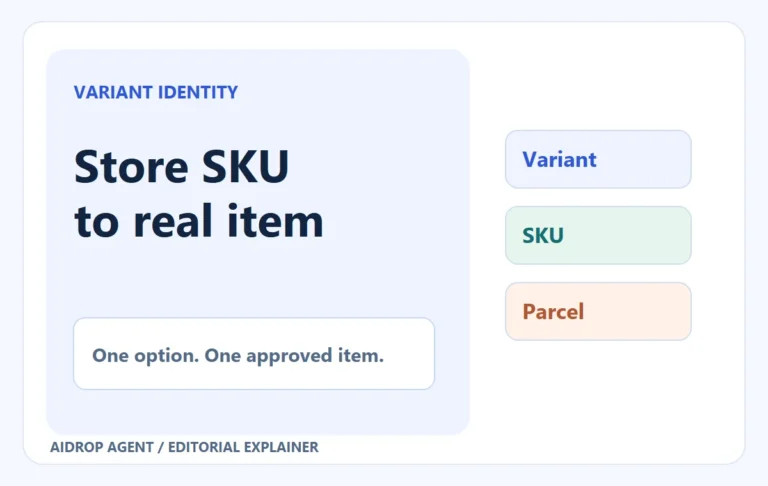
A variant-level mapping and controlled order stop the wrong color, size or pack from reaching buyers.

Give a dropshipping VA a bounded order queue. See what to delegate, which decisions to retain, how

Test HyperSKU with one sourced product: approved sample, product and shipping quote, payment, tracking and a clear

Choose a documented Etsy connection, match each size and design, prepare production funds and follow one order

Choose a BigCommerce app by supplier fit and the full path from product data to payment, supplier

Syncee can connect a store with regional suppliers, but an imported item still needs supplier approval, payment,