
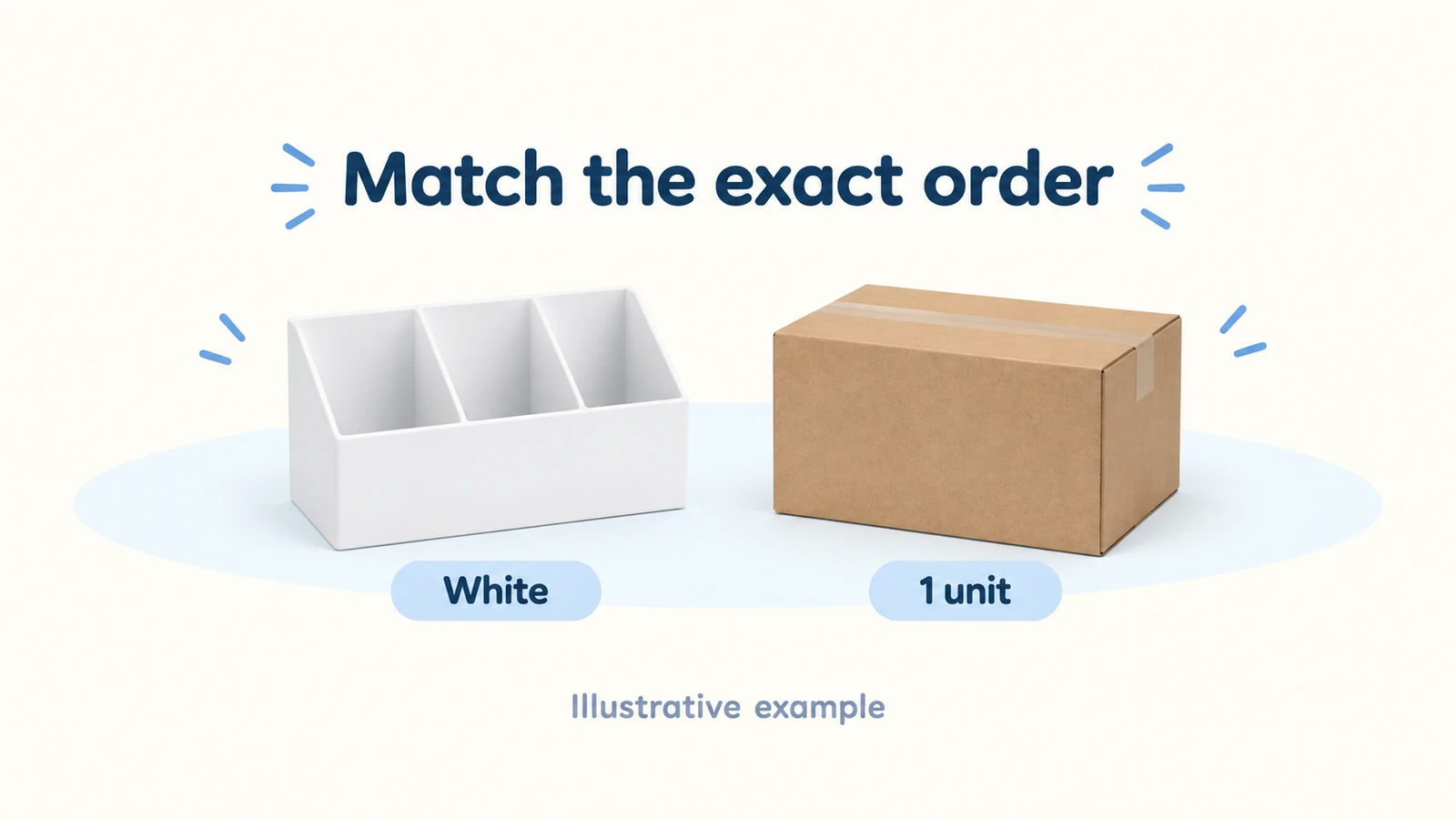
You can consider DHgate as a source for customer orders when the selected seller accepts your quantity and delivery arrangement, and your sales channel permits it. Find that out before listing the product. A one-unit purchase option does not establish neutral packing, dependable stock or a suitable delivery promise for your store.
DHgate is the marketplace where you buy; the particular seller supplies the item. You still choose the product, pay for each purchase and deal with your customer if something goes wrong. An app that copies the listing into your store does not necessarily place or fulfill the DHgate order.
Sam plans to sell a white, three-compartment desk organizer in his own store. His first job is to prove that the pictured set, the price and the shipping option refer to the same item. We will use an illustrative $28 sale to follow the order and a possible wrong-item claim; no supplier order was tested.
01
Choose a sales channel that allows your arrangement
Choose the sales channel before buying the sample. The same DHgate listing does not fit every storefront:
Your own Shopify store
You can evaluate the offer, but Shopify says you remain responsible for product safety, legal requirements and customer promises.
eBay
Its dropshipping policy permits a wholesale-supplier arrangement. Buying from another retailer or marketplace after your buyer orders and sending that purchase straight to them is prohibited. A later DHgate checkout does not cure it.
Etsy
Its seller policy restricts ordinary resale and dropshipping outside stated exceptions. Changing the description of a ready-made organizer does not make it handmade. An eligible original design with a production partner is a different offer.
Sam’s example therefore continues on his own store. If your chosen channel excludes the arrangement, change the source or channel before accepting an order.
Choose the product with the same care as the channel. A familiar brand logo, character image or copied design can raise rights questions. The USPTO explains that trademarks, patents and copyright protect different things. An unbranded item is not automatically free of design or photo rights. Use accurate pictures you own or have permission to use.
For US sales, the CPSC’s retailer guidance explains responsibilities for product safety and applicable documents. Ask for what the specific item requires; do not treat a seller’s generic certificate as covering every product. Sam’s fictional organizer avoids batteries and electronics, but the actual material, intended use and customer still matter.
The supplier guide shows other sourcing routes if this one does not fit your channel or product.
02
Ask the seller about one exact organizer
Read the listing’s quantity unit, minimum purchase and price for that quantity. “One” might mean one piece, one set or one carton. Select the exact version, destination and shipping service before comparing the total. A low product price can be paired with a shipping charge that changes the decision.
Sam’s example needs a white organizer with three compartments. A variant is a specific product choice, such as its color or size. The supplier’s SKU, or item code, helps identify that choice. Keep the selected picture and code together; a photo of several organizers does not tell you how many arrive in the parcel.
Sam can send this inquiry, replacing the fictional details:
Can you send one white, three-compartment organizer from this link to a customer in US ZIP 10001? Please confirm the exact item code, dimensions, one-piece price, shipping charge and current white stock. I would first order one sample, then place individual customer orders. Can you use plain packing without promotional inserts? Tell me the dispatch time, carrier and tracking method, and whether any destination charges are excluded. What happens if you cannot supply white, or the item arrives wrong or damaged? Please do not substitute a different item without my approval.
For a purchase, use the customer’s complete address and confirm that the actual shipping option serves it. Ask how the seller wants individual orders submitted and how it will alert you to a stock problem. Reviews and seller history can help you choose whom to contact, but they do not answer these questions about today’s offer.
Inspect the actual organizer
Before listing, order the exact organizer as a sample where practical. Compare the color, compartment count, dimensions, finish and packing with what you plan to advertise. Follow that parcel’s real shipment; don’t copy a generic delivery claim from another listing. A satisfactory sample gives you something useful to describe, although it cannot guarantee every later unit.
If the seller will only supply a batch, decide whether buying and holding that stock fits your plan. If the reply avoids the exact item or asks you to ignore a mismatch, choose another offer. The supplier red-flags guide covers broader warning signs; the immediate goal here is a clear answer about one usable order.
03
Use an importer for the listing, not as proof of fulfillment
For one organizer, you can create the store listing manually using accurate details and permitted photos. An importer saves some of that copying work when you handle more products. Importify documents DHgate importing for Shopify, Wix, WooCommerce, BigCommerce and Jumpseller, including product information and variants.
Prepare and check the actual listing
The published DHgate workflow uses Importify’s browser extension. Install the supported extension with your store connection, open the selected DHgate product and use the Importify control to bring its details into the listing editor.
Before publishing
Rewrite the description around the actual white, three-compartment organizer. Check the quantity unit, dimensions and destination service. Remove irrelevant variants and media you are not allowed to use. An imported product title cannot establish these details.
After publishing
Open your storefront on a phone and select white, one unit. Compare the selected item, description and checkout price with your approved seller quote. If the listing selects a set or a different color, fix it before taking an order.
DHgate fulfillment remains manual in this documented Importify setup; the named automatic-order feature is for AliExpress. When a buyer pays, place the corresponding DHgate order with the correct recipient and verify its payment and dispatch separately. No app connection or purchase was tested here.
The current Importify pricing page lists these US-dollar monthly subscriptions:
| Plan | Monthly price | What matters for a DHgate offer |
|---|---|---|
| Basic | $14.95 | Listing imports; consider whether they save enough work for your store |
| Premium | $27.95 | Additional import sources and features do not make the DHgate purchase automatic |
| Gold | $37.95 | AliExpress automation is a different supplier route, not DHgate fulfillment |
On a phone, swipe the table sideways to compare every column.
The page advertises a 20% annual-billing discount and a one-day trial. Read the amount and billing period shown when subscribing, and cancel before the trial ends if you do not want the paid plan. The trial and prices are documented public offers, not a checkout we tested. Supplier purchases, shipping and store subscriptions are separate costs.
Keep the listing accurate after publishing. When the seller changes its price, stock or shipping service, review your offer before accepting another order. The imported details are not a permanent supply agreement.
If manual ordering becomes too much, compare a supplier route with documented order support. The AliExpress guide explains a different route; it is not a DHgate feature.
04
Count the delivered cost before choosing your price
Price the parcel that will reach the customer. Sam needs the selected organizer, the available shipping service and any separate preparation charge. Ask who pays destination taxes or duties. A supplier’s product price alone cannot answer whether a $28 store offer works.
Here is a hypothetical order in US dollars. All purchase, shipping, checkout, advertising and allowance figures are invented assumptions, not a DHgate listing price or a supplier, Importify or AIDrop quote:
| One organizer order | Assumed amount | Purpose |
|---|---|---|
| Product | $7.00 | The agreed white organizer |
| Shipping | $5.00 | One parcel to the selected destination |
| Store payment fee | $1.00 | Assumed checkout charge |
| Advertising | $4.00 | Assumed cost of obtaining the sale |
| Remedy allowance | $2.00 | Planning money for possible problems |
| Total considered costs and allowance | $19.00 | Before software, taxes and overhead |
| Amount left from a $28 sale | $9.00 | Before those excluded costs |
On a phone, swipe the table sideways to compare every column.
If ten orders have these same assumed costs, they leave $90 before software. Subtract one month of Importify Basic at its listed $14.95 and the result is $75.05, still before taxes and overhead. That is a limited calculation for ten retained sales, not predicted earnings or a guarantee that Sam will sell ten organizers. If he lists manually, he avoids that subscription but supplies the listing work himself.
The supplier purchase and shipping total $12 per order. Ten orders need $120 to fund those purchases, even if Sam’s customer payments have not yet reached his bank. Store charges, ads and cash for refunds remain separate. A paid customer order can still be waiting for a supplier purchase because the store owner has not funded it.
Before buying, replace the assumptions with the current checkout amount for the customer’s address. Recalculate when a product price or shipping service changes. The $2 remedy allowance is a planning estimate: if a real replacement or refund occurs, use that actual cost without charging yourself the same loss twice.
05
Follow the paid order beyond the checkout screen
Once Sam receives a valid customer order, he needs a separate supplier purchase. Create or use your own DHgate buyer account with truthful details. The customer is the delivery recipient; your billing details still need to match the payment method you legitimately use.
For the fictional white organizer, the purchase sequence is:
- Open the agreed listing and select the white, three-compartment version, quantity one and the supported shipping option.
- Enter the customer’s complete delivery address. Review the country, postal code and contact details needed for that shipment.
- Compare the product, packing instructions, shipping charge and final amount with the agreed offer. Read any dispatch deadline shown on the order.
- Pay using a supported method offered for the actual checkout, then open the order to check its payment status.
- Follow the seller’s dispatch and carrier tracking, and transfer the relevant shipment update to the store’s customer order.
Payment can be awaiting verification
DHgate’s official buyer FAQ explains that a payment can need verification before it is cleared for the seller. Paid, cleared and shipped are therefore different things. The FAQ is an older resource; use the current order and official account support for today’s available methods, verification request and deadlines. Do not follow old instructions to email sensitive payment or identity documents to an address copied from a guide.
Check status before paying again
If payment appears to have failed, check the order and payment status before buying the same organizer again. If verification is required, complete the legitimate current account process. If the supplier has not dispatched by the agreed point, ask what has stopped it and decide whether the customer needs a revised promise or cancellation option.
Look for actual carrier acceptance
A tracking number alone is not proof the carrier has received the parcel. Follow the shipment events for the customer’s parcel, rather than treating a created label as completed delivery. Dispatch time and transit time together determine the arrival estimate; there is no single reliable “DHgate delivery time” for every seller and destination.
Hold an unavailable white organizer
Suppose the seller reports that white is unavailable and offers black. Hold the purchase or shipment while Sam contacts the customer about a permitted wait, a change they approve or cancellation. Sending black without that approval does not solve a white-organizer order. Adjust the live store offer so another customer does not buy the same unavailable choice.
06
Handle the customer and the supplier claim separately
Find the order and the claim route
If a parcel is missing, open the supplier order and look at its current status, tracking and support options. Ask the seller about the specific shipment. Use the dispute or refund route shown for that order while its deadline remains available. Do not mark an unseen parcel as received simply because the seller asks you to complete the order.
Use the deadline shown in your actual case
For an order already completed, a wrong or damaged organizer may need the after-sales route. DHgate’s older official guides describe opening an after-sale dispute and the response process. They explain the value of product photos or video and both parties’ responses. We could not establish one current deadline that applies to every DHgate order, so use the period and instructions shown in your actual case rather than an old five-, ten- or ninety-day claim from a guide.
For Sam, useful material would show the order’s white three-compartment specification, what arrived, the parcel label and the problem. Ask for clear pictures rather than requesting unrelated customer information. Respond to the platform’s actual requests and deadlines, and retain the item until the relevant return or remedy instructions are clear.
Keep the customer informed while claiming
Meanwhile, answer the customer. For US orders, the FTC’s merchandise-order guidance explains required delay notices, consent and cancellation/refund options when the seller cannot ship as promised. Those responsibilities do not disappear because the store uses a supplier to send the goods. For a wrong or damaged item, arrange the appropriate remedy under the offer and applicable rules.
Fund the buyer’s remedy now
A supplier refund and the customer refund are separate payments. If Sam refunds the hypothetical $28 customer sale, a later request to recover $7 from the supplier does not fund that refund today. The supplier claim may still be pending or unsuccessful. A product-only recovery also does not automatically reimburse shipping, ads or store charges. Give the customer a clear remedy without making them wait for the supplier’s decision.

A replacement has a cost too. At the assumed $7 product and $5 freight, an extra parcel costs $12, which exceeds the original $9 planning amount left by $3. To calculate the actual result, replace the unused $2 allowance with that $12 expense: $28 − $7 − $5 − $1 − $4 − $12 = −$1, before software, taxes and overhead. Do not subtract the $2 allowance again. These are hypothetical costs, but they show why one replacement can change a cheap-product offer.
If you need help comparing the product with a China-side supplier’s description or discussing sample checks and packing, send the DHgate link, destination, expected order count and the specific mismatch to AIDrop’s product-sourcing service through contact. Confirm the work and quote for that product. This does not promise an Importify connection, channel approval or a successful DHgate refund claim.
07
Questions before taking a DHgate order
Can I buy only one item?
Some listings support that quantity. Read whether the price is for one piece or a set, then confirm the selected seller will send the exact product to your destination. The same listing may have different quantity tiers or shipping options.
Can I use DHgate with Shopify?
You can create a permitted product listing manually, or use Importify’s documented listing-import functions. You remain responsible for the product and customer offer. The DHgate purchase and fulfillment still need to be carried out separately.
Do I need a paid importer to begin?
No. Manual listing and ordering are possible when the seller accepts your arrangement. Compare the time an importer saves with its subscription and actual supported features. A small first offer does not need software that solves a different task.
Will DHgate automatically refund my store’s customer?
Do not assume that. Your customer bought from your store; the DHgate buyer order is a separate purchase. Handle the customer remedy and follow the supplier order’s eligible claim process. A submitted claim is not recovered money.
When should I choose another source?
When the seller cannot agree the product, quantity, packing, destination or remedy you need, or the complete cost does not work. The Alibaba versus AliExpress guide compares those alternatives. Choose the arrangement you can actually fund and fulfill rather than expecting a listing importer to repair unsuitable supplier terms.
Dropshipping Suppliers: Compare Channels, Costs, and Fit
Compare dropshipping supplier channels, including Shopify Collective, directories, marketplaces and print on demand, with costs and practical

How to Find Dropshipping Suppliers You Can Actually Work With
Find dropshipping suppliers through directories, marketplaces and manufacturers, then verify quotes, samples and the delivery process before
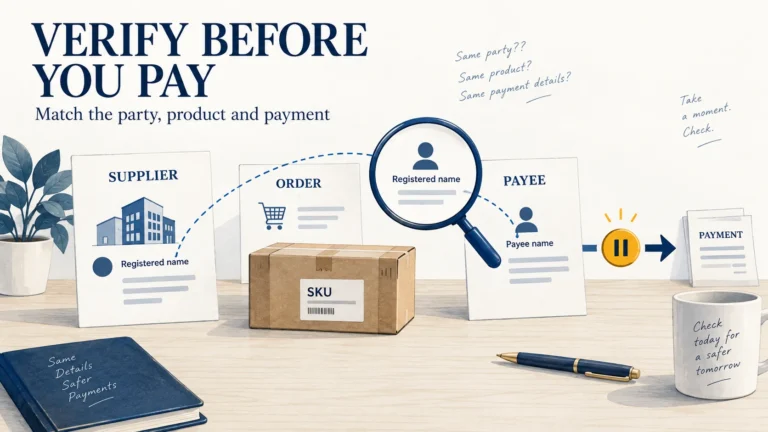
Dropshipping Supplier Red Flags: What to Verify Before You Pay
Pause a supplier payment when the payee, product, stock location or order terms cannot be reconciled with