
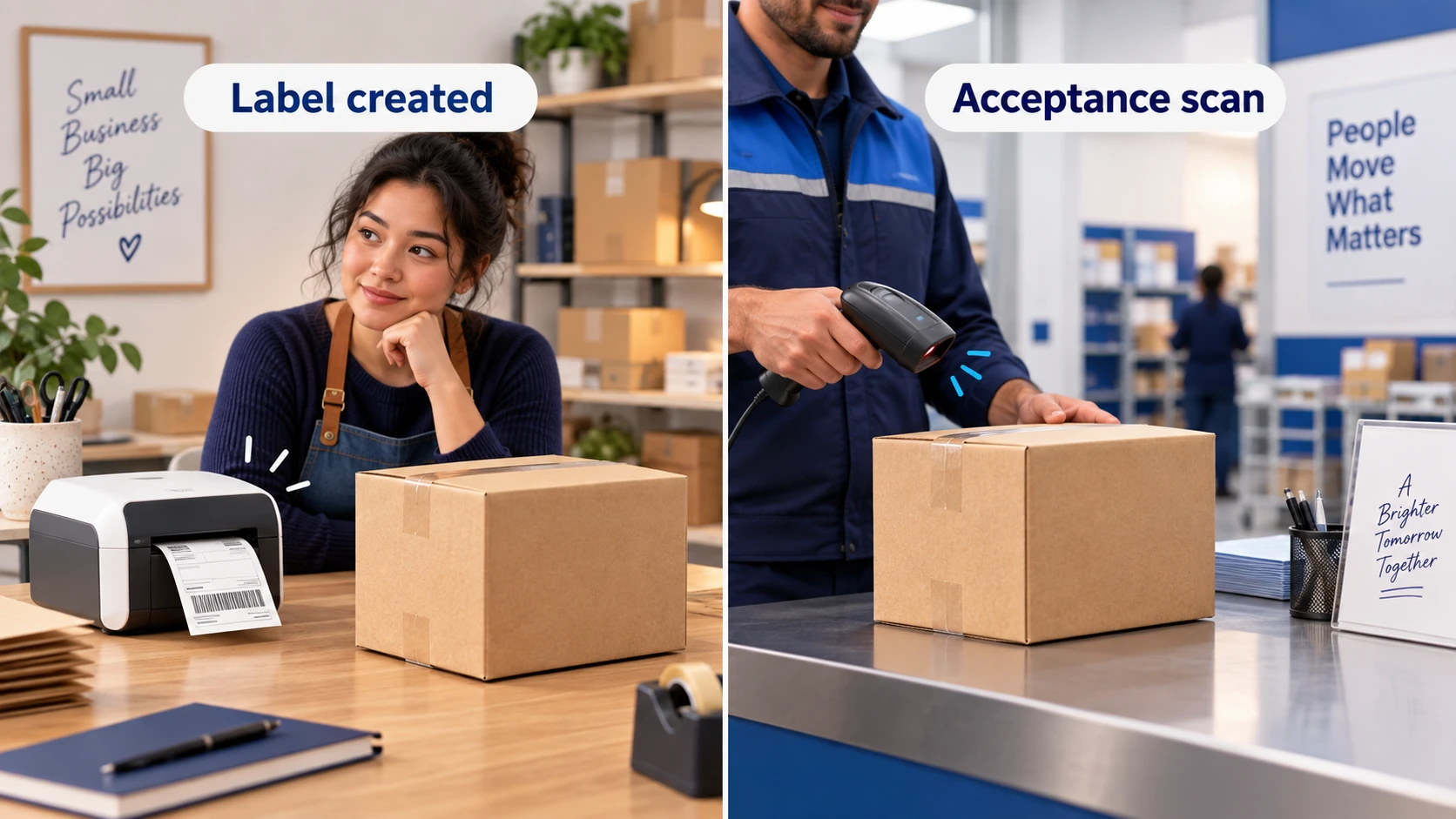
When dropshipping tracking stops updating, check the number on the carrier’s own website, confirm which parcel it belongs to, and find the last event that shows physical movement. A newly created label, a gap between scans and a store page that has stopped syncing need different responses. Contact the party that can investigate that stage, then give the customer a specific next update.
A silent tracker does not establish that a parcel is lost. It also does not establish that the supplier dispatched it. The useful question is what has actually been confirmed—and whether the order is still within the promise you made when accepting payment.
If you are setting up tracking rather than handling an exception, start with the dropshipping tracking guide. The checks below address an order whose updates are missing or have stopped.
01
Find the last confirmed event
Open the order record and the direct carrier page side by side. Copy the number rather than retyping it. Check the carrier name, destination, order items and any supplier reference. For a split order, match each number to the items in that parcel; one moving parcel says nothing about the other.
Save the latest event, its location and its timestamp, including the time zone when shown. Also record the promised dispatch date and the delivery window displayed to the customer. These dates answer different questions: a parcel can miss dispatch before the delivery estimate has expired, or leave on time and later encounter a delay.
| What you can verify | What remains uncertain | First useful action |
|---|---|---|
| The number is unrecognized by the named carrier | Typing error, wrong carrier, inactive or replaced label | Ask the supplier to confirm the parcel number and direct tracking link |
| A label exists, with no acceptance event | Whether the parcel was physically handed over | Request parcel-specific handover evidence and compare the dispatch commitment |
| The carrier recorded acceptance, then no recent scan | Whether it is moving between facilities or delayed | Read the event history and service notices; check the expected delivery window |
| The carrier has a newer event than your store | Why the app or storefront has not refreshed | Investigate the tracking integration and customer-facing link |
| An exception names an address or clearance problem | What information or action will resolve it | Contact the responsible carrier, shipper or broker through a verified channel |
Keep a copy of the original record if the supplier later replaces a number. Ask why it changed and which physical parcel the new one identifies. Otherwise, a new label can make an old dispatch problem look like a new shipment.
02
When the label exists but no parcel movement is visible
A shipping label is not proof of carrier acceptance. UPS describes its Label Created status as receipt of shipment details and billing information; its status changes after possession and movement in the network. That distinction is clear in UPS’s tracking-status guide.
Ask the supplier for the handover date, carrier or logistics partner, parcel reference and the evidence connecting that parcel to the pickup. A warehouse packing photo can help identify the item, but it does not show that a carrier received it. A batch pickup record is more useful when the supplier can link your parcel to that batch.
There may be a missing first scan. There may also be a parcel still waiting to be packed. Until the supplier can distinguish those situations, describe dispatch as unconfirmed rather than telling the customer it is definitely moving.
For a cross-border service, identify which leg the displayed number covers. A destination carrier’s label can exist while another provider handles the earlier leg. Ask for the upstream tracking reference and the event that is expected to connect the two records. Do not infer a customs hold just because the destination tracker has no acceptance scan.
FedEx also separates creating a label from scanning the package in its shipping-label guidance. Check the service actually purchased before treating the label date as the beginning of its delivery commitment.
If the supplier missed the agreed dispatch date, investigate now. Waiting for the tracker to reach an arbitrary age will not establish whether the order was shipped.
Where dispatch remains unconfirmed, ask whether the order can still be stopped. Get a clear answer before releasing a replacement: the first parcel could already be on its way even though its public record is incomplete.
03
When scans stop after acceptance
Once an acceptance event exists, your investigation changes. The issue is no longer simply whether a label was printed. Read the last meaningful event and check whether the carrier has published a revised delivery estimate or an exception reason.
UPS notes that parcels travelling long distances may not receive another scan until they reach the destination hub. That supports a limited conclusion: a scan gap can occur during transport. It does not prove that every quiet parcel is on schedule, nor provide a universal number of days to wait.
An actionable exception deserves attention before the estimated arrival date passes. An address correction, requested clearance document or failed delivery attempt can require someone to respond. Ask the supplier who booked the transport and who can contact the carrier or broker. Keep the case reference with the order so the next support agent can follow the same investigation.
If the event names customs, obtain the actual request and identify who must answer it. Use the provider’s verified contact details, especially where payment or identity documents are involved. A generic tracking message is insufficient to decide that the customer owes a charge or that a document is missing.
For a parcel marked delivered but not received, move to a delivery-dispute investigation. Confirm the address and any available delivery evidence with the relevant provider; repeatedly refreshing the tracking page will not answer that different question.
04
When the carrier and your storefront disagree
Suppose the carrier shows an acceptance scan and a later facility event, while the store still displays only a label. This is an illustrative situation, not a report from a tested shipment. The newer carrier record gives you something useful to communicate while you investigate the display problem.
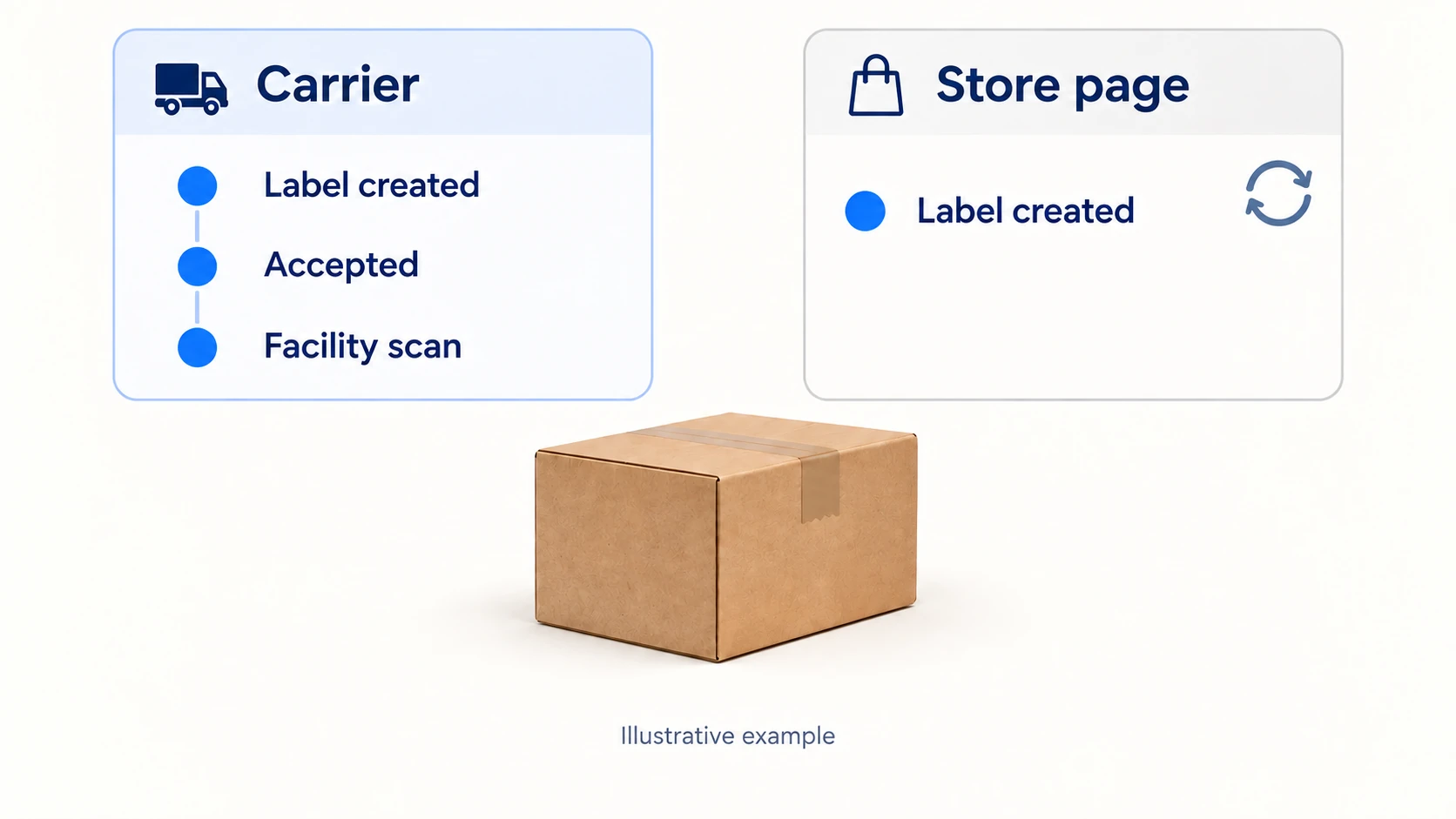
Shopify explains that automatic carrier detection can be wrong when number formats overlap. Selecting the correct carrier takes priority; when the carrier is not listed, merchants can choose Other and enter its full tracking URL. Third-party apps should supply the carrier and URL with the number. See Shopify’s order-tracking troubleshooting.
After correcting the record, open the link customers actually receive. A correct number in the admin does not help if the email still leads to a different carrier or to a page that never opens the shipment. Some carrier sites require the number to be entered again, so distinguish that behavior from a broken link.
If an app supplied the data, check its saved payload or support record before making repeated manual changes. An automated sync may overwrite your correction. Give the app provider one affected order, the expected carrier and URL, and a comparison with what the customer sees. Remove unnecessary personal information from screenshots.
Repairing the display does not change the parcel’s location. Close the integration issue only after the customer-facing record works; keep any physical delivery problem open separately.
05
Decide when to investigate and when to resolve the sale
There is no reliable waiting period that covers every carrier, country and service. Use the actual dispatch commitment, last verified event, delivery promise and carrier procedure. A missed commitment or an exception requiring action can justify contact even when the latest scan is recent.
Choose an internal follow-up time that your team can meet. That might be the supplier’s confirmed response deadline or the next working-day review. Label it as your next update, not a predicted delivery date. If the supplier misses that response too, escalate to someone who can authorize a commercial resolution.
Keep these decisions separate:
- Supplier investigation: ask for missing dispatch or handover evidence and an accountable response.
- Carrier search: follow the named service’s eligibility and information requirements.
- Loss or insurance claim: check the applicable filing window, claimant and evidence requirements.
- Customer resolution: apply the order terms, marketplace requirements and consumer obligations relevant to that sale.
For a specific US example, USPS permits a Missing Mail search starting seven days from mailing. Its requested information includes sender and recipient details, mailing and tracking information, packaging and contents. That is a search procedure measured from mailing; it is not a rule that every dropshipping customer must wait seven more days after contacting you. A search also does not guarantee recovery or insurance payment.
Do not leave a refund or replacement decision indefinitely dependent on the supplier recovering money from a carrier. Record the applicable customer deadline separately. Where a replacement is appropriate, check whether the original can be intercepted or cancelled and explain how a later duplicate arrival will be handled under the agreed process.
For orders involving several suppliers, assess each parcel individually. The multiple-supplier fulfillment guide explains how one order can have separate dispatches, tracking records and exceptions.
06
Send an update the customer can use
The customer needs to know what you have confirmed, what you are doing and when they will hear from you again. Avoid promising that a parcel is on a plane, has cleared customs or will arrive tomorrow unless the available evidence supports that statement.
Here is a message pattern to adapt to the facts of an order:
The latest carrier event we can confirm is [event, place and date]. There has been no newer event on the carrier’s page. We have asked [supplier or carrier] to investigate [specific missing information]. We will update you by [date and time zone], even if the investigation is still open. If the order cannot meet the delivery terms, we will explain the available resolution options.
For a label-only order, say that you are confirming handover rather than implying carrier acceptance. For a stale store page, share the verified direct link and explain that you are correcting the store display. Those are materially different updates.
Put the promised contact time into your support queue. One accurate message followed by silence creates another problem. When the deadline arrives, report the new evidence or the absence of a response, together with the next action you can actually take.
07
Prevent the same tracking problem next week
Separate your exception list by cause. Orders without an acceptance event need supplier follow-up; orders with a fresh carrier event but stale store data need integration work. Mixing them into one “tracking delay” count hides who can fix the recurring issue.
For each unresolved order, keep an owner, last confirmed event, customer commitment, supplier or carrier case reference and next action date. Restrict access to customer information to the people handling the order. A shared record should reduce repeated requests for the same details.
Review recurring problems against actual order volume. A supplier with more orders can have more exceptions without a worse rate. Compare like services and destinations, then inspect the reasons before changing a route or supplier. A corrected integration can improve visibility while leaving transit performance unchanged.
The most useful improvement is often small: require parcel-specific handover records, send the correct carrier URL with every number, or give one person ownership of overdue replies. Choose the change that addresses the evidence you found.
08
Questions about stalled dropshipping tracking
Does no update mean the parcel is lost?
No. Missing scans, an incorrect tracking link and a shipment still awaiting dispatch can all produce little or no visible activity. Establish the last confirmed event and use the relevant carrier investigation process before describing a parcel as lost.
Should I tell every customer to wait 48 hours?
No. That may miss an already-overdue dispatch or an address problem requiring action. Check the actual event, service and customer commitment, then give a specific follow-up time your team can meet.
Why does a US carrier say it is awaiting a parcel shipped from China?
The number may cover the destination leg while another provider handles earlier transport. It may also represent a label for an order that has not left the supplier. Ask for the upstream record and the connection between the two numbers; the destination status alone cannot distinguish them.
Should I resend an order as soon as tracking stops?
First check whether the original can still arrive, what resolution the customer is entitled to and whether a replacement is appropriate. An unconfirmed cancellation can leave two parcels moving. Record the decision and keep the original tracking history attached to the order.
