
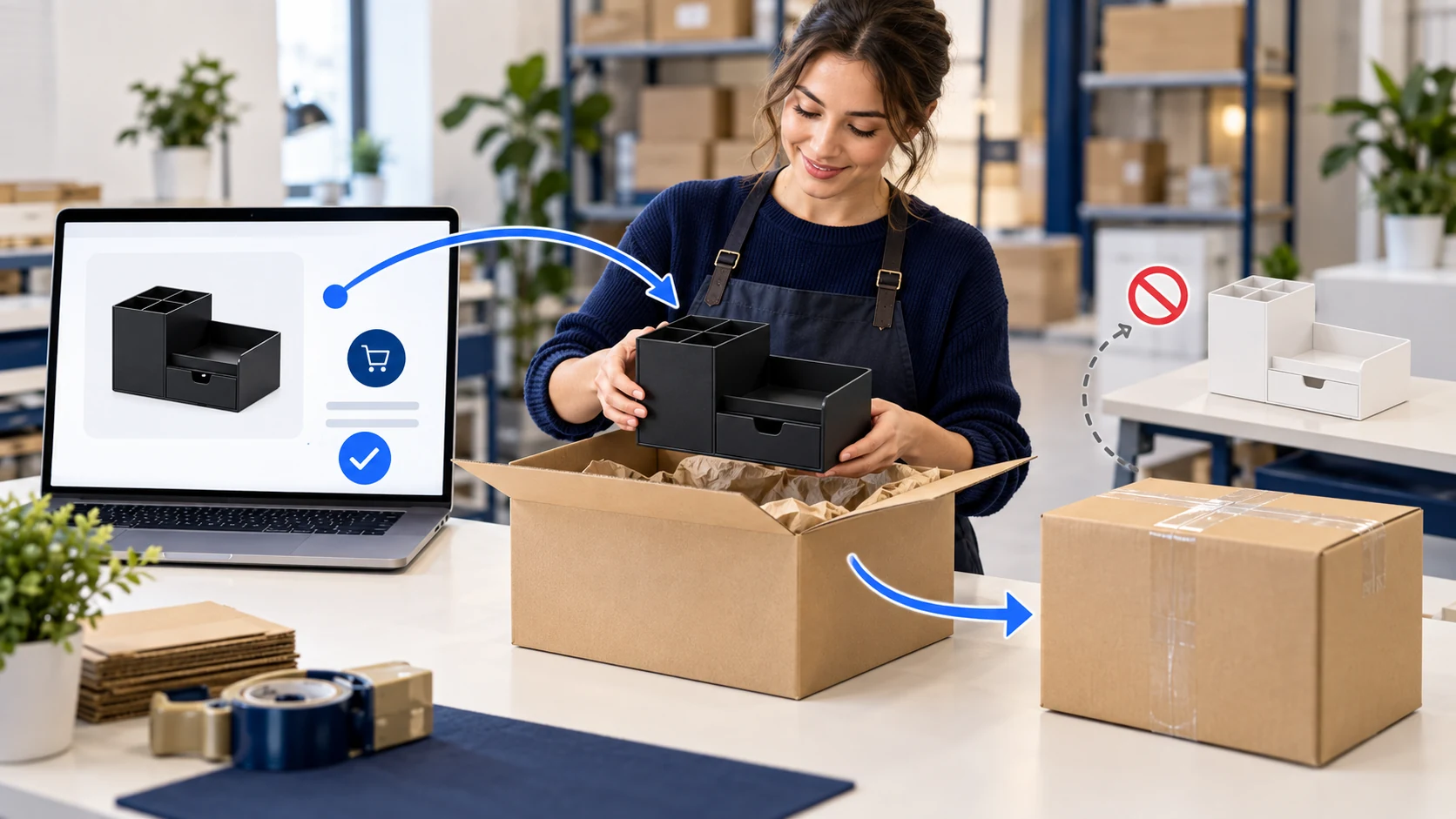
Yes, Shift4Shop can route a store order to an outside dropshipping supplier. Its distributor settings let you assign a product, use that supplier’s shipping origin for checkout calculations, and email the supplier when a new order or cancellation arrives.
The important gap is what happens after the email. The platform can tell a supplier that a customer ordered an item; it cannot, by sending that message alone, prove the supplier has accepted the exact item, charged your agreed account, packed it, or handed it to a carrier. Start with one product and one controlled order before treating the route as automated fulfillment.
Imagine a black desk organizer on your store. A distributor can send it to a US buyer, but the same catalog also has a white version. If both versions share an unclear product record, the wrong supplier may get the order or the supplier may see “desk organizer” without the color the buyer paid for. That small mismatch matters more than the number of products Shift4Shop says your plan can list.
This guide deals with Shift4Shop’s distributor assignment and order handoff. If you have not chosen a store platform, the dropshipping platform comparison covers the wider choice. Our automation software guide covers tools across platforms. Here the test is whether this particular store tells the right supplier about the right item and whether that becomes a real parcel.
01
First check whether the account and payment plan fit
Shift4Shop calls its dropshipping store “free” in marketing. The current US plans page is more specific: its free End-to-End plan is available to US merchants, with Shift4 Payments as the listed processor; sellers outside the US are directed to paid plans. The dropshipping landing page also marks its offer “Merchant Processing Required.” A US shipping destination does not turn an overseas seller into an eligible US merchant. Ask Shift4Shop what plan and processing terms apply to your actual business and payment setup before building a catalog around a headline price.
The supplier still needs funding
Even an eligible plan is not a free supplier order. The buyer’s payment enters your store’s processing flow. Your supplier still needs to be paid under whatever purchasing or credit terms you agreed with it, and your shipping and returns still have costs. Write those lines down separately. A store subscription amount, a payment-processing term and a parcel invoice answer three different questions; combining them into “no-cost dropshipping” hides the margin decision.
Use the offer for your actual account
The plan check is short: where is your business eligible to sign up, which processor will take the customer’s payment, and what is the actual offer presented for your account? If a different gateway, paid plan or extra module is involved, confirm it in the current dashboard or with support. We have not opened your merchant account or tested approval, and platform terms can change.
02
Assign the actual item to the actual distributor
Create the distributor first, then assign the product. Use the distributor setup instructions for the documented settings.
Save the distributor and product assignment
Use the documented route in your actual Store Manager. The names below are fictional worksheet labels; enter your supplier’s real contact, origin and agreed item code.
Create Distributor A
Settings → General → Distributors → +Add. Name it, then enter its actual email and shipping origin. Select Is Dropshipper; choose New Order and Cancelled Order notifications deliberately. Customize Subject/Message or inspect the default under Settings → Design → Emails.
Assign the Black product
Products → find the product → Action → Edit → Distributor: A → Save. Reopen the same product and distributor. Confirm the stored recipient/origin, Black option and actual supplier SKU—not merely that the Save button was clicked.
Read what the supplier received
On your supported controlled order, compare the actual email with that saved product, quantity, buyer address and order reference. Ask A to return acceptance/rejection, cost and dispatch. If the email is missing or wrong, correct assignment/template before another paid order.
The documented New Order checkbox does not establish a paid-only release or purchase authorization. Keep the paid-versus-unpaid test below, and have the supplier hold an unapproved request. These instructions are not a store we configured.
Test the black organizer assigned to Distributor A. Does A receive the exact black item, quantity and accepted supplier SKU? The documented Distributor field belongs to the product; do not assume choosing White changes the recipient for an option within that same product.
White needs its own supported routing decision
If White needs a different supplier, first confirm a supported product separation or routing integration. Save and test both buying paths. A product title or matching photograph is not a supplier part number.
Use a small routing record before you publish:
Black organizer option and quantity
Distributor-side answer to collect: Exact black supplier SKU and available quantity
What to test: Does A receive black, not a generic organizer or white?
Distributor assignment
Distributor-side answer to collect: Current email/recipient and who monitors it
What to test: Does the new-order message arrive once, in the right inbox?
Shipping origin
Distributor-side answer to collect: Address where the parcel actually enters the network
What to test: Does checkout use that origin rather than your office?
Handling promise
Distributor-side answer to collect: Time until supplier can hand the parcel to a carrier
What to test: Can the supplier meet the promise after an order arrives?
Returns
Distributor-side answer to collect: Receiving address and who approves a refund or replacement
What to test: Can a wrong-color order be resolved without guessing?
Read the email as a supplier would
The platform lets you customize the distributor email subject and message, according to the same support article. Read a test email from the supplier’s point of view. It should carry the exact item, paid-order reference, quantity, buyer address fields the supplier needs, and your agreed exception route. Check what personal data is actually sent and keep it within your supplier agreement. A successful “sent” status in your store is just evidence that the platform dispatched a message; ask the supplier to confirm receipt and acceptance through a separate channel or portal.
Check what an unpaid order sends
- Inspect the subject/message you configured, or the default distributor template in Settings → Design → Emails. Confirm the exact item, option, quantity and order reference the supplier receives.
- With the supplier warned and using a safe test supported by your gateway, create one paid order and one unpaid/failed order. Record which emails reach the distributor.
- Require the supplier to act only after your agreed payment/release check. If an unpaid email could trigger a purchase, fix that rule before opening the route. Do not assume a notification checkbox filters payment states.
- Reconcile the paid order with the accepted black SKU and cost. Repeat the cancellation test separately: the stop email, supplier acknowledgment and customer refund are three records.
One useful question for the supplier: “If this black organizer order lands at 3 p.m. today, what will you return to us before you ship?” A usable answer includes acceptance or rejection, correct item and amount, expected dispatch, then tracking after the physical parcel leaves.
03
Make checkout shipping reflect where parcels begin
Selecting Is Dropshipper affects shipping calculation. Shift4Shop says it can use the distributor’s address as the origin; its shipping methods guide distinguishes carrier real-time rates from custom/offline methods and explains that carrier integrations need proper origin, destination and package data. Use the actual parcel’s packed weight and origin when checking a buyer’s rate. A quote from your storefront is not automatically the amount your supplier or forwarder will invoice you.
Test the actual two-origin charge
Mixed carts deserve their own test. Suppose the buyer chooses the black organizer from A and a locally stocked notebook from your own location. Shift4Shop’s dropshipper configuration help explains that items from different distributors can be grouped by origin for shipping and the buyer may see a combined cost. That may be correct for two parcels, but it can surprise a shopper if your page implies one cheap delivery. Check the rendered checkout for one-item and mixed-item carts, and compare each part with real shipping invoices.
Several suppliers for one product is an extra feature boundary
There is also an important feature boundary. A basic product-to-distributor assignment does not mean the store will automatically choose between several suppliers for the same product by region or cost. Shift4Shop documents a Multiple Distributors add-on for that scenario and describes it as an additional purchase. Ask whether it is enabled, available and worth the cost in your current plan. Do not design a two-supplier fallback around a module you have not bought or tested.
A calculated-later fallback is not the final quote
If checkout shows no usable shipping method or a “calculated later” fallback, stop before taking real customer orders. Shift4Shop’s shipping settings guide describes that fallback as a way to continue checkout when a method is unavailable. It is not a buyer-approved final parcel price. Choose a valid route and make the charge and delivery promise clear first.
04
Run one paid-order and one cancellation test
The best way to find a routing error is a controlled pilot, with the supplier warned in advance and the payment/refund costs understood. Use a real but low-risk item you can legally sell and ship. Test the black organizer option, then compare the store order, outbound distributor email, and supplier response. If you cannot perform a live purchase yet, rehearse the draft order and email template, but do not call the route proven until a real transaction closes.
For the paid order, keep five separate records:
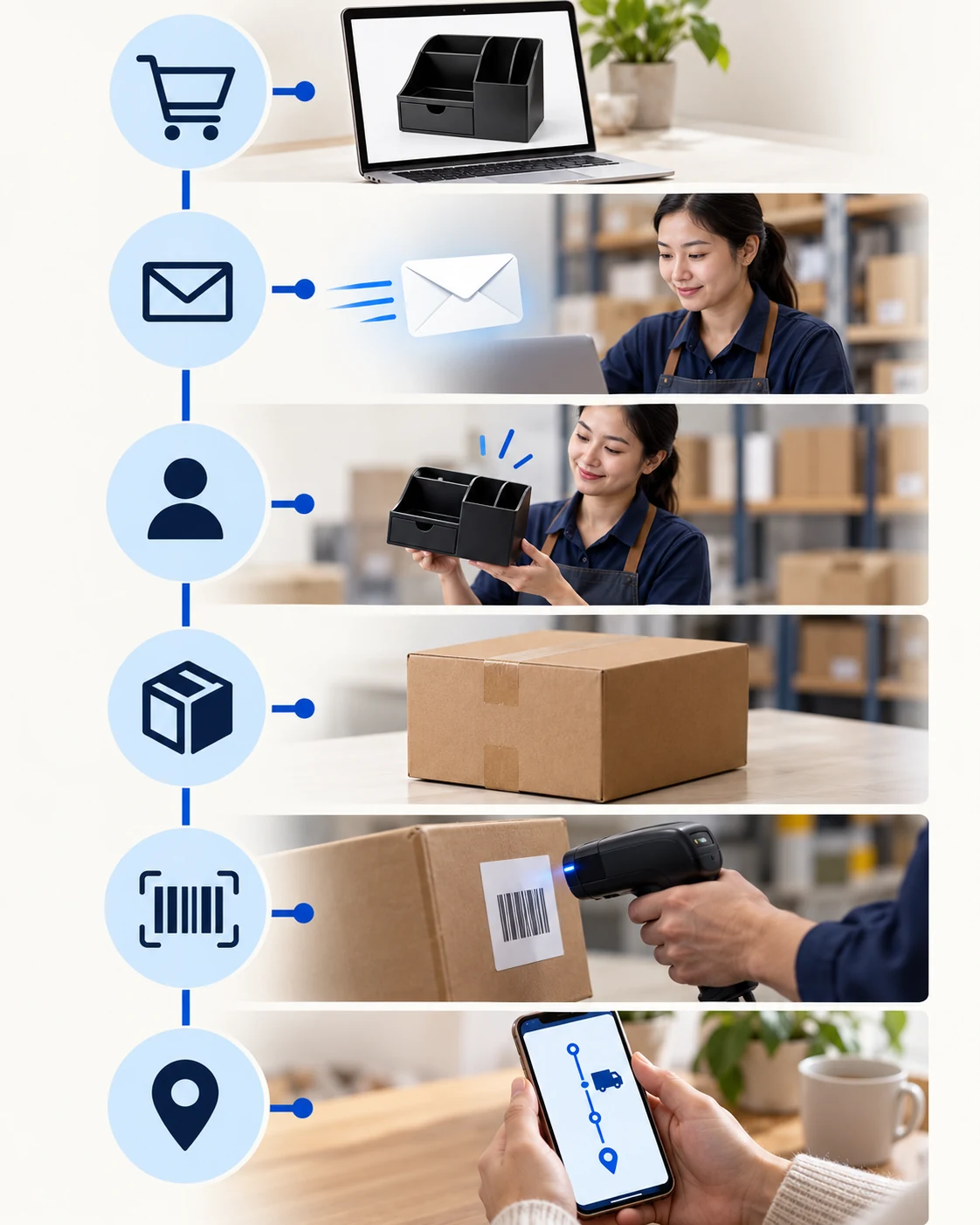
- The store’s paid order and the exact black option, quantity, destination and buyer-facing shipping choice.
- The distributor email received by A with correct item code and usable address.
- A’s explicit acceptance, charge or agreed credit reference, and promised dispatch. An unacknowledged email does not fill this line.
- A parcel and carrier tracking event tied to that accepted black item. A created label is earlier than a first scan.
- The customer status and a known person/address for exceptions and returns.
Keep all five events separate
A paid order, an emailed instruction, supplier acceptance, a created label and a carrier scan are five different events. Advance the customer-visible status only when the corresponding evidence exists. A notification email shows a handoff of information; it does not ship the black organizer.
A received the email but has not accepted the black SKU
Seller action before the next order: Keep the supplier line open; ask for explicit acceptance and cost, not a “shipped” update
A accepted at 4:01 p.m.; buyer canceled at 4:02
Seller action before the next order: Request a stop and get A’s acknowledgment; if packed or in transit, use the agreed intercept or return route and explain the refund path
A rejects the black SKU after payment
Seller action before the next order: Pause that variant, tell the buyer, offer a valid alternative or refund, and correct the stock feed or manual check
A ships the correct item
Seller action before the next order: Add the actual carrier and tracking; assign someone to investigate a missing first scan
A cancel email is not a supplier stop
The 4:01–4:02 sequence is illustrative, not a measured platform delay. Shift4Shop documents new-order and canceled-order notifications as separate settings. Test both with A: a cancellation email is not proof that a supplier purchase reversed or a packed parcel stopped. Record who owns the supplier stop, inventory correction, buyer update and refund before automating either message.
05
Decide whether to launch this route
Shift4Shop is a reasonable candidate if your merchant/payment terms work, one exact product maps to one responsive supplier, origin-based checkout rates match the real parcel path, and the paid/cancel test is clean. Start with that limited catalog and review early orders manually. Add more suppliers only when you can see who owns stock, dispatch, tracking and returns for each product.
Fix the specific failed handoff before scaling
Stay manual or hold launch if the supplier cannot identify the black SKU from the email, payment terms are unresolved, a mixed-cart shipping charge is misleading, the add-on you need is unavailable, or a canceled order still triggers shipment. These are specific faults you can fix. A more expensive automation layer will not correct a wrong part number or a supplier who never accepts the purchase.
If your supplier or forwarder is in China, send AIDrop Agent your one-item route and the buyer-facing shipping promise. We can discuss sourcing checks, sample approval, packing, shipping and tracking handoffs. We cannot approve Shift4Shop merchant processing or claim its notification already paid your supplier.
06
Questions about Shift4Shop order routing
Does a distributor email buy and pay for the product?
No. Confirm the supplier’s actual accepted reference, exact item and payment or credit arrangement. A sent or received notification alone does not establish any of them.
Are new-order emails sent only after successful payment?
The linked instructions describe New Order notifications without proving your gateway’s paid-only behavior. Test paid, unpaid and failed orders safely, and enforce the agreed release check before the supplier acts.
Why does a mixed cart cost more to ship?
The documented calculation can combine shipping from different distributor origins. Check each packed item, origin and real destination, then compare the buyer’s checkout charge with the actual parcel invoices.
Will canceling in Shift4Shop stop the supplier parcel?
A cancellation message starts the stop request. Obtain the supplier’s acknowledgment and actual parcel state, then handle the buyer refund or supported intercept/return. A packed or collected parcel may need a different remedy.

Etsy Dropshipping: What You Can Sell and How to Fulfill It
Check Etsy dropshipping rules, eligible supplies, production partners, listing details and the real costs of fulfilling an
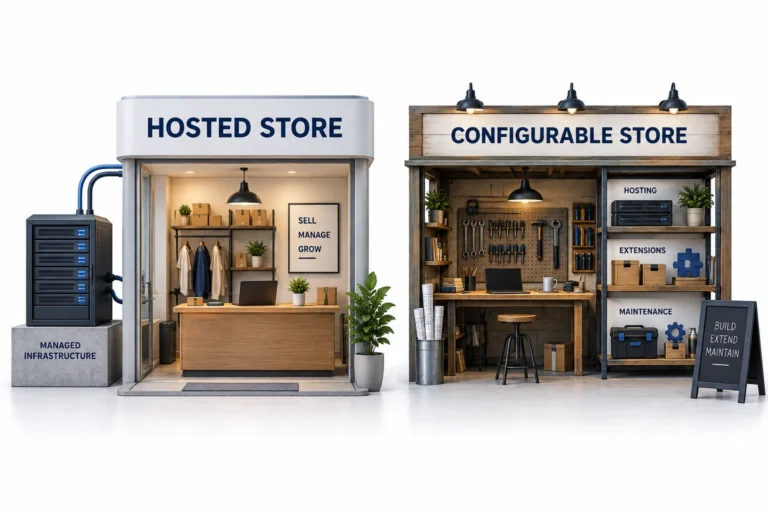
Shopify vs WooCommerce for Dropshipping: Which Fits Your Team?
Compare Shopify and WooCommerce for dropshipping: hosting, maintenance, supplier integrations, operating costs, and the best fit for

Shopify vs Amazon for Dropshipping: Choose Your Selling Channel
Compare Shopify and Amazon for dropshipping by customer acquisition, fees, supplier requirements, brand control, and the selling
