Connect WooCommerce sales to a China-side dropshipping workflow.
WooCommerce gives you control over the storefront and checkout. AIDrop Agent turns each eligible order into a physical China-side workflow for product matching, quality, packing, dispatch, tracking, and exceptions, without assuming every plugin or product setup behaves the same.
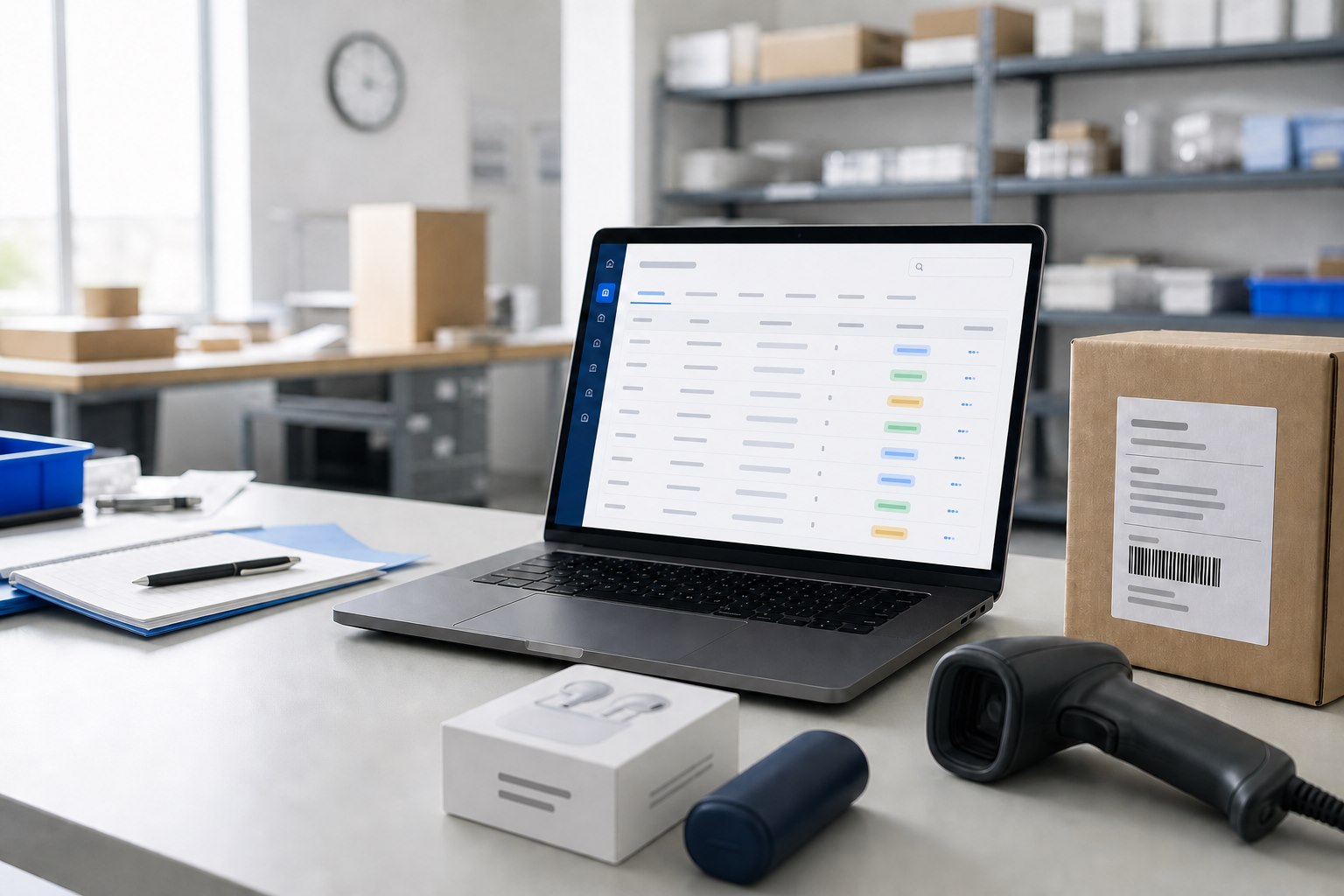
Scene visual: a generic WooCommerce configuration view. It illustrates the work area and is not a live client-store record.
WHY THE CONNECTION MATTERS
A flexible store still needs one reliable path from paid order to parcel.
WooCommerce dropshipping can reduce the need to receive stock into your own warehouse, but plugins and custom fields can change what an order means. AIDrop Agent maps the store’s real configuration to the China-side work that must happen next.
01
Order meaning
Which product, variation, quantity, address, payment state, and custom fields are safe to release.
02
China-side action
Which supplier, quality, packing, inventory, and shipping instructions apply to the physical order.
03
Visible return
Which tracking, dispatched, held, failed, or approval-required state must return to the store.
Map the WooCommerce configuration before mapping an order.
Record where product truth, custom fields, payment state, stock rules, webhooks, cron jobs, and fulfillment status are controlled. The result is a configuration inventory that shows the first rule able to change or block an order.
01
Product and variation model
Record product IDs, variation attributes, supplier SKU links, bundles, backorders, and any custom metadata that changes what must be picked.
02
Checkout and order data
Confirm payment state, address fields, customer notes, tax or shipping extensions, and the exact status that permits fulfillment.
03
Change surface and owner
Name the plugins, credentials, webhooks, or custom code that affect the flow—and who must approve a change before it reaches live orders.
02 / ORDER LIFECYCLE
Give each order one auditable state change.
Separate store status from physical progress. The handoff should show when an order was accepted, why it was released or held, and which final state returned.
01
Accept the order
Check: permitted payment state, complete address, mapped SKU or variation, and required customer options.
02
Release or hold
Decision: reserve stock and route the order, or hold it with a visible reason and named correction owner.
03
Return the result
Return: dispatch, carrier and tracking—or an exception state that keeps the order out of silent failure.
03 / SHARED STATUS LANGUAGE
Use a small status vocabulary across plugins and people.
Extra statuses do not create control by themselves. A short shared language reduces management effort and makes handoffs easier to audit.
01
Received
The order entered the operating queue with the expected identifiers and source data.
02
Ready or held
Either every release condition is met, or the missing condition and owner are visible.
03
Fulfilled
The physical order was completed and the agreed dispatch evidence is available.
04
Exception
The normal path stopped, the next action is named, and correction can resume the same order.
04 / CHANGE CONTROL
Treat every plugin update as an integration change.
WooCommerce flexibility creates a larger change surface. Protect the flow with an impact note, a small regression set, and a known rollback owner.
01
Impact note
Record which plugin, field, credential, or status changed and which part of fulfillment could be affected.
02
Regression set
Repeat a normal order, an intentional hold, and a status return before the change reaches general traffic.
03
Rollback owner
Name who restores the last working configuration and who reconciles orders created during the interruption.
PLUGIN STACK REVIEW
Find the first WooCommerce rule that can change an order.
WooCommerce behavior is rarely controlled by one plugin. Share the active plugins, custom code or webhooks, order statuses, stock source, and one recent failed transition. The review should isolate the rule that owns the state—not just the screen where the failure appeared.
01
Configuration inventory
Returned: the plugin, theme, webhook, cron, custom-code, cache, and hosting components that can change product, order, stock, fulfillment, or tracking behavior.
02
Order transition trace
Returned: one order timeline from checkout through validation, release, fulfillment, tracking, cancellation or refund, including the first conflicting state.
03
Change + rollback owner
Returned: the change scope, regression test, safe rollback point, responsible owner, and the evidence required before the update stays live.
Possibility depends on how the field is stored, exposed, mapped, and supported by the chosen connection. Required custom fields should be included in the discovery and test order.