

Spocket charges for app access and for supplier orders. The Shopify listing confirms monthly Starter at $39.99, Pro at $59.99 and Empire at $99.99. An earlier indexed offer listed Unicorn at $299.99; confirm it in your account. None of these subscriptions pays for the goods, postage or payment processing on an order.
Picture your first lamp sale. A customer pays your store $40. You still need to buy that lamp from the supplier and pay to send it to the customer’s address. The app subscription is another expense, even if the store makes only a few sales that month. Keeping those payments separate makes the plan comparison much easier.
01
Choose a plan around the products you want to sell
Start with a small list of products you actually intend to offer. Spocket’s product limits describe how many product listings you can bring into your store; they are not a promise of that many sales. A shop offering ten carefully chosen lamps has different needs from one importing hundreds of home accessories.
Spocket’s help center describes Basic as catalog browsing. The Shopify prices and Pro/Empire allowances below were checked again on October 11, 2026. Starter’s 25-product limit and Unicorn’s figures retain the earlier search-indexed scope; they were not confirmed in a paid account. These are USD prices before account-specific offers or additional charges.
| Plan | Listed monthly subscription | Listed product access | A reason to consider it |
|---|---|---|---|
| Basic / Free | $0 to explore | Catalog browsing; confirm what your account permits before selling | Look for suitable products before buying a subscription |
| Starter | $39.99 | 25 unique products: indexed figure—unconfirmed in the current account | A small catalog that does not need Pro’s extra features |
| Pro / Professional | $59.99 | 250 unique products and 25 premium products | More product room, supplier chat and branded invoicing |
| Empire | $99.99 | 10,000 unique and 10,000 premium products | A larger catalog; the Shopify listing also names eBay dropshipping |
| Unicorn | $299.99 | 25,000 unique and 25,000 premium products; $299.99 price and limits are indexed figures—unconfirmed in the current account | A catalog that actually needs capacity beyond Empire |
On a phone, swipe the table sideways to compare every column.
The Shopify listing confirms Starter, Pro and Empire prices and Pro/Empire capacities. Starter’s 25-product limit and Unicorn’s figures came from Spocket’s indexed pricing page in the September 28 check, when the direct page returned an access error. Confirm those limits and any sign-up offer in your account.
Premium access does not prove demand
A “premium” product is a product Spocket has selected for its curated collection. You can spot the badge or use the Premium Products filter. Treat that label as a way to find products, then judge whether the item suits your customers, shipping promise and selling price. It does not show how well your own store will sell it. Spocket explains the label and import limits in its premium-product help.
For example, suppose you have 18 products and do not need premium access or a branded invoice. Starter may cover your catalog if your account confirms the 25-product allowance. If you want 40 products or Pro’s supplier chat and invoicing, the extra $20 a month buys something you can name. There is little reason to pay for thousands of spaces while your shop is still learning to sell its first ten items.
When you approach a limit, open Settings → Store → Imported Products Stats. That shows the products you have brought in and the room remaining, including premium products. Removing an unsuitable product may be more useful than upgrading simply to keep it. For the broader supplier and product evaluation, use our Spocket review.
02
Annual billing costs less for a year, but asks for the money now
Pro is also listed at $288 a year, equivalent to $24 a month. Empire is $684 a year, equivalent to $57 a month. Those equivalents help you compare prices; the annual subscription is an upfront annual payment, not a $24 or $57 monthly bill.
A full year of monthly Pro payments would cost $59.99 × 12 = $719.88. Compared with $288 annually, that is a $431.88 difference. But a two-month monthly test costs $119.98. If you stop after those two months, you have spent less than the annual payment.
The same comparison puts the decision around month five: four monthly Pro payments cost $239.96, while five cost $299.95. The $288 annual price falls between them. This is useful only if you expect to keep using the plan and can spare the upfront cash. You will also need money for samples, supplier orders and customer refunds.
Monthly trial and annual payment differ
There is an important difference between testing monthly and buying annually. Spocket’s subscription refund policy describes a seven-day trial for monthly plans, but says annual plans have no trial and are non-refundable once paid. The Shopify listing displays a general seven-day trial label beside plans that also show annual options. Do not assume that label gives the annual purchase a trial; check the selected billing option and its terms before submitting payment.
For a new store with an untested product, monthly billing can buy time to learn. Annual billing becomes easier to judge after you know you want the service for longer, rather than because the smaller monthly-equivalent number looks inviting.
03
Follow the money when a customer orders
Your customer pays your shop. You then pay the supplier through Spocket. These are two different payments, with potentially two different payment fees.
Spocket’s order instructions say to open Orders and click Checkout. Shipping and transaction fees are calculated using the customer’s address. Review the product, quantity, destination and total, then use Place Order to pay and alert the supplier to prepare the shipment. A customer order appearing in the app does not, by itself, mean the supplier has been paid.
Before listing the lamp, price the exact version you want to sell. A small white lamp sent domestically may cost a different amount from a larger black version sent abroad. If the customer buys products from two suppliers, Spocket says you pay shipping separately and the customer can receive two parcels with separate tracking numbers. One checkout in your shop does not make those suppliers share a postage bill.
Why “0% transaction fee” does not mean no payment charges
Spocket advertises a 0% transaction fee on its plans. Its payment help separately explains that supplier-order payments use Stripe and incur 2.9% plus $0.30 per successful order. The transaction-fee article says this still applies when payment is made through PayPal.
Conditional charges need a confirmed fee base
That article also lists additional charges in particular cases: 0.5% for manually entered cards, 1.5% for international cards and 1% when currency conversion is needed. It further describes a 5% order-processing fee for Spocket suppliers that maintain warehouses in the US and China. The help page does not identify which of your chosen products qualifies or fully settle the fee base for your checkout. Ask about an unclear line before placing the order; do not assume every product has that extra 5% or that none does.
Your shop’s own payment processor may also charge when the customer pays you. That charge is separate from processing your payment to a supplier. The easiest way to see what you actually paid upstream is the supplier-order payment receipt in Spocket, rather than the invoice sent to the customer. A branded invoice is useful presentation, but it is not a complete record of your store’s expenses.
Check the supplier receipt before calling a sale profitable
Assume $15 for the lamp and $4 freight. The supplier payment would be $19.85 if its only added fee were 2.9% of that $19 base plus $0.30. This is a proposed receipt check with invented costs, not a payment we made.
Before Place Order
In Orders → Checkout, compare the exact lamp, quantity and buyer address. Record goods $15, freight $4 and every extra line. If the total is $19.85, it matches this example’s stated fee base.
When the total is higher
Ask which extra charge applies and what amount it is calculated on. If a confirmed 5% charge used the same $19 base, it would add $0.95. That base is hypothetical; the public article does not settle your order’s calculation.
After payment
Keep one supplier order ID and its payment receipt. Match the charged total to the preview. Check an existing purchase before retrying a missing status, so one customer sale does not become two supplier purchases.
Back in the sale calculation
Using the full $40 sale in the next section, an extra $0.95 would reduce $9.65 before subscription to $8.70. At 20 Pro orders, roughly $5.70 would remain after allocating $59.99 ÷ 20, before other costs and tax.
Keep the customer’s $40 receipt, the supplier payment and the subscription invoice as three records. They answer different questions. If an order contains products from two suppliers, reconcile both supplier purchases and both shipping charges.
04
What a $40 sale might leave you
Example: a $40 lamp sale. Assume $15 product plus $4 shipping gives a $19 supplier-processing base. Product, shipping, advertising and customer-payment amounts are invented, not live quotes. Your actual receipt may use another fee base and include the conditional extras described above.
- Customer pays your shop: $40.00 — Sale revenue
- Supplier product: −$15.00 — The lamp itself
- Supplier shipping: −$4.00 — Sending it to this customer
- Supplier payment processing: −$0.85 — $19 × 2.9% + $0.30, rounded
- Your shop’s customer-payment fee: −$1.50 — A separate assumed charge
- Advertising used to win the order: −$8.00 — An assumed cost per order
- Amount set aside for returns and problems: −$1.00 — An allowance, not a prediction or insurance
- Left before the app subscription: $9.65 — Amount available toward fixed expenses
At 20 such orders in a month, a $59.99 Pro subscription costs about $3 per order. Divide $59.99 by 20 and subtract the result from $9.65: about $6.65 remains per order before other fixed expenses and tax. That remaining amount is not a claim about typical Spocket earnings.
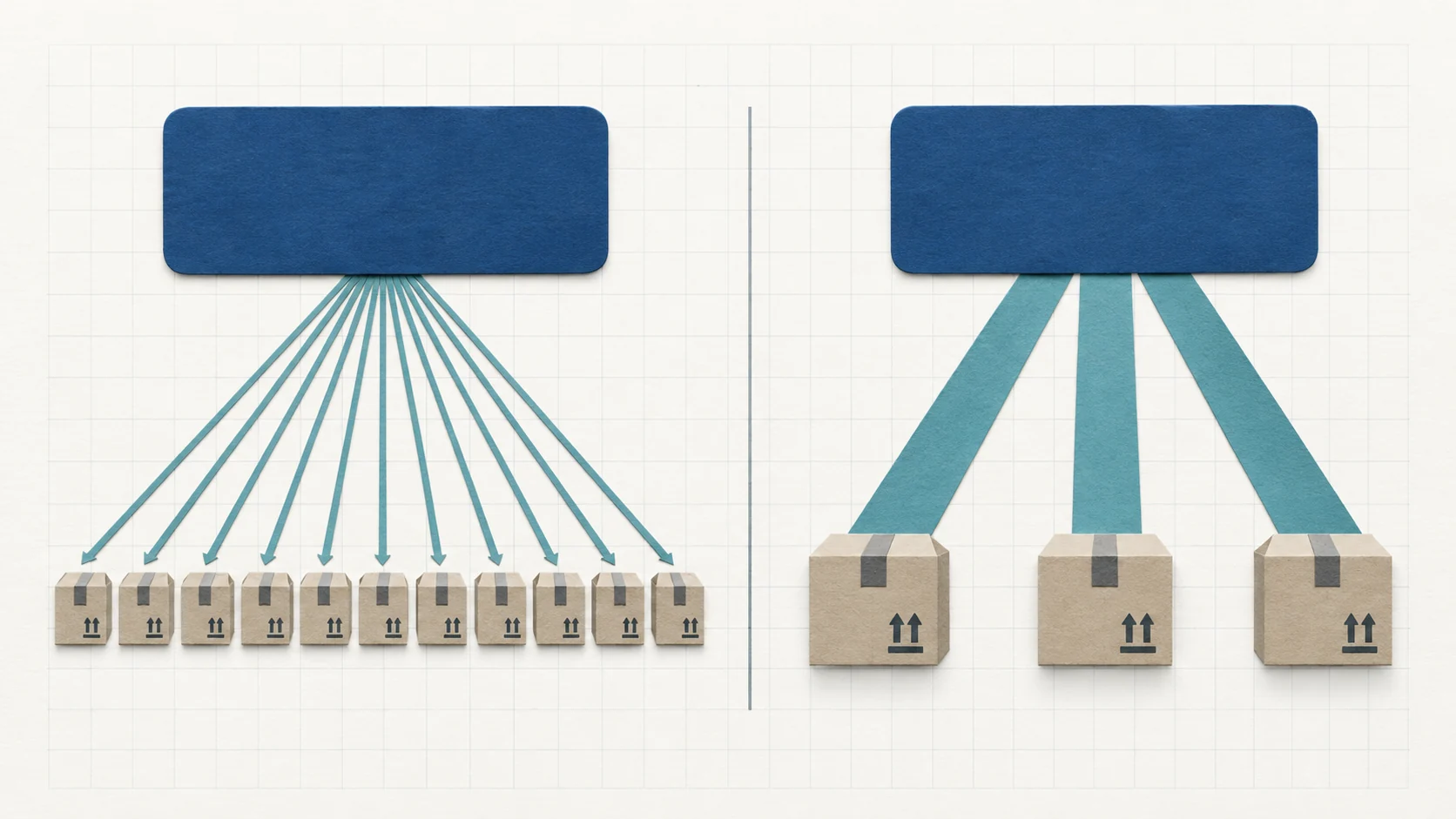
Five orders carry the same app bill
At five orders, the same subscription costs about $12 per order. The $9.65 left from each illustrative sale would not cover that share of the app bill. The product has not become more expensive; fewer sales are carrying the same monthly expense. This is why your expected sales matter as much as the plan’s catalog limit.
Deduct any international-card, currency or supplier-handling extras on your real receipt. Replace the advertising and return allowance with your shop’s costs; actual problems can cost more than planned. Our profit-margin guide continues the calculation through the business.
05
A second store brings a second subscription
Spocket allows multiple stores under one account, but its multiple-store help says each store needs a separate subscription. Sharing a login does not combine the bills.
Two stores on monthly Pro would therefore cost $119.98 a month in subscriptions. If one store fits Starter and the other needs Pro, their listed total is $99.98. Both figures exclude goods, shipping, processing, other shop expenses and any taxes or account-specific changes.
Choose each store’s plan around its own products. A small second store does not automatically need the same tier as your established store. Before opening it, add its subscription to the first month’s budget along with the sample and order money it will need.
06
Make the first paid month teach you something
Use catalog browsing to narrow your choice before a trial starts counting down. Then spend the trial on the questions that decide whether you can sell the product: does the actual lamp look right, can the supplier send it to your customers, and can your selling price cover the delivered cost?
A sample is paid and destination-specific
Spocket’s sample-order instructions let you choose the variant, quantity and address before reviewing the payment. It permits one to five samples of an item per order. A trial does not make those samples or their shipping free. A sample sent to you is also not proof of the cost or delivery time to every customer’s country.
Fix the supplier address before payment
Before you pay for a customer order, make sure its address is correct. Changes made in your shop after the order has synced do not automatically change it in Spocket. Unpaid orders can be cancelled in Spocket; after payment, contact support promptly, because supplier cancellation is not guaranteed. Cancelling the order only in Shopify does not cancel the supplier’s work.
Budget the buyer remedy separately
Returns need their own budget. Suppliers have different policies, and a customer’s change of mind may not qualify for an upstream refund. Spocket’s order-return help describes a 15-day photo-evidence window for damaged or incorrect goods and an approval process. Your decision to refund your buyer and the supplier’s decision to refund you are separate.
Save records before the plan ends
If you decide to stop, cancel through Spocket’s Settings → Membership, enter your password and look for Plan Valid Until. The current policy asks for cancellation at least 24 hours before renewal and does not promise a refund for unused subscription time. Its cancellation guide also says settings and products become inaccessible after the plan ends, so keep the product and order information you still need before that date.
07
Need help comparing the product cost itself?
If the app bill is clear but the product’s delivered cost does not work, AIDrop’s sourcing service can help assess China-side supplier options, samples, packaging and shipping work.
Send the product links, exact variants, buyer countries and expected order volume. Identify the cost or packing problem. The quote and any store connection need agreement; this is not a promise of a cheaper result or profit.
08
Questions about Spocket pricing
Can I use Spocket free?
Basic lets you explore the catalog, according to Spocket’s plan-choice help. The free listing does not mean free products, free shipping or all paid-plan features. Use it to find out whether suitable products are available, then inspect the plan your account needs to sell them.
What is the cheapest sensible plan for a beginner?
For a small catalog without Pro’s extra requirements, monthly Starter may be enough. Pro becomes relevant when you need its product room, premium access, supplier chat or invoicing. Decide around those needs and the actual order cost; a higher tier does not create customers. If the supplier options do not fit, compare other tools in our dropshipping automation-software guide.
Is the annual Pro plan cheaper than Starter?
Its $24 monthly equivalent is lower than Starter’s $39.99 monthly price, but it requires $288 upfront and follows the annual terms. They are different commitments. For a short experiment, compare the total you expect to pay over that experiment, not only the monthly-equivalent number.
Does Spocket take part of every sale?
The plans advertise 0% transaction fees, while supplier-order payment processing and the conditional charges above can still apply. Your customer-payment fee and advertising expense also remain. To understand a sale, use the amount your customer paid and subtract every cost that belongs to it, then allow for the subscription and other fixed bills.
Dropshipping Automation Software: Compare Tools, Costs and Workflows
Compare dropshipping software by supplier fit, pricing, stock updates and order handling. Build a workable setup with
CJdropshipping Review: Costs, Warehouses, Quality and Fulfillment Fit
CJdropshipping is a practical option for sellers who want sourcing, store connections, packaging and fulfillment in one

CJdropshipping vs DSers: Who Sources, Pays and Ships the Order?
CJdropshipping can source and physically fulfill an order; DSers maps a store product to supported external suppliers
