
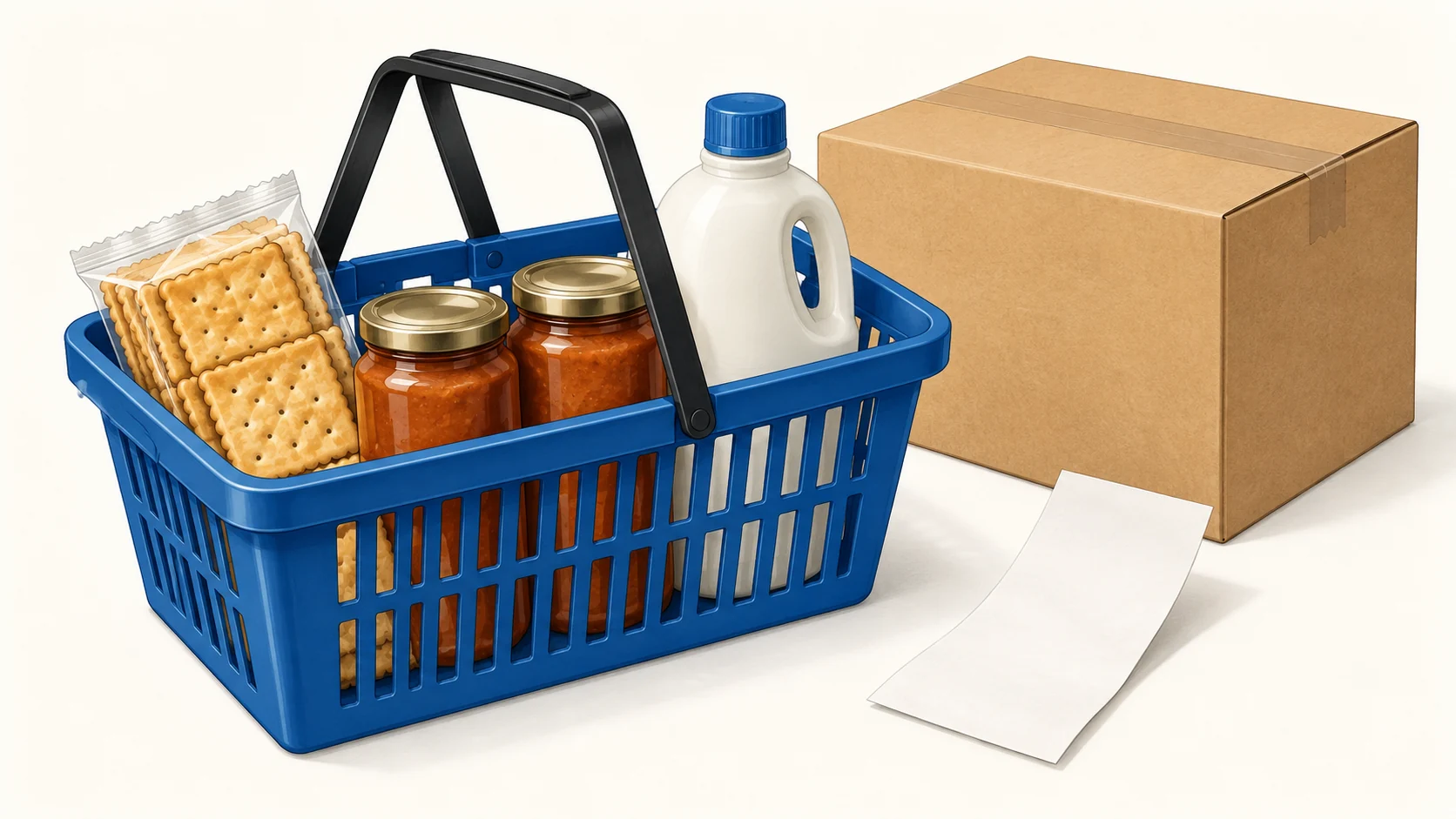
GreenDropShip is a US dropshipping supplier for groceries, natural and organic products, personal care and household goods. You sell a listed product through your store; the supplier fulfills the order. Its Shopify app adds a separate software and billing layer. The useful question is whether a particular basket can cover those charges and still arrive in the condition your customer expects.
It is worth considering for a focused US store with repeat-purchase products. Before paying, check three things together: your membership and app bill, the delivered cost of a small basket, and the written remedy for a damaged or unsuitable item. The public pages checked on October 13, 2026 leave some billing and refund details unresolved. This review shows where those gaps affect a launch; it does not claim a hands-on delivery test.
01
What kind of store does GreenDropShip suit?
A grocery supplier gives you a catalog to sell, rather than a factory that develops your own formula. Start with a customer need you can explain: a particular pantry item, a refill someone regularly uses, or a household product that is difficult to find locally. A catalog containing several categories does not make a mixed general store a compelling offer.
The membership page currently limits dropshipping to the contiguous United States and asks for business documents, including an EIN and resale certificate. Check your eligibility before building an international offer around it. A US supplier address does not establish the origin, certification or storage requirements of every product it lists.
For example, a shopper might buy a hard-to-find pack of crackers again. They are less likely to pay a high parcel charge for a single ordinary soap they can buy nearby. Compare the actual quantity and delivered price with the alternative the shopper already has. Our broader US dropshipping supplier guide helps compare this route with other US supply arrangements.
02
Separate the membership fee from the Shopify app fee
The supplier’s join page lists an annual membership of $150, equivalent to $12.50 a month, and a six-month option of $99, equivalent to $16.50 a month. These equivalents spread the expense for comparison; they do not turn a prepaid plan into monthly billing.
The Shopify app listing shows a $40 monthly option for existing members and $56.99 for new members, with external charges billed separately. Do not automatically add annual membership to the new-member app price. Obtain a written explanation of what the particular checkout includes.
| Before accepting the checkout | What you need recorded |
|---|---|
| Supplier membership | Total paid now, renewal date and cancellation terms |
| Shopify app subscription | Monthly charge and whether supplier membership is included |
| Order allowance | Account-specific order limit and overage treatment |
| Product and delivery bill | Where and when these are paid separately |
There is a specific discrepancy worth resolving: the app listing says unlimited orders, while the supplier’s Shopify service page describes its Basic plan as up to 100 orders. Save the answer associated with your account and plan. A screenshot of a different pricing page will not tell you which charge applies to your subscription.
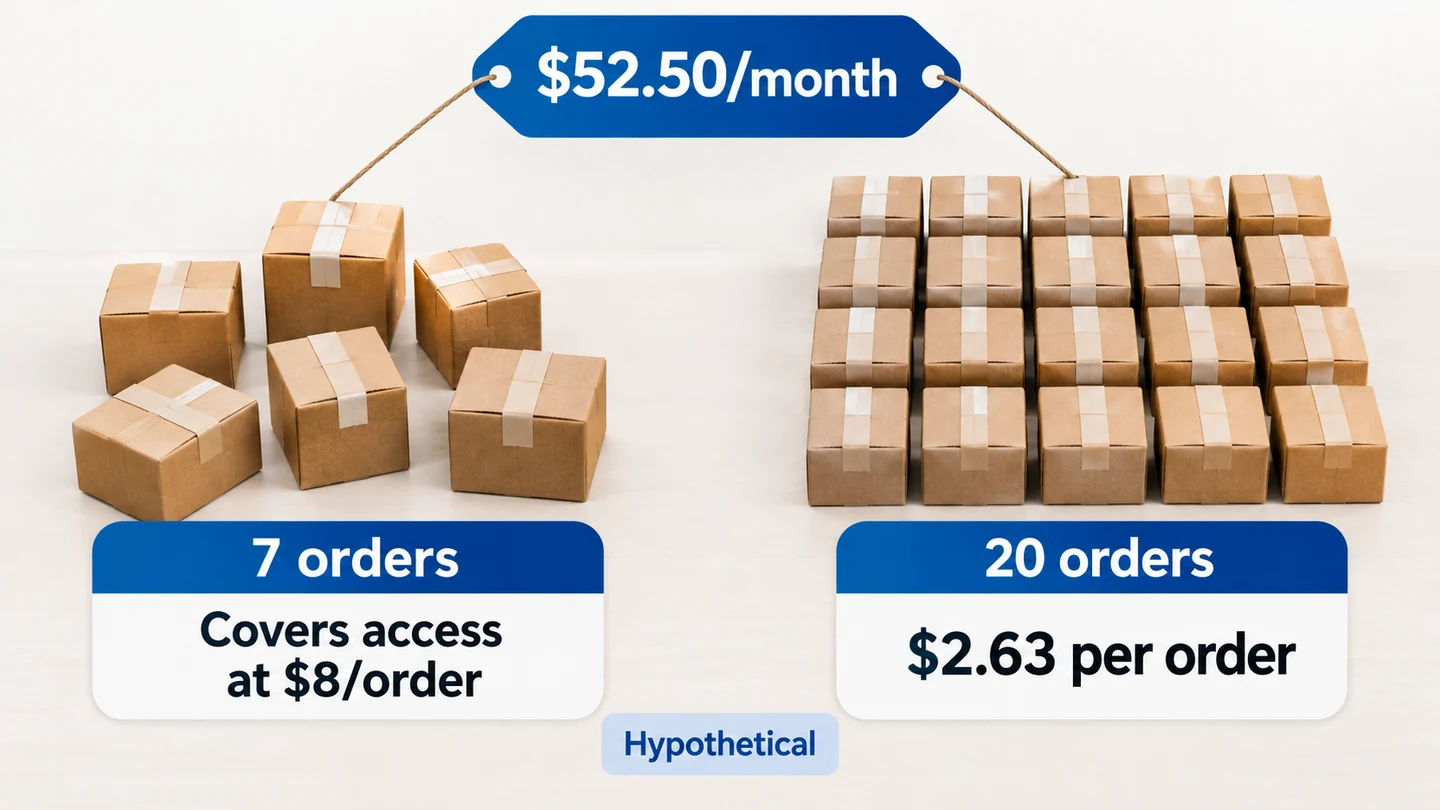
Here is an illustration for an existing member, conditional on the $150 membership and $40 app actually applying together. Their monthly access expense is $150 ÷ 12 + $40 = $52.50. If each completed order leaves $8 before access fees, seven such orders cover that month’s access expense; at 20 orders, access consumes $2.63 per order. Low volume makes a fixed subscription feel much larger at the checkout.
03
Price one realistic grocery basket
Use a basket your customer would actually buy. A product’s purchase price alone leaves out the parcel charge, payment fee and money you may lose when an order needs a remedy.
Consider this hypothetical basket. These are teaching figures, not GreenDropShip quotes:
| Basket calculation | Amount |
|---|---|
| Customer payment | $34.00 |
| Supplier’s goods charge | −$18.00 |
| Delivery to that address | −$7.00 |
| Store payment fee | −$1.30 |
| Planning allowance for problems | −$1.70 |
| Remaining before subscriptions, ads and tax | $6.00 |
At 20 completed orders, allocating the illustrative $52.50 monthly access bill takes another $2.63 from each basket. That leaves $3.37 before advertising and other store expenses. A small increase in postage or a paid acquisition campaign can consume it quickly.
Now try a second basket with two complementary items. Request its actual shipping charge: combining products can change the parcel price, but you cannot assume two items ship together cheaply. Compare the new remaining amount and the customer’s delivered total. Raising basket size helps only if customers want the additional product.
Keep both numbers in your worksheet: what the buyer pays delivered, and what you retain after fulfilling it. The order-cost guide explains that distinction across sourcing routes.
04
Follow a paid order beyond the product import
A successful catalog import proves that a listing moved into your store. It does not prove that a paid order reached the supplier, was charged correctly or acquired usable tracking. Use one product and a supported delivery address before importing a large range.
- Record the supplier SKU, product name, package count and any variant. Match these with the live store listing.
- Obtain the goods and shipping quote for the intended address. Save the expected charge and the account used to pay it.
- Place a controlled paid order. Record the store order ID and the corresponding supplier order ID once accepted.
- Reconcile the actual supplier invoice with your worksheet. Investigate extra charges before accepting more orders.
- Check the parcel contents and tracking on arrival. Verify that the customer’s order page shows the correct shipment.
If a paid order does not appear where expected, inspect the latest confirmed state first. Did the store take payment? Did the supplier receive the order? Was supplier payment accepted? Do not submit a second manual order while the first could still be active. Two charges and two parcels create a harder problem than one delayed sync.
Keep a short order record with those IDs, timestamps, charges and a photo of the received contents. It gives support a specific case to investigate instead of an account-wide complaint.
05
Grocery details that belong on the product page
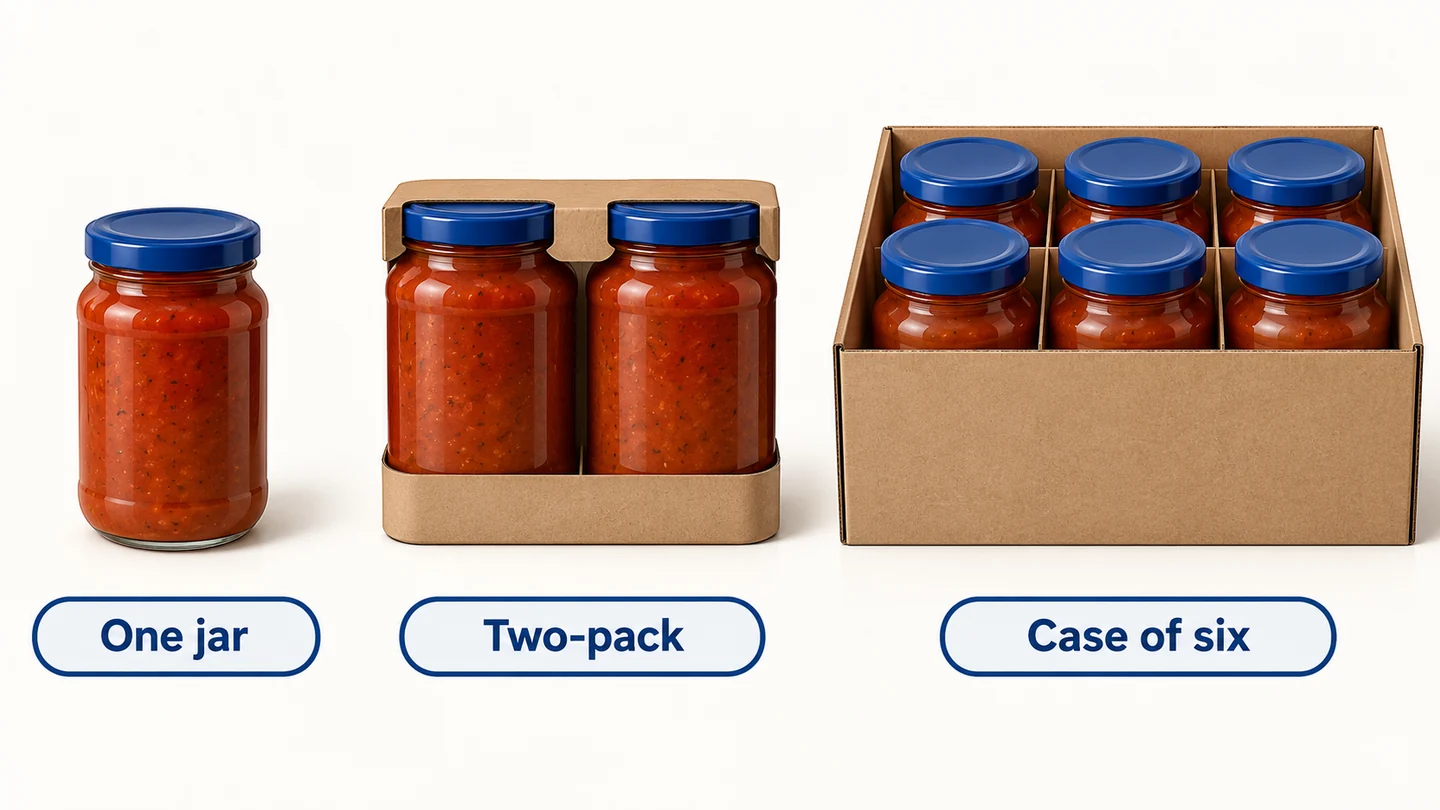
Package count matters. “One item” might mean one bottle, a multipack or a case. Show the net quantity and what the customer receives in plain words. A photograph of several boxes can create a different expectation from a listing that actually sells one box.
For dated or sensitive products, ask for the handling conditions and the minimum remaining shelf life you can promise. Obtain current label information for ingredients and allergens. If those details are missing, leave the SKU unpublished while you investigate; importing the supplier’s marketing description does not fill the gap.
A useful product record contains the exact SKU, units per selling pack, net quantity, relevant label details, storage instructions and the delivery scope. Add a dated source for each claim. “Natural,” “organic” and “made in the USA” should refer to the selected product and its supporting documentation, rather than the catalog’s general identity.
Use your sample to check whether the pack matches that record. A dented carton, a broken seal or an incorrect quantity changes the response you owe the buyer. Avoid expanding into temperature-sensitive items until you understand their actual shipping and remedy arrangements.
06
Resolve the refund wording before paying
The join page describes a prorated membership refund with notice. The terms page includes a prominent October 2, 2024 statement that membership fees are nonrefundable, while another section retains older prorated wording. Those pages do not provide one clear answer to a new member’s cancellation question.
Ask support: “For this specific membership and app plan, what happens if I cancel on this date? Which charge is refundable, and which document governs it?”
Save the response before accepting a recurring or prepaid commitment.
Product claims need a separate answer. The current return-policy page could not be reliably retrieved during this review, so we cannot verify its current claim deadlines or deductions. Request the rules for damage, incorrect items, dated goods and buyer remorse, including return authorization and evidence requirements. Do not substitute an old blog’s restocking figure for current account terms.
Your customer-facing remedy may still cost more than the supplier reimburses. Put that possible difference into the basket calculation, and explain to customers how to contact your store when something arrives wrong.
07
Make the launch decision with one product
Proceed with a limited launch when the billing is reconciled, the basket has room for your selling costs, and a paid order matches the product page. Hold the launch if you still do not know the total access fee, applicable order allowance or remedy for the item you intend to sell.
Choose a different route if your customer needs unsupported destinations, custom manufacturing or a delivery promise you cannot substantiate. A catalog can be useful without being the right supply arrangement for that particular offer.
If your plan instead needs China-side sourcing, sample inspection or packaging coordination, ask AIDrop for a scope review. Bring the product specification, destination and expected volume. Those details allow a meaningful comparison; AIDrop does not administer GreenDropShip accounts or their refund decisions.
08
Questions before opening an account
Is GreenDropShip free to use?
The Shopify listing offers free browsing, but the selling arrangement can involve membership, app, product and delivery charges. Verify the total for your chosen plan before treating free installation as free fulfillment.
Can I use it for international customers?
The join page checked for this review says contiguous US destinations. Obtain confirmation before listing a destination outside that scope; an international storefront can still take orders your supplier cannot fulfill.
Does a small app-review score prove delivery is poor?
No. The listing contained only two reviews from 2021 when checked. They can suggest questions to ask, but they are too limited and old to establish current fulfillment performance. Your own controlled order and written terms provide more useful launch evidence.
Should I import hundreds of products immediately?
Start with a small, related range after the first order passes. More imported listings increase the number of quantities, shipping costs and claims you must maintain. They do not fix an unresolved payment or fulfillment connection.
CJdropshipping Review: Costs, Warehouses, Quality and Fulfillment Fit
CJdropshipping is a practical option for sellers who want sourcing, store connections, packaging and fulfillment in one

CJdropshipping vs DSers: Who Sources, Pays and Ships the Order?
CJdropshipping can source and physically fulfill an order; DSers maps a store product to supported external suppliers

AutoDS Review: Evaluate the Automation You Would Actually Use
AutoDS can reduce listing and order work, but its value depends on your sales channel, tier, add-ons
