
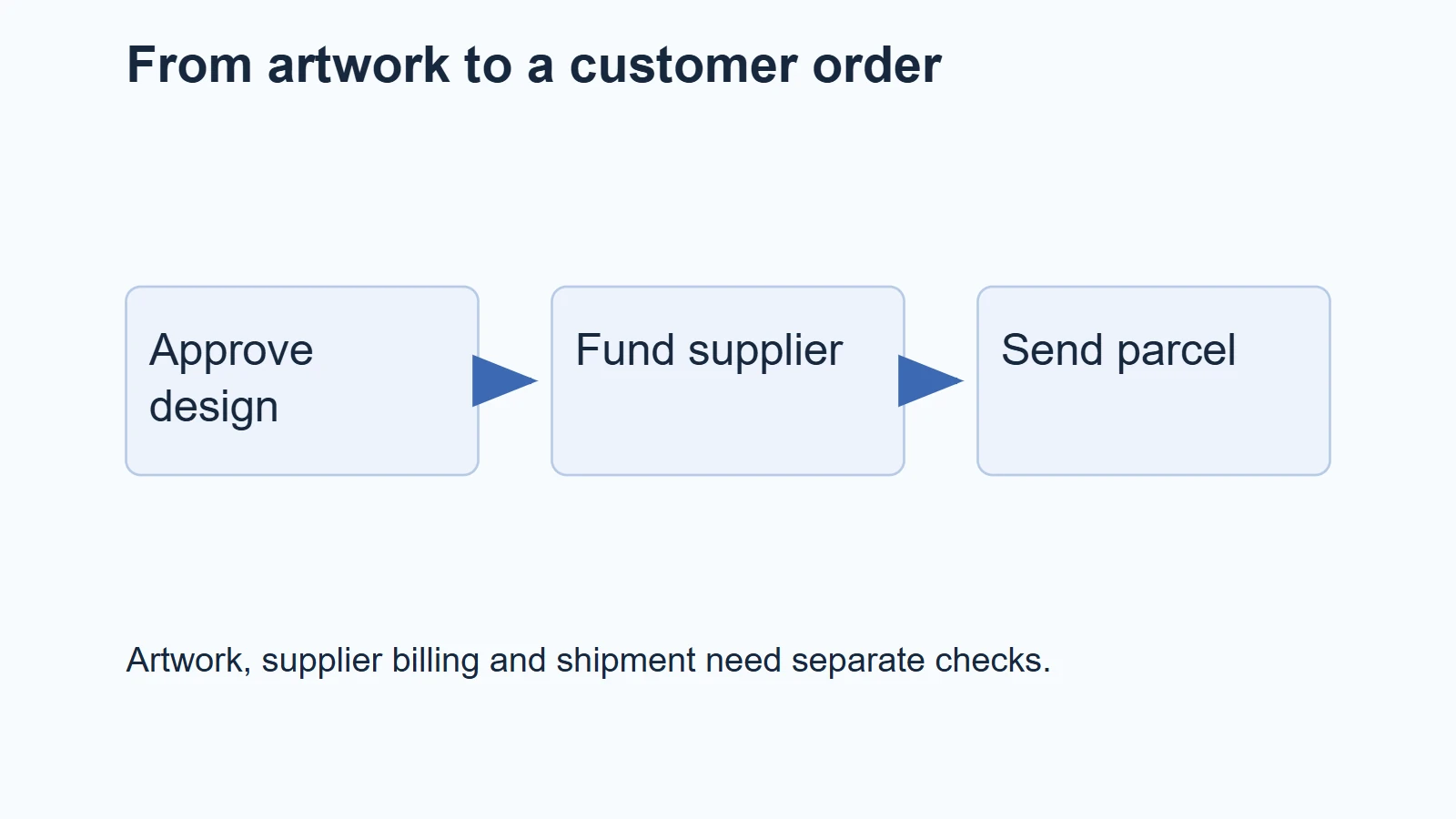
Selfnamed lets you sell its cosmetics under your own label while it fulfills customer orders. For Shopify, the practical starting point is one supported product, approved label and box designs, a connected store, a valid supplier billing method and a delivery destination the service accepts.
That can reduce the stock you need to hold. It does not turn a logo into a new formula, include every shipping charge in the catalog price or remove your responsibilities as the retailer. Start with a product you can describe accurately, then follow one order all the way to the parcel.
01
Start with one product and one destination
Choose the product before designing a large range. A face cleanser, body cream and hair product serve different routines and raise different customer questions. For your first item, save the exact product name, volume, ingredient information, intended use and supplier instructions. The beauty-products guide covers the broader assortment and retailer questions.
Private labeling here means applying your branding to a product offered through the service. Do not describe it as your newly developed formula unless you have actually arranged and documented separate development. The broader private-label guide explains that distinction.
Check the destination next. Selfnamed’s shipping coverage article lists the EU, UK and US for manual and dropship orders. It describes Norway and Switzerland as dropshipping-only destinations and limits service to mainland addresses. An accepted country therefore does not prove that every island address or order type is supported.
Use the precise customer’s region in your planning. If you need a sample somewhere the manual-order route does not serve, ask support about the available options. Do not route it through a forwarding address against the provider’s stated restrictions.
Before listing, establish who supplies the product information and what you need to publish in your market. Get qualified advice where the cosmetic, label or claim raises a compliance question. A supplier’s design approval should not be presented as legal approval of your store’s claims.
02
Finish the label before importing a catalog
A label file and a product image are different things. The file tells the printer what to put on the packaging. The image tells your customer what they will receive. Both should describe the same approved revision.
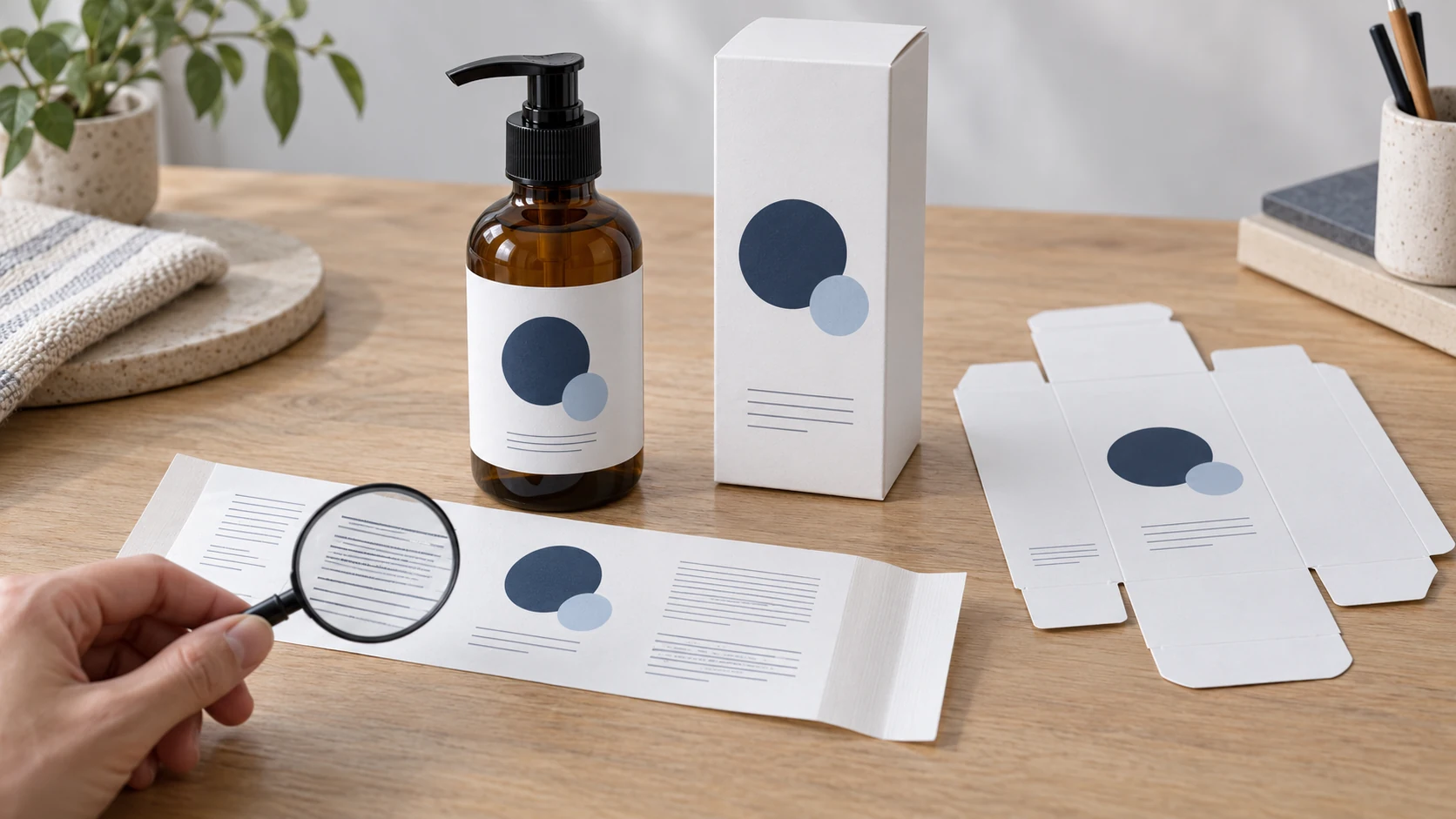
Selfnamed’s Shopify integration manual asks merchants to send designs for approval before dropshipping, including the label and box. Leave time for that step before announcing a launch.
Use a simple design record:
| Record | Example of what you would enter |
|---|---|
| Supplier product | Exact cleanser name and bottle volume |
| Your product code | CLEANSE-150 |
| Label file | cleanse-label-v3, approved date |
| Box file | cleanse-box-v2, approved date |
| Store images | Mockups that show those same revisions |
| Open question | Any text, placement or market requirement awaiting confirmation |
These are your record labels, not claimed names of Selfnamed interface fields. Their job is to prevent a familiar mistake: the store shows the new artwork while an older file remains attached to production.
Check the small text as carefully as the logo
Read the provider’s guidance on information added to labels. Establish which product information is supplied automatically, which parts you control and what your proposed design must retain.
Do not delete an unfamiliar line because it looks less attractive. Likewise, do not add medical, safety or performance claims because another store uses them. Keep the actual ingredient and use information separate from your brand story.
Inspect a physical sample before approving stronger promises about the packaging. Can you read the product name and instructions? Does the label sit correctly on the bottle? Does the box show the same product and design? A digital mockup cannot answer all three.
Generated illustrations can explain this process, but they are not photographs of a Selfnamed sample. Use actual authorized product images and your approved mockups for the live product offer.
03
Connect Shopify and fund the supplier order
Follow the current manual from the business account you intend to use. Its documented sequence includes adding the store, accepting the dropshipping terms and attaching a billing method. Check the product/design connection as well as the store connection.
A customer paying your Shopify store and you paying Selfnamed are separate transactions. Store revenue does not prove the supplier has been paid or that the parcel is moving.
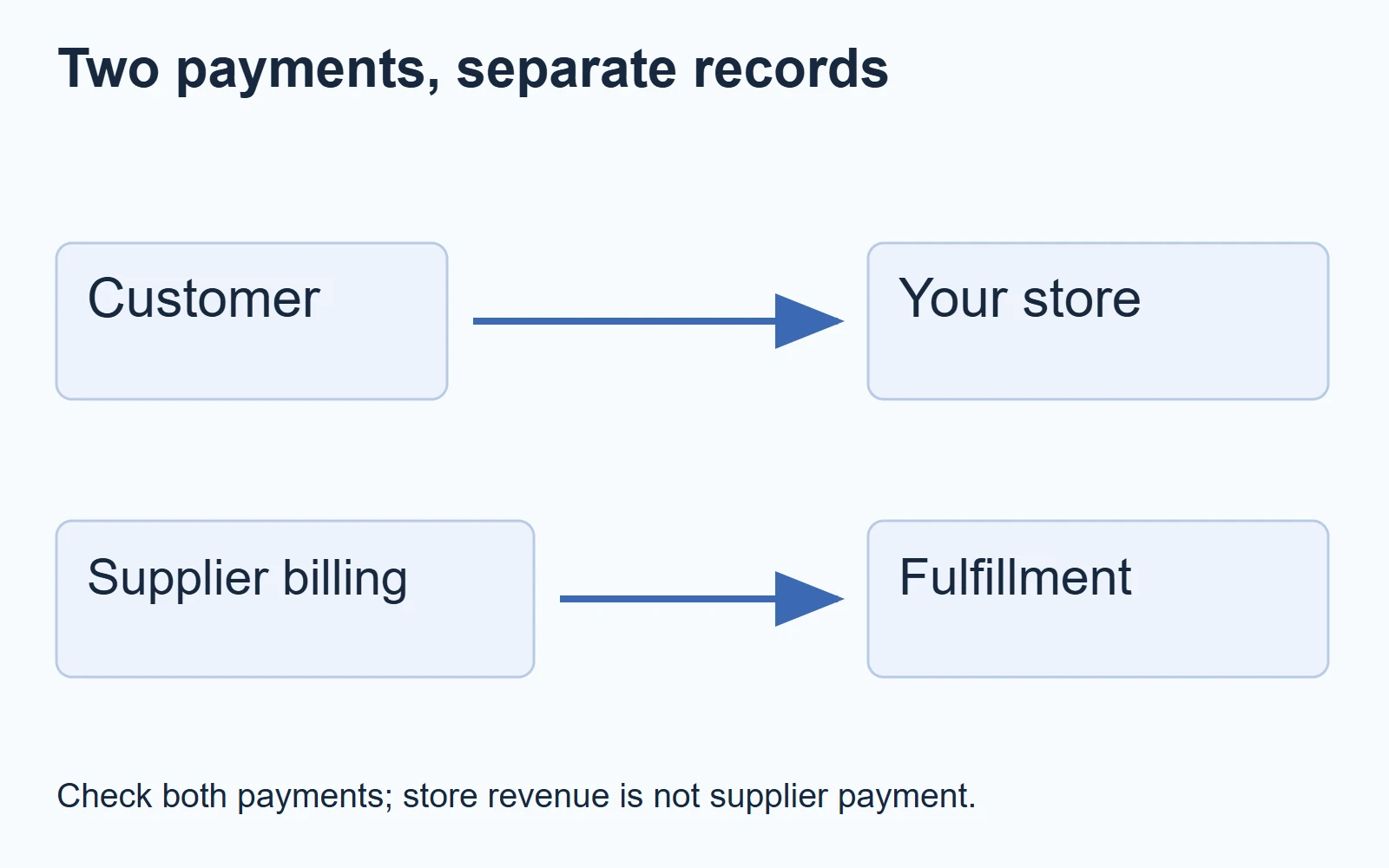
The manual describes one billing method assigned to one store. The separate payment-method article lists Visa, Visa Electron and Mastercard for dropshipping orders. It distinguishes PayPal purchases made directly on Selfnamed.com and says Maestro is not accepted for dropshipping.
That distinction is easy to miss when a provider offers more than one buying route. Check the method for the route you will actually use, including bank approval and spending limits.
Run one controlled paid order
After the design and billing setup are ready, use an address and product the service supports. Record the store order ID and its corresponding supplier order. Then compare:
- Product identity, volume and quantity.
- The design revision attached to that product.
- The supplier charge and billing outcome.
- Delivery address, selected service and any necessary contact details.
- Dispatch and tracking information returned to the store.
When the sample arrives, compare the parcel with that record and with the customer-facing page. The useful result is an agreement between the offer, order, charge and physical bottle. Merely seeing the app installed is not an order test.
Do not announce that you have tested the route until you have actually done so. The steps here describe a proposed merchant check, not a test we performed.
04
Build shipping and margin around a real basket
Selfnamed’s product-price explanation separates the catalog product cost from shipping. It describes production, custom-printed packaging and pick-and-pack labor within the product cost, with freight calculated for the order. Avoid charging yourself a second imaginary packing fee when rebuilding the same quoted scope.
Take the actual checkout charge for the selected items and destination. A single bottle, two bottles and a bottle-plus-jar basket may cross different weight tiers. Your customer’s delivery charge and your supplier’s delivery bill are also different numbers.
Here is an illustrative single-product order. These are invented planning inputs, not Selfnamed rates:
| At a $35 retail price | Cost |
|---|---|
| Product and included work | $13.00 |
| Supplier shipping | $6.00 |
| Store payment processing | $1.40 |
| Advertising acquisition | $7.00 |
| Planning allowance for customer problems | $1.60 |
| Left before overhead and tax | $6.00 |
If the real destination’s freight is $9 instead, that remainder becomes $3. A universal free-shipping promise can hide that difference until you receive the bill.
Also budget supplier cash. Two orders at $13 plus $6 shipping each require $38 of supplier payments. Your store’s payout may arrive later. Profit on paper does not provide money to a card that has already reached its limit.
Test the storefront with a single item, two items and an unsupported address. Check that the correct delivery charge appears or that checkout blocks the unavailable route. The Shopify shipping-profile guide covers the broader configuration questions.
05
When a paid order does not become a delivered bottle
Start by finding the last event that actually happened. That prevents a duplicate order from being used as a substitute for diagnosis.
| What you can confirm | What to check next |
|---|---|
| Customer paid; no supplier order visible | Store connection, product connection and the information support needs to locate the order |
| Supplier order exists; billing unsuccessful | Assigned payment method, approval and supplier instructions for resolving payment |
| Supplier payment succeeded; no dispatch yet | Current production/processing status and any design or address query |
| Tracking number exists; movement unclear | Dispatch record and actual carrier events |
| Parcel arrived damaged | Product, packaging and label evidence; supplier claim instructions |
Before recreating an order, give support both order IDs and ask whether an existing supplier order can still be produced or shipped. A second charge can create a second bottle shipment rather than repair the first.
For damage, photograph the outer parcel, protective packaging, bottle and readable labels. Keep the packaging while the issue is investigated. Use the provider’s damaged-in-transit guidance and current reporting requirements rather than assuming any complaint earns an automatic replacement.
Your customer still needs a clear answer from your store. Supplier reimbursement and the refund or replacement you owe the buyer are separate matters. Do not tell the customer to wait indefinitely while a supplier claim remains open.
If you are comparing a broader sourcing and packaging route with an on-demand cosmetics service, send AIDrop the actual product, market, packaging and order-size brief through our inquiry form. We can review the requested sourcing or fulfillment work; an inquiry does not establish cosmetic approval or a custom formula capability.
06
Selfnamed questions
Can I start without buying a bulk quantity?
The Shopify manual describes dropshipping without a minimum order quantity. Confirm that this applies to the specific product and service you select. A one-off fulfillment offer should not be generalized to every packaging change or custom development request.
Can I use PayPal for automatic dropshipping billing?
Do not infer that from PayPal being available for a direct purchase. The payment article distinguishes those routes and lists cards for dropshipping. Confirm current billing options in your account.
Does label approval mean my store is compliant?
No such conclusion follows from a design approval. Your market, product information, business role and claims still need appropriate review. Keep the approved artwork and supporting product documents so you can establish what you published.
Can I sell everywhere that accepts my Shopify checkout?
Only if your actual fulfillment route supports those addresses. Configure your selling regions against Selfnamed’s current coverage, including its mainland and order-type restrictions. Checkout acceptance alone is not shipping availability.
Should I launch ten products at once?
Start with the range you can explain and support. One verified product, design and delivery route tells you more than ten imported listings with unresolved artwork or billing. Expand after you can repeat the completed order and handle a problem.
CJdropshipping Review: Costs, Warehouses, Quality and Fulfillment Fit
CJdropshipping is a practical option for sellers who want sourcing, store connections, packaging and fulfillment in one

CJdropshipping vs DSers: Who Sources, Pays and Ships the Order?
CJdropshipping can source and physically fulfill an order; DSers maps a store product to supported external suppliers

AutoDS Review: Evaluate the Automation You Would Actually Use
AutoDS can reduce listing and order work, but its value depends on your sales channel, tier, add-ons
