
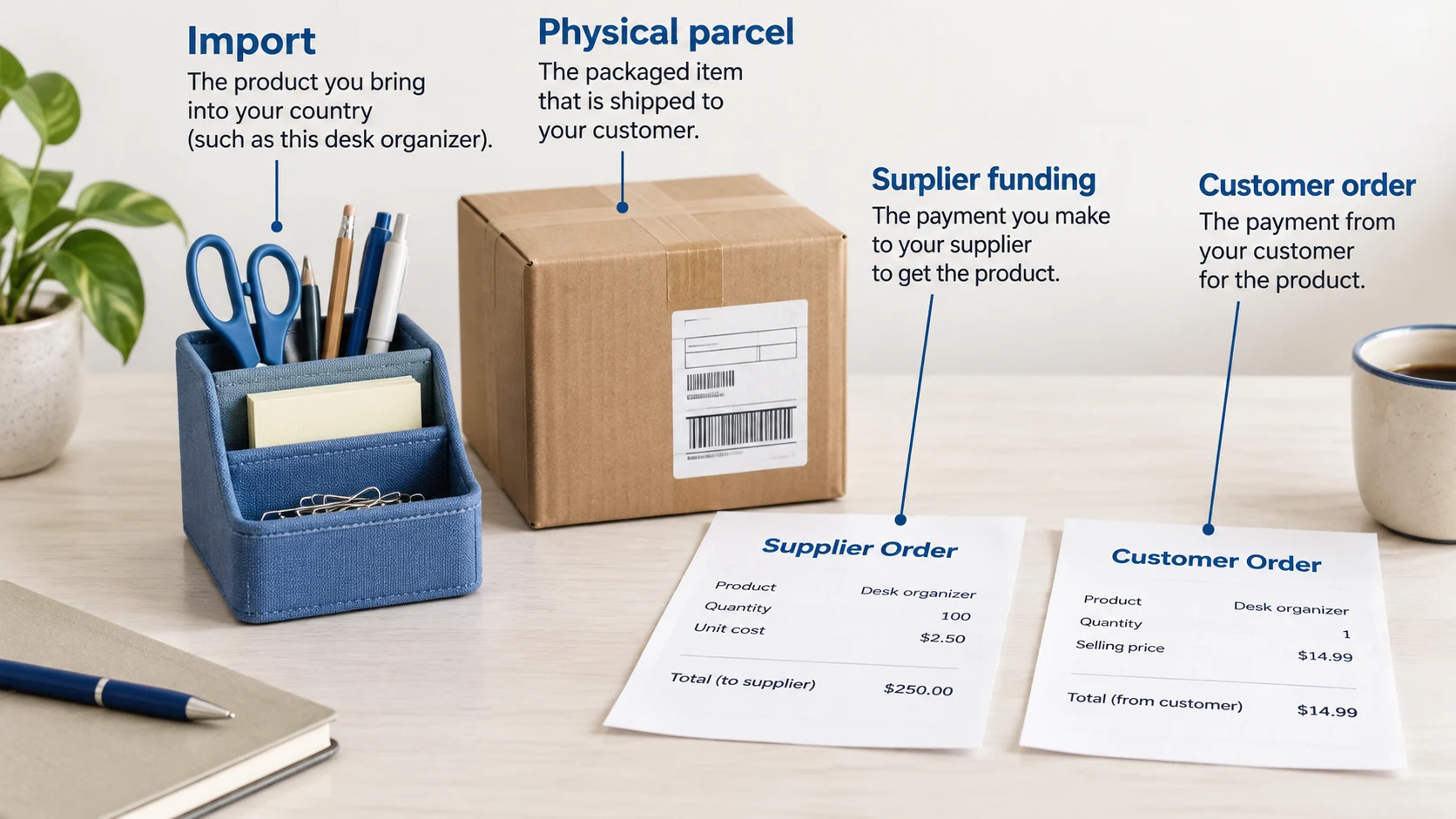
Dropshipman is a Shopify app for importing products, requesting sourcing and paying for fulfillment. Its free plan lets you try a small catalog, but you still pay for the goods and their delivery. Start with one product, confirm the supplier quote and follow a small paid order before turning on automatic payment.
The confusing part is what happens after the customer pays. A product can look ready in Shopify while its supplier, shipping route or payment is still unresolved. Understanding those separate jobs makes the app much easier to use.
This guide uses public provider documents checked on October 12, 2026. The setup examples are proposed merchant checks, not a claim that we installed the app or tested its delivery reliability.
01
What Dropshipman does—and where the order goes
Think of the imported product as a listing, not a reserved item on a warehouse shelf. Importing puts a title, pictures and variants in your store. Sourcing finds a supply arrangement for the item. Fulfillment turns a paid supplier order into a parcel.
Dropshipman’s order-placement guide describes separate routes for AliExpress orders and items sourced through Dropshipman. That guide is older, so follow the current account’s payment destination rather than assuming every imported item is supplied by the same company.
| What you have done | What still needs an answer |
|---|---|
| Imported a blue desk organizer | Which supplier and exact blue variant will fulfill it? |
| Published a price of $32 | Does that price cover delivery to the buyer’s postcode? |
| Received customer payment | Has the supplier order been funded and accepted? |
| Received a tracking number | Has the carrier actually received the parcel? |
Before listing, ask a simple question: when this sells, who receives my supplier payment? If you cannot answer, finish the sourcing work first. Our broader dropshipping supplier guide explains the difference between a supplier, a marketplace and a sourcing partner.
02
Choose a plan for the work you need
The current pricing page lists a free plan and monthly Basic, Pro and Plus plans at $19.90, $49.90 and $79.90 respectively. Free access includes 10 monthly imports from each listed channel; Pro introduces the advertised automatic functions. Check the checkout for the actual billing terms before subscribing.
There is a documentation mismatch worth noticing. Older help text describes a different free import allowance. Use the current plan page and the allowance visible in your account for that decision.
A higher import allowance does not establish a working order. First confirm the variant, destination quote and supplier payment. Compare automation with the work you actually repeat:
| Illustrative workload | Manual payment and checking, at five minutes per order |
|---|---|
| Four orders each month | About 20 minutes; an automatic plan may be premature |
| Forty orders each month | About 3 hours 20 minutes; compare that saving with the subscription |
Keep time for exceptions in either case. A larger plan is useful when its functions remove work you understand, not simply because it imports more listings.
“Unlimited order fulfillment” is a service allowance. It does not mean unlimited free products or free shipping. Those order charges remain part of your selling price.
03
Connect one product before importing a large catalog
Install the official Shopify app in the correct store. Then use one ordinary product with few variants. A blue organizer in one size is easier to verify than a listing with thirty color-and-size combinations.
Dropshipman’s sourcing help describes requests through Sourcing → Sourcing Request, or through an imported store product’s sourcing action. Confirm the available item and link the matching SKU after sourcing. Current labels may differ from the help page.
For your first listing, work through these steps:
- Choose the exact color, size and included accessories you intend to sell.
- Obtain the product price and shipping quote for a real destination.
- Rewrite the imported title and description so they describe that item accurately.
- Check each customer-facing option against its supplier variant.
- Keep the product unpublished until the payment and delivery route is clear.
An example of your own working note could be: “Store SKU ORG-BLUE; blue organizer only; supplier variant confirmed; no extra tray included; destination quote saved on October 12.” This is a merchant record, not a required Dropshipman field.
After editing, open the storefront on a phone. Select the blue option and add it to the cart. The title, image and selected variant should agree. An attractive import is still a poor listing if the picture shows accessories the order will not contain.
What a connected variant looks like
Suppose you also want to sell a white organizer. Keep two separate matches in your working record. The identifiers below are fictional; use the identifiers actually shown in your store and supplier account.
| Store option | Your store SKU | Supplier match to save | Included contents |
|---|---|---|---|
| Blue, one size | ORG-BLUE | Exact blue variant and supplier ID | One organizer, no tray |
| White, one size | ORG-WHITE | Exact white variant and supplier ID | One organizer, no tray |
Select white on the storefront, then examine the white option’s connection in the app. It must point to the white supply variant. Changing the storefront image to white while leaving both options linked to blue would improve the picture without fixing the order.
If you duplicate a product or replace its variants, revisit the connection before taking another order. The meaningful result is two correct matches, not two attractive product pages. Save the original source link as well: it lets you identify whether you are still using an AliExpress seller or have accepted a Dropshipman sourcing quote.
For the sourcing request, include the product link, selected option, included parts and destination. Add a target delivered cost rather than a product-only target. A $7 item with $10 freight is a different proposal from a $9 item with $4 freight, even though the second item’s headline price is higher. Compare quantity and packing too before accepting either.
04
Follow the money through your first order
There are two transactions to reconcile. The buyer pays your Shopify store. You pay the supply route that will fulfill the item. A Shopify “paid” order answers the first question only.
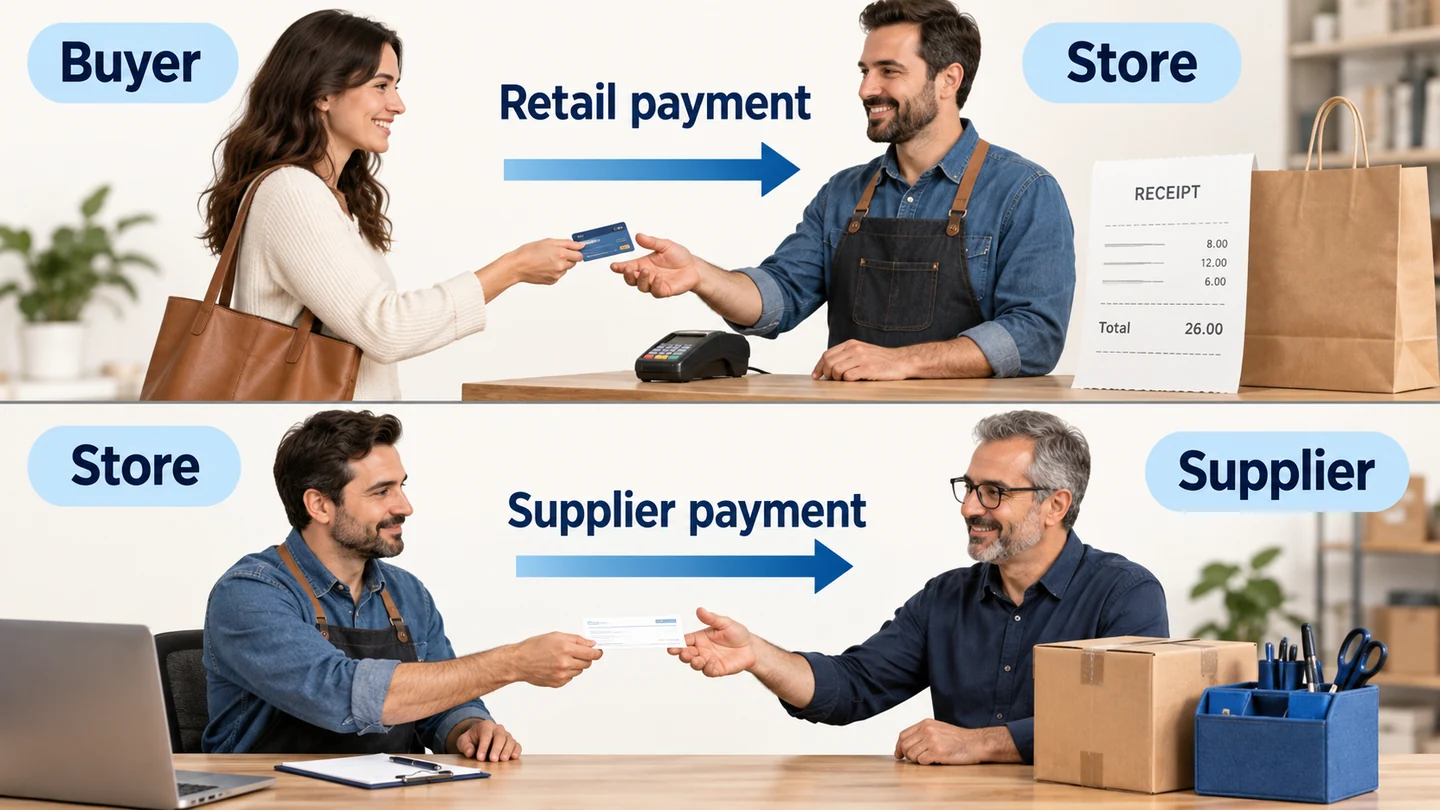
For Dropshipman fulfillment, its order help describes advance supplier payment before shipment preparation. If the order lacks an available shipping method, contact the manager rather than selecting a random cheaper route.
Place a small order to an address you can inspect. Save the store order ID and the corresponding supplier order ID. Compare the selected variant, quantity, address, supplier charge and shipping method before paying.
Then follow the result beyond the payment screen. Does the supplier acknowledge the order? Does tracking return to the matching store order? Does the parcel contain the correct blue organizer and everything promised on the product page?
| Check | A useful result | A result to investigate |
|---|---|---|
| Variant | The supplier order contains the selected blue item | A generic product or a different color appears |
| Payment | One supplier charge matches one store order | The customer is paid, but no supplier payment exists |
| Shipment | Tracking belongs to that order and gains carrier events | A label exists but has no handover evidence |
| Arrival | Contents match the offer and packing protects them | Missing pieces, damage or unrelated paperwork |
Do not mark the trial successful merely because the order appears in both systems. The purpose is to show that the selected item, payment and parcel stay connected. Dropshipping fulfillment covers the later carrier and exception checks in more detail.
05
Set a selling price from the complete bill
A product-cost multiplier is convenient when importing. It is less useful when freight is almost as expensive as the item.
Imagine the organizer sells for $32. These numbers are an illustration, not a Dropshipman quote or AIDrop rate:
| Cost for one order | Example amount |
|---|---|
| Organizer | $7.00 |
| Supplier shipping | $6.00 |
| Payment fees | $1.20 |
| Allowance for refunds or replacements | $2.00 |
| Advertising attributed to the sale | $4.00 |
| Total before subscription, tax and overhead | $20.20 |
| Remaining from the $32 sale | $11.80 |
The $2 allowance is a planning input. Replace it with your own experience as orders accumulate; it does not assert a measured failure rate.
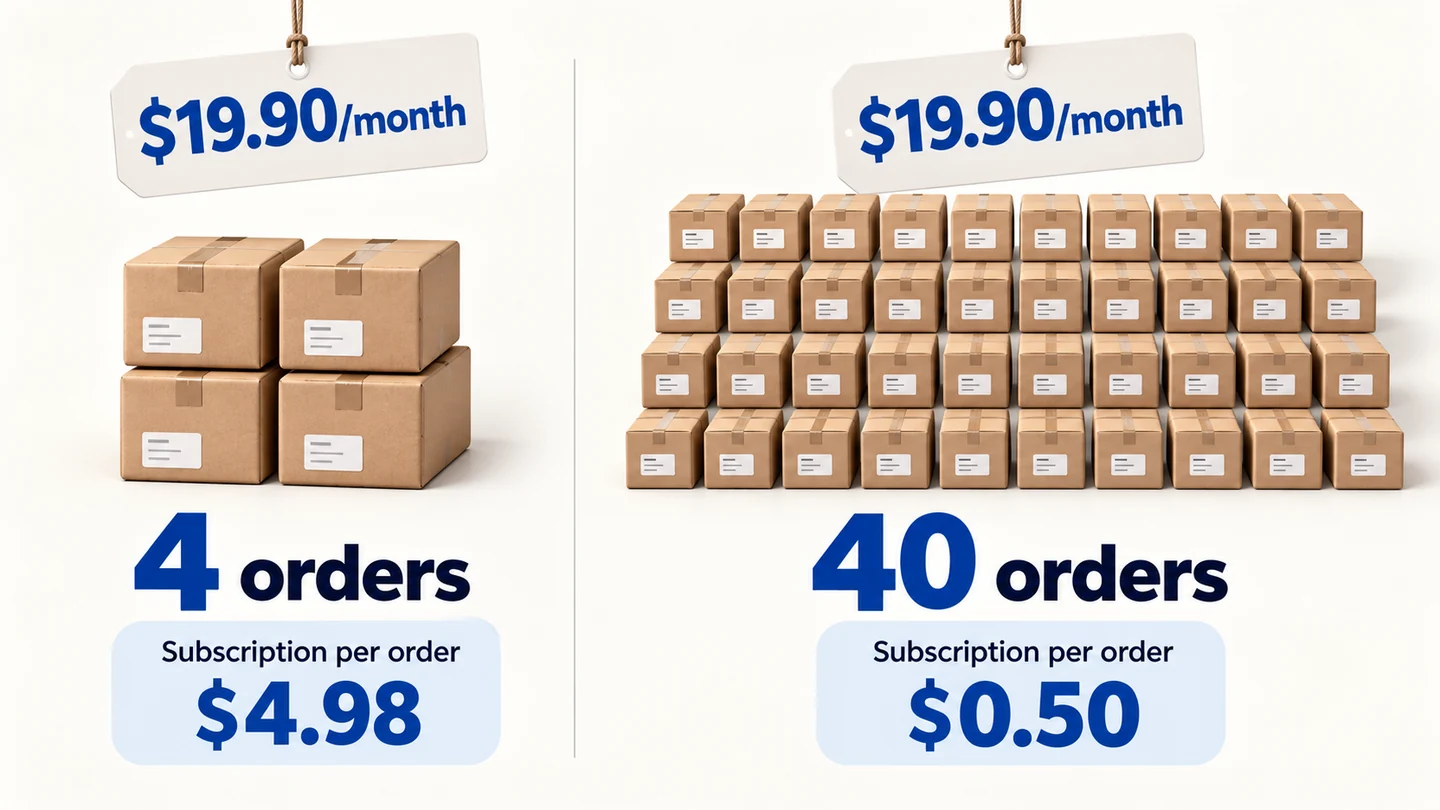
Now include a $19.90 monthly subscription. At forty orders, the allocation is about $0.50 each, leaving $11.30 per order. At four orders, it is about $4.98 each, leaving $6.82. The same product and selling price produce a different result because fewer orders share the fixed charge.
This also shows why pricing at twice the $7 product cost would fail here. A $14 sale would leave only $1 after product and freight, before fees, advertising or a remedy. Start with the entire order bill, then decide whether the offer can support your preferred plan.
06
Turn on automatic payment after the order works
According to Dropshipman’s general help, automatic payment uses a funded wallet and configured payment and shipping preferences. Check your plan’s eligibility and the controls currently visible under Settings → Auto payment.
Prepare the wallet for the supplier bill, not the retail sales total. In the organizer example, ten orders requiring $13 each for product and freight need $130 available for those charges. That amount excludes any additional charges your actual quote contains.
Before allowing unattended payment:
- Use a valid, connected variant and the intended destination.
- Match the selected shipping route and deduction to your approved quote.
- Assign a person to review missing routes, insufficient funds and unexpected price changes.
Automatic payment can remove repetitive clicks. It cannot determine whether an unexpected substitute is acceptable, or whether a changed shipping price still leaves a margin. Review those exceptions before releasing the order.
Here is a practical boundary for the organizer: ordinary orders use the approved variant and route; orders outside that arrangement need a person. This is your operating rule, not a claim that Dropshipman offers a configurable price ceiling or approval filter.
| New order | Why it needs a different decision |
|---|---|
| Same blue variant, same supported route | Check that the first automated deduction matches the approved charge |
| A destination with no matching route | Obtain a usable quote before promising or funding fulfillment |
| Blue unavailable; white offered instead | Ask the buyer about a substitute or provide the appropriate remedy |
| Freight rises from $6 to $9 | Recalculate the sale before allowing more orders at the old price |
In the forty-order example above, an extra $3 freight charge reduces the $11.30 remainder to $8.30. A wallet with plenty of money would still pay an order that is less profitable. Available funds and an acceptable cost are different checks.
If your current account cannot hold the exceptions you need, keep payment manual while resolving them. Once automation is active, compare the first deducted order with its quote and supplier ID. Do not infer that later destinations work from a successful order to one address.
07
When sourcing, payment or delivery stalls
Find the last confirmed event before asking for help. “The order is stuck” gives the supplier very little to investigate.
| What you see | What to check next |
|---|---|
| A sourcing request is pending | Has a supplier and quote actually been found? |
| Customer paid, supplier order unpaid | Is the wallet funded, and did the payment attempt succeed? |
| Supplier paid, no dispatch | Is production or preparation still underway? |
| Tracking created, no movement | Has the carrier received the parcel? |
The provider describes sourcing and processing estimates separately from transit. Those are stages, not one universal delivery promise. Tell the customer which stage is delayed and what you are doing about it.
Send support the store ID, supplier ID, exact variant, payment result and last status. Avoid creating a second paid supplier order to solve a synchronization delay. If the original was accepted, that can turn one late order into two charged shipments.
A support message you can adapt:
Store order 1042, ORG-BLUE, one piece. The customer payment is complete. Supplier order [actual ID] shows [actual state]; the wallet deduction was [amount/date], and no carrier handover is visible. Please confirm whether this original order was accepted and what action is needed.
Replace every bracket with the actual record.
If sourcing has failed, the sourcing help identifies several possible reasons, including unavailable goods and shipping limits. Ask for the reason before choosing a substitute. A slightly larger organizer can change both what the buyer receives and the parcel price; a similar picture does not settle either question.
After support resolves the issue, return to the original order. Look for one accepted supplier order, the intended variant and one matching charge. If a duplicate was already submitted, disclose both IDs and ask whether either can still be stopped before paying again.
For cancellation, an unpaid request and an already-paid order need different handling. Ask the manager whether the paid order can still be stopped and what refund is available. Do not promise a complete recovery before the supplier confirms it.
08
Where another sourcing route fits better
Dropshipman may fit a store that wants catalog imports and a connected sourcing workflow. A direct sourcing inquiry can be more useful when your offer depends on a specific material, a sample approval or a particular packing arrangement.
For a China-sourced organizer, you can send AIDrop a sourcing inquiry with the variant, destination, expected order volume and packing requirement. Ask for the product, handling and shipping components separately so you can compare the full bill. AIDrop’s sourcing and fulfillment services are a separate route; this is not support for your Dropshipman account.
09
Dropshipman questions before you start
Is Dropshipman free?
The app has a free plan with limits. Products, delivery and any applicable order charges still need payment. Confirm the current allowance rather than relying on an older help article.
Will Shopify automatically pay my supplier?
Customer checkout and supplier payment are separate. Dropshipman’s automatic payment requires the eligible setup and available funds; receiving a retail payment alone does not establish that the supplier order was funded.
Can I promise a fixed delivery time for every item?
Use the quoted preparation and transit information for the exact item, route and destination. A general app estimate cannot cover all products and postcodes.
Should I enable automation before my first sale?
First verify one small order manually. Once the mapping, charge, route and returned tracking work, decide which repeat orders can be paid automatically and which exceptions need review.
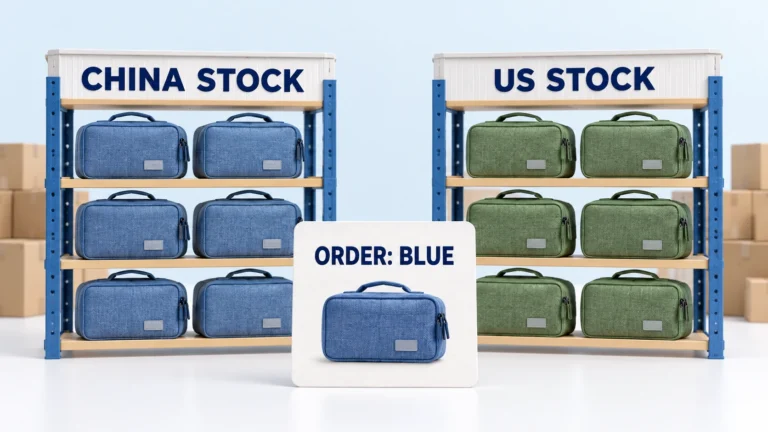
CJdropshipping Review: Costs, Warehouses, Quality and Fulfillment Fit
CJdropshipping is a practical option for sellers who want sourcing, store connections, packaging and fulfillment in one

CJdropshipping vs DSers: Who Sources, Pays and Ships the Order?
CJdropshipping can source and physically fulfill an order; DSers maps a store product to supported external suppliers

AutoDS Review: Evaluate the Automation You Would Actually Use
AutoDS can reduce listing and order work, but its value depends on your sales channel, tier, add-ons
