
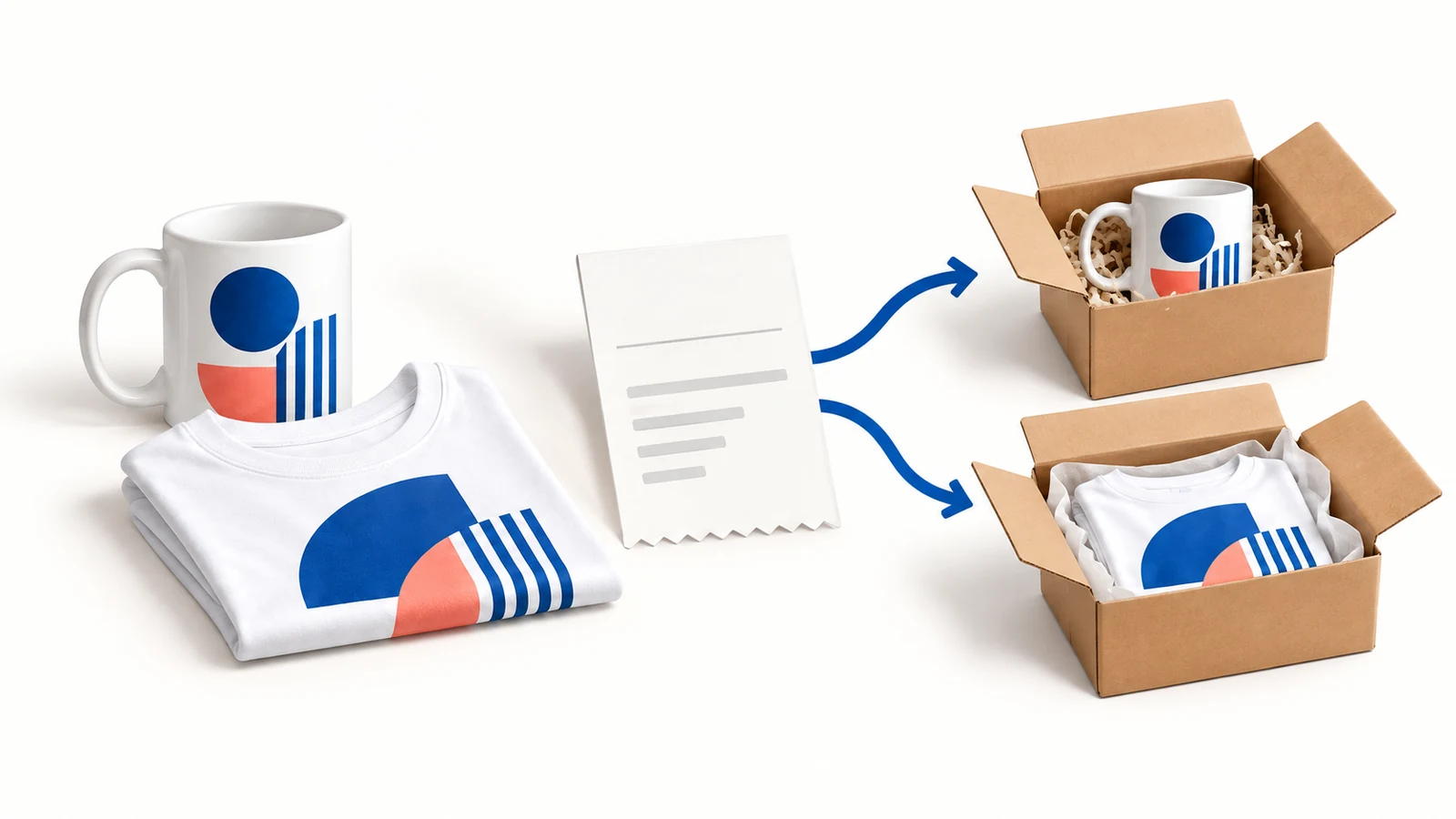
Gooten is a print-on-demand fulfillment service that connects a store to a production network. It can suit a merchant selling supported custom products without holding finished stock. Before launching, compare the exact product and delivered quote, match every variant to its artwork, and check what can still be changed before production.
A mug and a T-shirt sold in one checkout can become separate production jobs and separate parcels. Your customer needs to understand that, even if the store shows one order number.
This guide uses official documentation checked on October 10, 2026. The configuration examples and sample test are proposed actions, not a report of a Gooten installation we performed.
Explore the broader topic: Print on Demand Suppliers: Compare Production, Proofs and Fulfillment.
01
What Gooten supplies to your store
Gooten provides a supported product catalog, store connections and order handling for print-on-demand fulfillment. It is not the similarly named GoTen ready-made product business.
Its integrations page lists connections including Shopify, Etsy and WooCommerce, with other channel and API options. Choose the connection that fits your store; a supported integration does not itself settle a marketplace’s seller requirements.
The product is made under the selected offer after an order. You still decide what to sell, set the price, describe the product and communicate with the buyer.
Begin with one product type. An art store choosing a mug needs to inspect mug size, print area and packing. A store choosing clothing needs size and fabric information. Neither is answered by a platform-wide claim about fast fulfillment.
The print-on-demand dropshipping guide explains how this differs from shipping an already stocked product.
02
Find the exact product price and pay the supplier order
Gooten’s pricing instructions give a usable account path: Product Catalog → select product → three-dot menu → View Pricing. Create an account to inspect that information.
| Pricing view | Choose or record |
|---|---|
| Product tab | The actual model, size and print option; use the variant price rather than the range’s lowest figure |
| Shipping tab | Destination and service, plus the first-item and additional-item charges |
| Export Pricing List | Save the product’s CSV when you need to compare several variants |
For the mug example, select the 11-ounce option and intended destination first. Quote the 15-ounce version separately. The additional-item column can vary with quantity; it does not prove a mug and shirt share one parcel or the same incremental charge.
When Gooten charges you
Gooten’s payment guidance says the customer pays your store. When the supplier order is processed, Gooten charges its product and shipping total to your credit/debit card or PayPal. Its bill is in USD, regardless of the store’s selling currency. Keep that supplier payment method usable while store payouts are pending.
The production price covers the product and supported print. A store offering free shipping still pays Gooten’s applicable shipping charge. Your buyer-facing shipping price is a retail choice, not a waiver of the supplier bill.
What a $26 mug sale leaves
Suppose a mug sells for $26 and its hypothetical costs are $9 production, $6 delivery, $1 payment fee and $2 for remedy planning. That leaves $8 before advertising and overhead. If the destination quote adds $4 to shipping, only $4 remains. Replace these examples with the variant and address quote obtained above; they are not Gooten prices.
Check a mixed mug-and-shirt checkout separately. Free app installation does not settle the cost of either that parcel or the funds required to release it.
03
Connect Shopify, publish the product and match every variant
Gooten’s Shopify guide uses Stores → Connect new store → Shopify → Connect, followed by the official app authorization. Confirm the domain. A Shopify store connects to one Gooten account; several Shopify stores can be connected to the same account.
In Product Hub, choose Add New Product, select the product and design, then complete Product Details with the title, description, SKU and selling price. Decide where to publish it.
The guide distinguishes a hidden product—active but unpublished—from a product published to the selected channel. If the item exists in Shopify but is absent from the storefront, check that channel’s availability before treating it as a broken supplier link.
For a hypothetical mug listing:

| Store variant | Production choice | Approved artwork |
|---|---|---|
| MUG-BLUE-11 | Selected 11-ounce product | Blue design, version 2 |
| MUG-BLUE-15 | Selected 15-ounce product | The approved 15-ounce layout |
These are example record labels, not Gooten SKUs. Keep the actual identifiers beside them. An artwork layout approved for one size may need adjustment for the other.
If you alter existing Shopify variants, inspect the corresponding product in Product Hub and follow the documented Sync product flow. Do not assume a duplicate listing inherits the old connection. Gooten’s WooCommerce guidance likewise requires linked products for the intended order route.
The successful result is a product visible on the intended sales channel and one paid order containing the correct variant, production choice and file. If the order fails to appear, check the existing supplier reference and payment before manually making another. These are documented setup steps, not a newly installed store we tested.
04
Keep a useful review window before production
Printing makes some corrections difficult to undo. An address typo is easier to fix before production than after a parcel has shipped; an incorrect design may already be on the product.
Gooten’s support policy discusses a pending review period and recommends allowing time, such as up to 24 hours, to inspect orders. Changes once production starts are not guaranteed.
Check the current account setting and what it does for the selected order route. A longer review period also delays release to production.
Use the review for a short, practical check:
- Does the address include the required details?
- Is the selected variant linked to the approved file?
- Has the buyer asked for a correction?
- Does the quantity and supplier charge make sense?
Suppose the buyer notices an old address ten minutes after checkout. Find the provider order and its state before confirming the change. Editing an address in the store does not prove the production job received it.
After an accepted correction, verify the updated provider record. If the job has already moved too far, explain the actual options to the customer rather than promising that an order note will redirect it.
05
Make two parcels look like two parcels to the buyer
A mixed order can split. A buyer who receives the mug first should not have to wonder whether the shirt was forgotten.
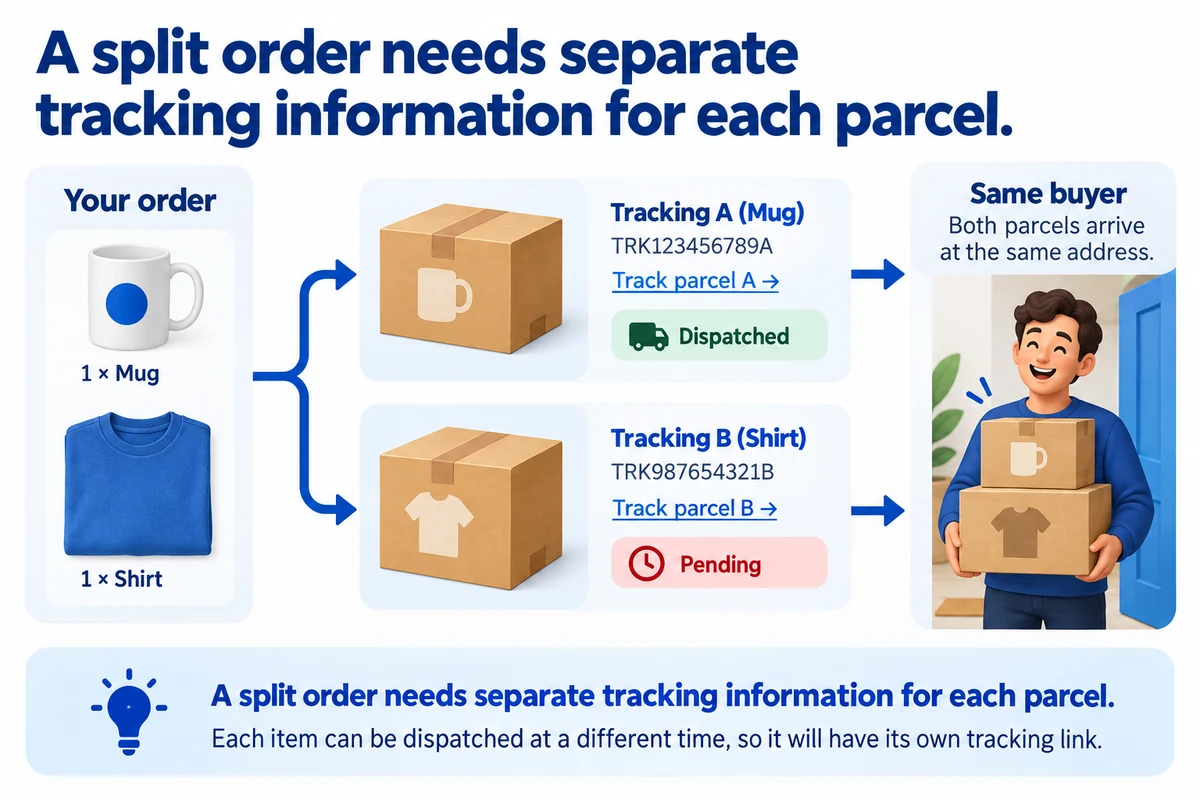
Gooten’s WooCommerce documentation notes that the first tracking update can mark the order completed and that additional shipment emails may not follow automatically. Connector behavior can change, so test your installed version instead of assuming either complete coverage or a universal defect.
Use a two-item example to inspect the communication:
| Item | Shipment record | Buyer message |
|---|---|---|
| Mug | Tracking A | Mug dispatched; shirt is still pending |
| Shirt | Tracking B | Shirt dispatched with its own link |
This is an expected communication pattern to test, not an assertion that Gooten sends those exact messages.
Choose one reliable email route for the buyer. Check whether the store, connector or another notification tool sends each update. Multiple tools can send conflicting “complete” messages.
After the first shipment update, open the customer order page. Confirm that the second item remains understandable and that both tracking links appear once available.
06
Handle a defect differently from a change of mind
Gooten’s support policy sets a four-week claim window for covered product issues and does not offer ordinary returns or exchanges. Read the current policy for the selected case. Your store’s customer obligations are separate from supplier reimbursement.
For a hypothetical mug with a chipped rim, retain the order reference, photographs of the item and packing, and the approved artwork record. Describe the actual fault when requesting the appropriate remedy.
A buyer choosing the wrong size, a wrong file mapped by the merchant and a production defect are different problems. Identify the cause before presenting the case to support.
Keep the buyer informed while the supplier claim is reviewed. Record what you agreed to do for the customer and what has actually been recovered from the supplier; those events may happen on different dates.
Also check packaging expectations before promising them. The current support policy says custom inserts and packaging are not available. A product with your artwork does not therefore arrive in a bespoke branded parcel.
07
Run a sample order that proves the connection
Ordering manually can help inspect a product. A real order through your store also tests the route that customers will use.
For a small initial range, use this sequence:
- Approve the exact product, artwork and delivered quote.
- Place a paid store order with a supported delivery address.
- Match the store reference, provider reference, variant and charge.
- Inspect review and production states without submitting another copy.
- Check the customer email, tracking and received product.
For a mixed range, include a later two-item test to inspect split shipment behavior. Keep the test result separate from an assumption that every future order will behave identically.
If the mug has the old blue design, inspect the file mapping before ordering again. If the artwork is correct but arrived damaged, inspect packing and the remedy process. These are different fixes.
Launch the small range only after the listing, production instruction and received sample agree. Expand by inspecting the new products’ specific requirements.
08
Gooten questions
Is Gooten free to use?
The Shopify app is described as free to install, with production and shipping charges applying. Calculate the completed order rather than assuming a free app makes fulfillment free.
Will every product be made near the buyer?
Do not assume that. Check the selected product and destination offer. A production network does not establish one origin or arrival time for every item.
Can I sell products that are not linked?
You can create listings, but the intended automated order route needs the relevant links. Inspect the connection before allowing customers to purchase those variants.
Can I use my own packaging?
The checked support policy says custom inserts and packaging are unavailable. If that is central to your offer, compare another route before promising it.
What if my product needs custom construction rather than a printed design?
That is a different sourcing task. AIDrop Agent can review a China-side product specification, sample and packing arrangement. Send the brief and expected volume for a scope comparison; we do not replace Gooten account support.
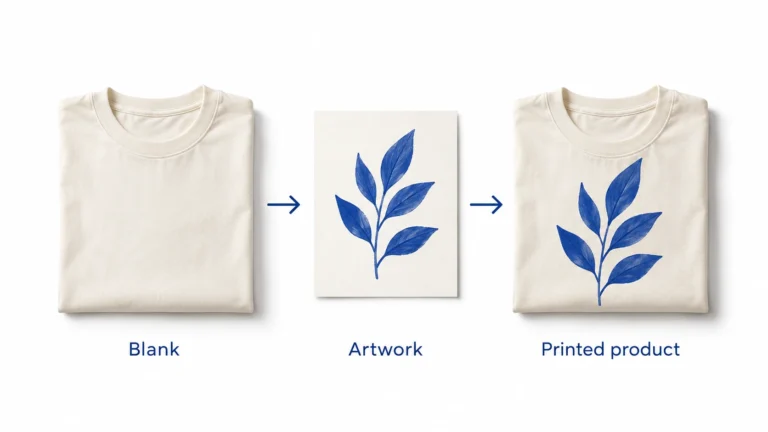
Print on Demand Dropshipping: From Design to a Fulfilled Product
Understand print-on-demand dropshipping, approve designs and samples, calculate full order costs, and manage production, delivery and customer
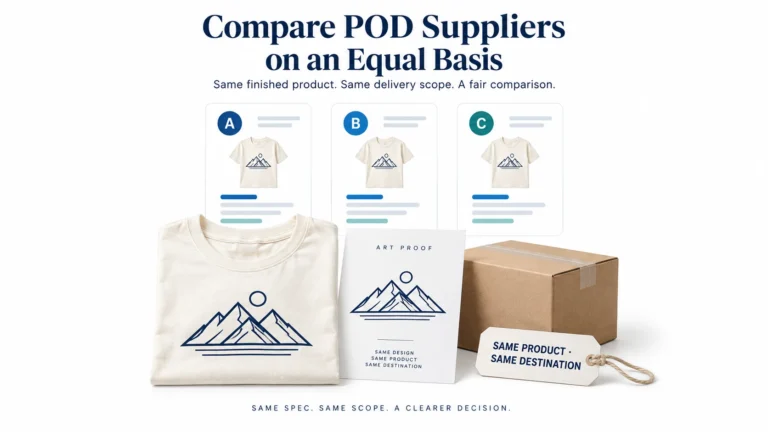
Print on Demand Suppliers: Compare Production, Proofs and Fulfillment
Compare Printful, Printify and Gelato by product, routing, samples, complete order cost, integration and returns before choosing
Print-on-Demand Files and Samples: Approve the Actual Print
Prepare each print file for the exact provider, product and print area, using its current template and
