
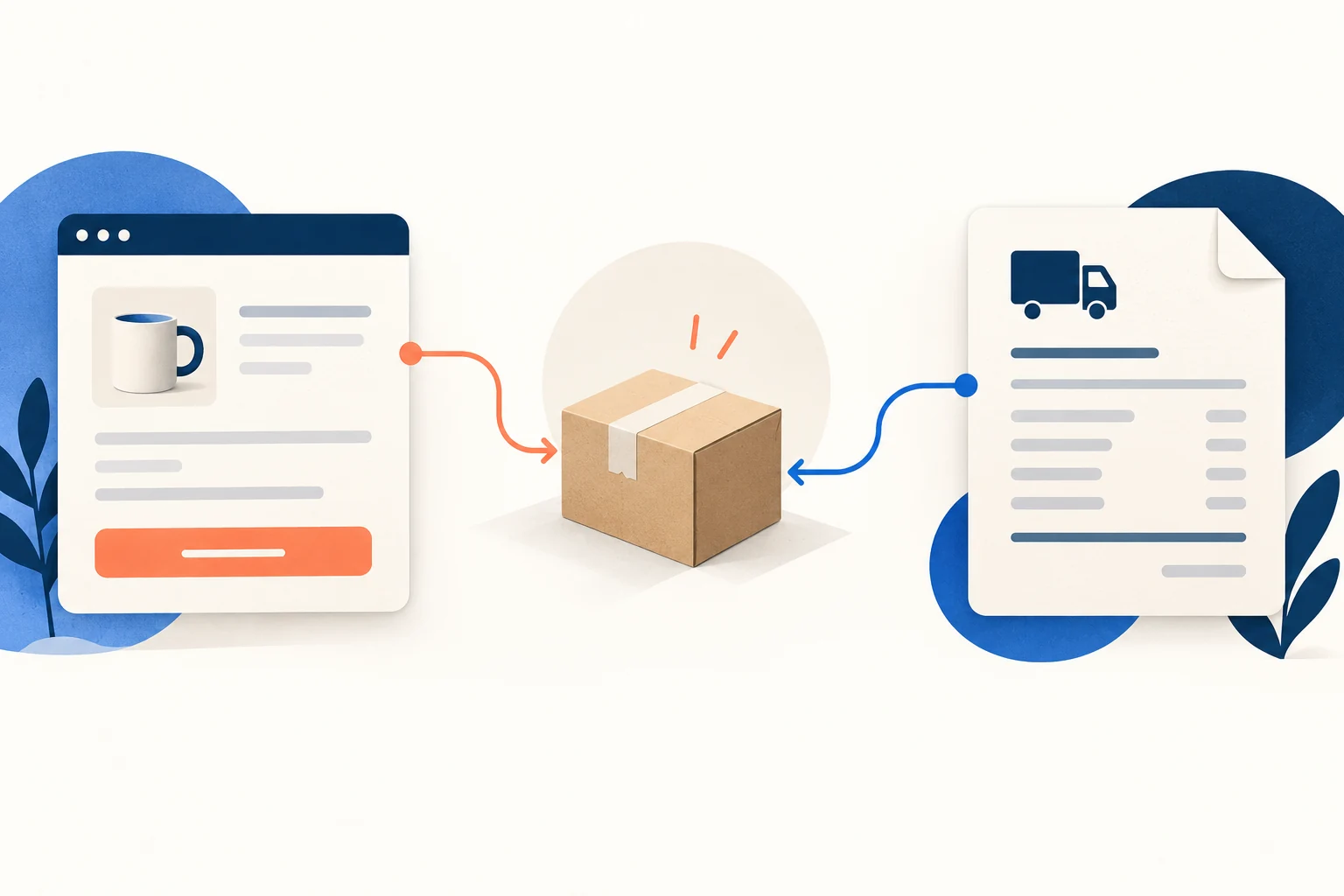
A dropshipping shipping rate is what your customer sees at checkout. It is a price you set or a price returned by a connected shipping service. Your supplier’s shipping charge is a separate bill to your business. If the supplier charges you $7 and checkout says “Free shipping,” you still need to cover that $7 through the product price or the order’s margin.
To set a rate, start with the supplier’s actual charge for a few representative packed orders and destinations. Choose how much of that cost the customer will pay as a shipping line, configure the rule for the right products and delivery areas, and test mixed carts before taking orders. Do not copy a single supplier quote into every checkout zone. One bulky item or a second supplier can change the bill behind the same-looking cart.
01
Begin with the order, not a shipping slogan
Imagine a store selling mugs and shirts. The supplier charges $7 to deliver a shirt and $11 to deliver a protected mug. You could charge every customer $9, charge different rates by product group, include shipping in each product price, or offer a live calculated rate if your checkout actually connects to the relevant carrier or app. Each choice changes what the buyer sees. None changes what the supplier invoices you.
Make a small dated sheet before choosing a price. One row should represent a customer order, not just a product listing:
One shirt
Destination: Your usual delivery area
Parcels expected: 1
Supplier shipping charge: Enter a current quote
Buyer shipping charge: Enter your planned checkout rate
One protected mug
Destination: Same area
Parcels expected: 1
Supplier shipping charge: Enter a current quote
Buyer shipping charge: Enter your planned checkout rate
Shirt and mug
Destination: Same address
Parcels expected: Ask whether they ship together
Supplier shipping charge: Enter the complete order charge
Buyer shipping charge: Enter the mixed-cart result
Mug to a higher-cost area
Destination: Actual postcode
Parcels expected: 1 or more
Supplier shipping charge: Enter that route’s quote
Buyer shipping charge: Enter the destination result
Use the final packed shipment and actual service when asking for those figures. The shipping-cost guide shows how to compare the full provider quote, including packed size and fees. Here we use that answer to decide the checkout charge. If a supplier has not quoted a destination or mixed order, leave the cost cell open and hold that checkout rule until the route is confirmed.
Avoid counting shipping twice
Some suppliers bundle transport into the product price while others list it separately. Write down which arrangement you have. Otherwise a store may add shipping twice—or show “free shipping” against a product cost that does not include delivery at all. If the supplier offers several services, keep their cost and delivery scope in separate rows; a slow untracked quote does not price an express option.
02
Choose a rule that matches the way your orders change
Shopify’s dropshipping shipping-strategy guidance describes free, flat, tiered and per-item approaches. Those names are useful, but the choice is easier if you ask which orders break a single price.
| Checkout approach | Fits when | Watch the cart that breaks it |
|---|---|---|
| Shipping included in product price | Most orders have similar delivery cost and you want one visible product total | A costly destination or a second parcel can consume the planned margin |
| One flat shipping charge | Normal orders cost about the same to serve | Bulky, remote or split-source baskets can cost far more |
| Price- or weight-based tiers | Basket size tends to change the delivery bill in a predictable way | Product weight at checkout may not match the carrier’s packed, billable weight |
| Product-group or per-item rates | Certain products or suppliers regularly have distinct charges | Mixed groups may add rates and make checkout look unexpectedly expensive |
| Carrier- or app-calculated rate | Your actual route and service can return a suitable checkout rate | An unrelated carrier quote may not equal the supplier’s invoice or include handling |
On a phone, swipe the table sideways to compare every column.
Included, flat or tiered? Free shipping means the buyer pays zero on the shipping line; the product price still has to carry delivery cost. One flat charge is easy to explain until bulky or remote orders consume the margin. Use tiers when real baskets show a predictable cost break, not because a round threshold looks tidy.
One basket may need two separately billed parcels
Product-group rates? First check whether the shirt and mug leave in one parcel or two. Charging $7 plus $11 may cover two shipments but overcharge a combined $12 parcel; one $9 flat fee may undercharge two suppliers. Test the mixed cart against the actual fulfillment route before choosing this rule.

An app result may omit handling
Calculated rates require particular care in dropshipping. Shopify says carrier-calculated rates use shipment details and that some third-party carrier connections depend on store setup or plan. A supplier app’s shipping estimate does not automatically flow into your storefront’s checkout. Confirm the source of the displayed number and compare it with the charge you will actually pay for that order. If the provider adds packing or handling separately, a carrier transport rate alone may leave a gap.
03
Work out what one flat rate would really do
Suppose you expect 100 orders in a month. These invented USD figures are a calculation example, not AIDrop prices, supplier offers or a recommended customer charge. Assume 70 ordinary orders cost you $7 each to ship and 30 cost $11 each.
| Order group | Assumed orders | Assumed supplier charge | Monthly supplier bill |
|---|---|---|---|
| Ordinary | 70 | $7 | $490 |
| Higher-cost | 30 | $11 | $330 |
| Total | 100 | — | $820 |
On a phone, swipe the table sideways to compare every column.
The hypothetical buffer is 80 dollars
The average shipping bill is $820 ÷ 100 = $8.20 per order. If checkout charges a flat $9, the store collects $900 in shipping lines, $80 above this assumed bill. That $80 is not profit: product costs, payment fees, advertising, refunds, tax and other expenses still exist. Some individual buyers also pay more than the $7 order’s delivery bill while the $11 order remains partly subsidized. Decide whether that pricing is clear and acceptable for the offer you actually make.
Eight changed orders can use the whole buffer
The useful question is how many expensive split orders that $80 can absorb. Every $17 two-parcel order that replaces a $7 order adds $10 to the supplier bill while the buyer’s $9 shipping line stays the same. After eight such replacements, the $80 cushion is gone; the ninth creates a shipping-line shortfall. This is a break point for this invented order mix, not a safe rate for every store. If mixed-source carts are likely to exceed it, separate that group or deliberately fund the gap from product contribution.
20 split orders create a 120-dollar gap
Now replace 20 of the $7 orders with two-parcel orders costing $17 each. The month becomes 50 × $7 + 30 × $11 + 20 × $17 = $1,020. The same $9 checkout rule still collects $900, leaving $120 of shipping charges uncovered. That may be a deliberate marketing expense if those orders have sufficient contribution. It is a problem if the store believed $9 always paid the shipping bill.
Fix the rule that matches the changed mix
The right response depends on what changed. You might group the two-parcel products under a different rate, raise a product price, limit a high-cost destination, or continue to absorb the gap. Recalculate the full order margin before changing a visible customer price. The point of the example is to find the order group behind the gap, not to declare a universal $9 rate.
Put free-shipping thresholds through the same test
A free threshold must fund the extra parcel
A customer adds a second item to qualify for free shipping. The basket value rises, but so may the supplier bill—especially if the second product ships separately. Compare the extra item’s contribution with the added delivery cost and the shipping charge you stop collecting. The shipping-cost guide’s threshold example walks through that order-level comparison. Your checkout rule should then be tested on carts just below, exactly at and just above the threshold. A rate that appears in one product group may not remove the charge from another group.
04
Build zones and product rules around routes you can actually serve
A shipping zone is a group of delivery areas for which a store offers particular checkout options. It is not proof that a supplier serves every postcode inside it. Start with destinations for which you have a valid fulfillment route and a customer promise. Add distinct zones when the charge or service materially differs; do not label the rest of the world as one cheap route unless the underlying supplier terms support it.
Profiles can combine at checkout
In Shopify, products and fulfillment locations can sit in different shipping profiles. Shopify’s combined-rate documentation shows a $3 shirt rate plus a $5 pants rate becoming $8 for a mixed cart. It also explains exceptions: flat rates in the same location group can sometimes apply once, while other rate types or location groups may combine differently. You cannot predict a mixed cart from the single-product screen. Put both products into a test checkout and use the actual destination.
Shopify says it is gradually moving shipping profiles and rates to shipping options by market, so the admin labels a store owner sees may differ from an older tutorial. The useful question remains the same: which market, products, locations and option are producing the amount shown to this buyer? If an imported dropshipping product has been assigned to a separate profile, inspect that profile rather than assuming it inherited your general rate.
Set one Shopify flat option and inspect the result
The current Shopify instructions retain shipping-profile steps while some stores move to shipping options by market. Follow the route shown in your account.
Save the intended price
Open Settings → Shipping and delivery, then the relevant profile and zone. Use Add shipping option, enter the customer-facing name, choose Flat and your approved price, then Done and Save. The destination’s market must also be active.
Check the products and boundaries
Reopen to confirm the zone, assigned products and amount. If you use Order amount or Weight bands, check minimum and maximum values. A blank maximum can leave the top band open; a bounded final tier can exclude larger carts. Test below, at and above the boundary you intended.
The earlier $9 calculation is only an arithmetic example. A live rate needs your actual quote and intended subsidy; no store setting was changed here.
Check the zone and class before the amount
In WooCommerce, shipping methods belong to zones. Its Flat Rate documentation lets a store charge by order, item or shipping class. For a mixed-class cart, the configured calculation can add class charges or use the highest class charge. Woo’s setting is not equivalent to Shopify’s profile combination. Test the exact cart after assigning classes; a neatly configured rate that is attached to the wrong zone or variation still gives the wrong buyer result.
Here is a WooCommerce configuration rehearsal using the invented $7 shirt and $11 mug delivery costs. It is not a recommended tariff or an AIDrop quote. Set the matching product classes first, then open WooCommerce → Settings → Shipping → Shipping zones, edit the intended zone and add or edit its Flat Rate method.
Two suppliers, two separately billed parcels
- Base Cost: 0.
- Shirt shipping-class cost: 7; mug shipping-class cost: 11.
- Calculation Type: Per Class.
For one shirt plus one mug, checkout should show $18 before any configured tax: $0 + $7 + $11. Save the method and test both singles and the mixed cart at the same eligible address.
What changes with Per Order
- Keep those same costs, but choose Per Order.
The mixed cart uses the higher class charge, $11. If the actual two-parcel supplier bill is still $18, the shipping line leaves a $7 gap. Use that option only if the full order economics deliberately cover the difference; it does not combine two parcels physically.
Express wording needs an actual faster service
The name next to a rate is part of the offer. “Express” should refer to an actually available faster service; “3–5 days” should be backed by the relevant dispatch and transit evidence. Shopify notes that a carrier-calculated transit estimate does not include your processing time. The shipping-times article explains how to build a full customer delivery window. Use the shipping-policy article to state destinations, split parcels and exceptions consistently with checkout.
05
Test the rate the customer will see
Run the test from the storefront with an address in each planned zone. You are checking the displayed choice and price, not claiming that a test cart proves a carrier will dispatch on time. Keep a simple record:
One low-cost product
What it should reveal: Baseline zone and rate name
Decision if it fails: Check product assignment and destination rule
One bulky or protected product
What it should reveal: Distinct cost group, if needed
Decision if it fails: Adjust its profile/class or product economics
Two units of one product
What it should reveal: Quantity band and one versus two parcels
Decision if it fails: Compare checkout with the supplier’s basket quote
Two products from different suppliers/groups
What it should reveal: Combined charge and service options
Decision if it fails: Inspect profile/class combination; do not infer from singles
Cart at a free-shipping or tier boundary
What it should reveal: Exact threshold behavior
Decision if it fails: Fix overlapping or missing range conditions
Eligible and intentionally unsupported postcodes
What it should reveal: Option appears only where you can serve
Decision if it fails: Add a valid route or leave the unsupported area closed
Keep the displayed rate beside the supplier quote
For each row, record the cart, address, expected parcel count, expected supplier charge, checkout charge, visible delivery wording, and whether the difference is intentional. This is the rate test sheet you can hand to a colleague or reuse after changing suppliers. A screenshot of the customer-facing option is useful evidence of the test; it is not a substitute for the supplier’s written quote.
Check the highest tier and matching zone
Pay particular attention to open-ended tiers. Shopify warns that an order beyond the highest bounded price or weight tier can receive no shipping rate at checkout. A store can look fine with a $40 test basket and fail at $400. In WooCommerce, a missing method may come from the matched zone, product shipping class or rule; shipping debug mode can reveal the selected zone during diagnosis and should be turned off afterward.
Inspect default and app-added options
If a free option appears where you planned to charge, inspect default store rates and app-added options as well as your own rule. Shopify advises merchants to review automatically created shipping rates before opening. Conversely, if no option appears, do not solve it by adding a worldwide free rate without a valid route. Find the missing zone, product assignment or uncovered tier.
06
Revisit the rule after the first real orders
Your first invoice gives you something a forecast cannot: the actual order’s shipping charge. Compare it with the tested checkout charge for the same product group and destination. Keep the difference alongside the product and payment economics rather than labeling every undercharge a failure. You may have intentionally included some shipping in the product price.
Revisit the changed package, route or order mix
Review the sheet when a supplier changes rates, a package grows, a product moves to another fulfillment location, a new country opens, or a promotion changes the order mix. If several expensive mixed carts appear, change the rule that creates that gap and retest the affected cases. If the underlying provider bill is still unclear, resolve it through the shipping-cost comparison before promising a new buyer price.
Your usable output is one page: the representative order-cost rows, chosen checkout rule, the order-mix break point and six cart/address test results. A buyer should see a charge and delivery option you can explain, while you know which real supplier bill sits behind it.
Questions about checkout shipping prices
Is free shipping actually free for the store?
No. The supplier can still charge for delivery. The product contribution must fund it; the shipping line alone may show a deliberate subsidy.
Should I add two suppliers’ shipping prices?
Ask whether the selected cart creates two separately billed parcels. In the WooCommerce teaching example that bill is $18. A consolidated parcel may cost differently, so get the complete basket quote.
Why does a cart have no shipping option?
Check the address’s matching zone, product profile/class, active market where applicable, and price or weight limits. A final bounded tier can exclude larger orders. Do not add free worldwide shipping just to make an unsupported route appear.
When should I change a flat rate?
Recalculate when the actual parcel cost or order mix changes. Compare checkout and real supplier invoices, then test affected carts and boundaries before reopening the offer.
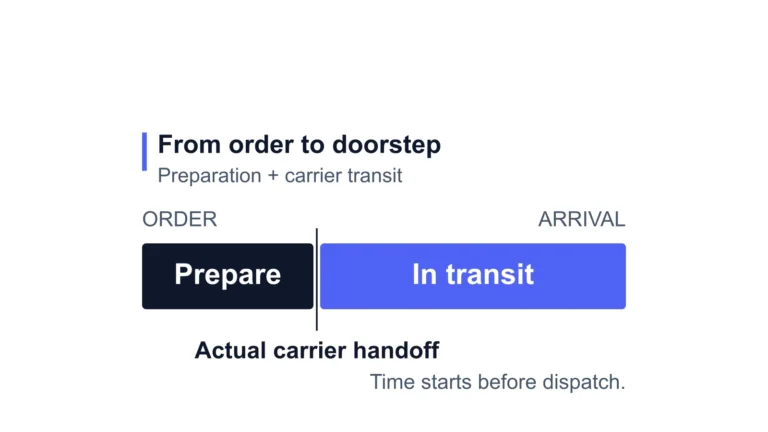
Dropshipping Shipping Times: What to Promise Your Customers
Use product-specific processing and transit estimates to set a delivery promise. Named route examples and a worked
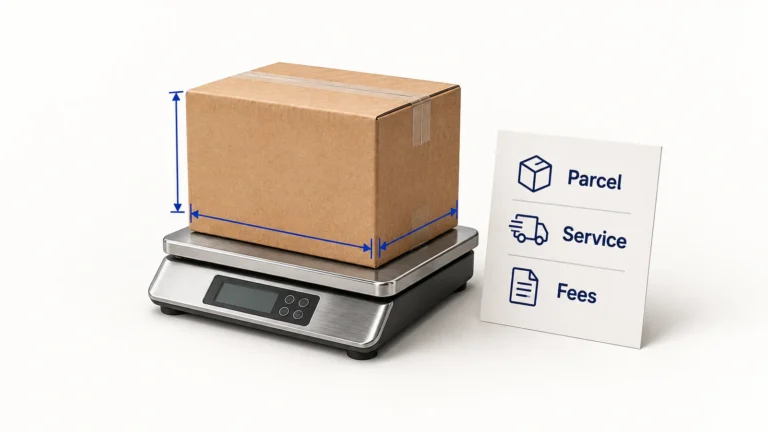
Dropshipping Shipping Costs: Compare the Whole Parcel Quote
Calculate dropshipping shipping costs from packed dimensions, billed weight and fees. Compare a worked parcel quote, import
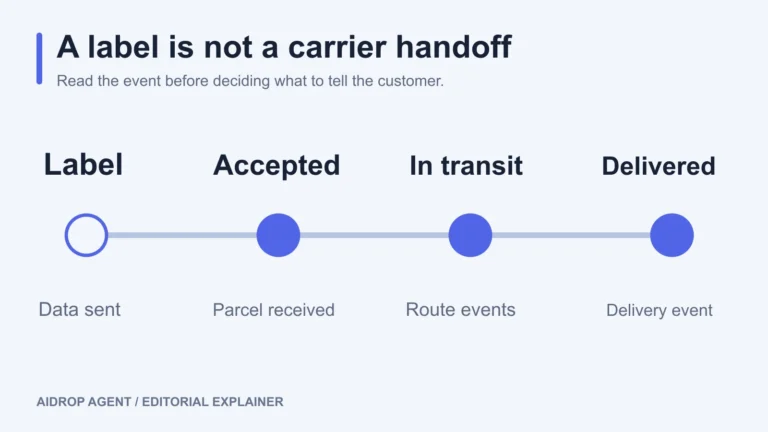
Dropshipping Tracking: Set It Up and Handle Missing Updates
Set up parcel-level tracking, interpret carrier events, and investigate missing updates without mistaking a shipping label for
