
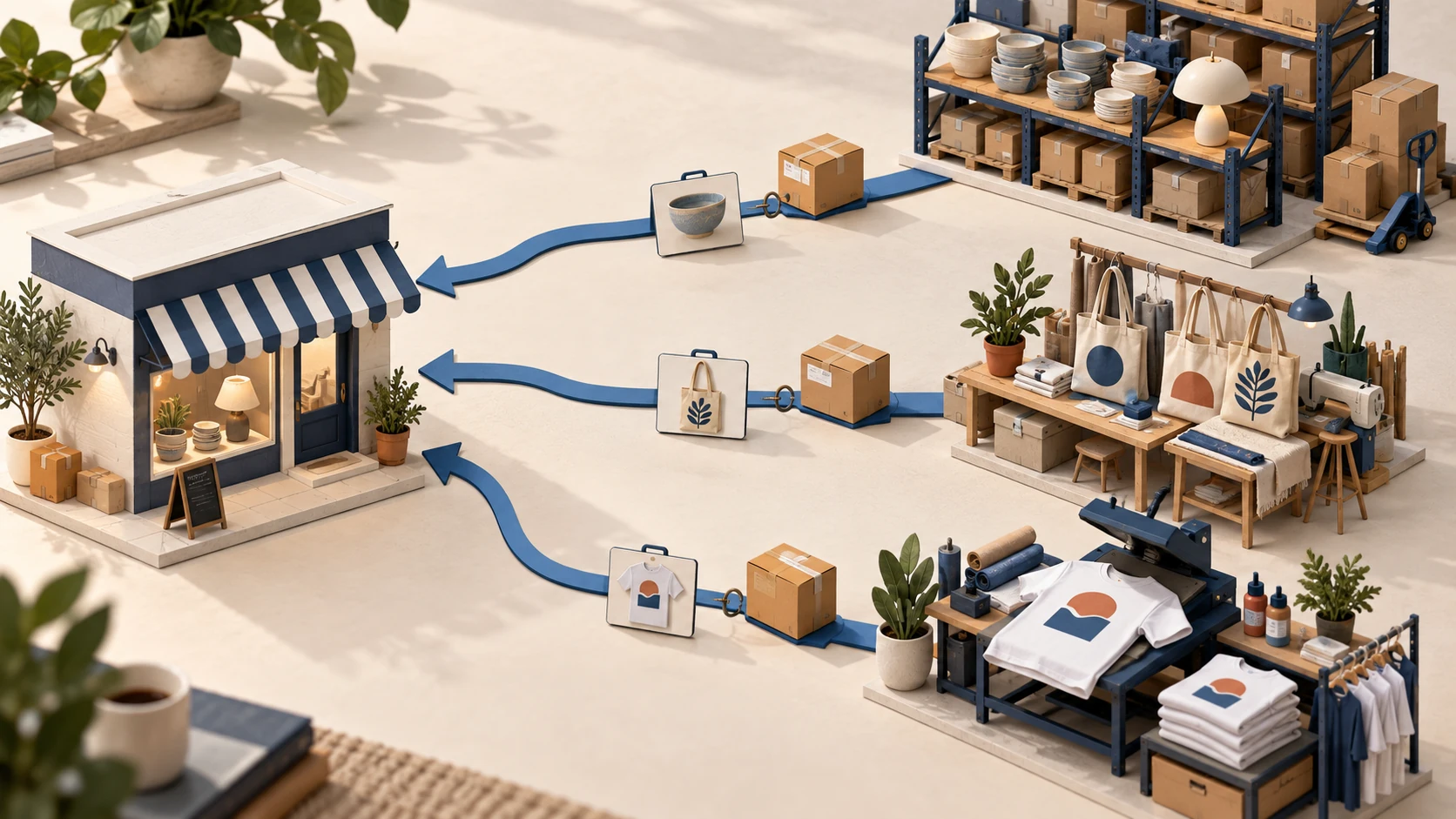
BigBuy, Syncee, Spocket, Printful and AliExpress offer different ways to supply a WooCommerce store. BigBuy connects a broad wholesale catalog, Syncee and Spocket connect you with independent suppliers, Printful produces custom merchandise, and AliExpress provides individual sellers reached through a connector such as DSers. Choose the product and delivery arrangement first, then prove that its WooCommerce connection handles the work your store needs.
A catalog import is only the beginning. The supplier must receive the right variation, accept the order, receive payment and send usable tracking back. With WooCommerce, your hosting, scheduled tasks and other plugins also affect that chain.
This comparison uses provider documentation checked in September 2026. It is not a hands-on ranking of delivery reliability. The WooCommerce dropshipping guide covers the wider store setup; this article concentrates on choosing a workable supplier relationship.
01
Five supplier routes worth comparing
The companies below do different jobs. Comparing them on catalog size alone hides the decision that matters: who owns the goods, who sends the parcel and who resolves a failed order.
| Option | Useful starting point | WooCommerce connection | What still needs a decision |
|---|---|---|---|
| BigBuy | A broad wholesale catalog with European stock | Official BigBuy connector or a separately developed connector such as Woosa | Current compatibility, account access, catalog scope and actual destination shipping |
| Syncee | Finding independent suppliers through a marketplace | Syncee plugin and store authorization | Supplier terms, dispatch location, product access and payment workflow |
| Spocket | Browsing supplier products for the markets you serve | Spocket plugin with account connection | Exact supplier, package cost, dispatch route and returns |
| Printful | Selling your designs on made-to-order products | Printful integration with product/variant synchronization | Design files, product availability, production time and separate fulfillment funding |
| AliExpress through DSers | Sourcing specific products from individual marketplace sellers | DSers store connection plus AliExpress buyer authorization | Seller selection, variation mapping, supplier payment and shipping route |
BigBuy: account for the connector as well as the catalog
BigBuy’s official WordPress listing describes catalog, pricing, order and tracking synchronization through its Multi-Channel Integration Platform. Installation requires the appropriate BigBuy account package and WooCommerce connector. At this review, the directory also displayed a warning that the plugin had not been tested with the latest three major WordPress releases. That is a compatibility question to resolve on your stack before subscribing or importing a large catalog; it does not establish that every installation fails.
Woosa offers a different BigBuy integration. Its current product page describes category/SKU filtering and stock and price updates every 30 minutes. The plugin is advertised as free, while BigBuy account charges remain separate. Do not combine the official connector’s setup instructions with Woosa’s settings or assume both update on the same schedule.
BigBuy is worth examining when its actual in-stock products and delivery routes suit your customers. A large catalog is less useful if your selected variations are unavailable or shipping removes the margin.
Syncee: evaluate the supplier inside the marketplace
Syncee provides a marketplace and synchronization layer. The WooCommerce installation guide requires WooCommerce and describes granting read/write access when registering the store. Its WooCommerce start-up documentation describes product imports, updates and order-data synchronization.
Treat the supplier’s own terms as part of the selection. Two businesses found through the same marketplace can have different dispatch countries, return addresses and product restrictions. An integration logo cannot answer those questions.
Ask for the dispatch location of the exact SKU, the countries it can reach, how an order becomes payable and what happens when a supplier rejects it. A supplier that fits your customers but requires one clear manual approval may be easier to operate than a poorly understood automatic flow.
Spocket: verify the product route, not a regional label
Spocket lists WooCommerce among its supported integrations. Its connection instructions use a WordPress plugin and either a new account connection or an existing account’s authorization key.
After connecting, inspect products for the country you plan to sell into. A platform’s US or European supplier positioning is not a delivery promise for every listing. Obtain the product cost, destination shipping charge, processing period and return arrangement together before deciding whether the item belongs in your store.
For an existing business, also confirm which Spocket account is connected. The provider’s guide flags authentication problems when the same email is used across a Shopify and WooCommerce shop. Resolve the account relationship before changing store settings or creating duplicate subscriptions.
Printful: suitable when the design is part of the product
Printful belongs on a shortlist for custom merchandise rather than interchangeable general catalog goods. Its integration API explanation distinguishes store products and variants from the Printful variants and print files used to fulfill them. A shirt’s size, color and print file must remain attached to the correct sellable variation.
The money also moves in two stages. Your customer pays your store; Printful charges you for fulfillment. According to its billing guide, automatic handling of a connected-store order depends on a synced product and automatic confirmation being enabled. A failed charge does not send the order into fulfillment by itself after you fix the payment method; it needs manual resubmission.
That makes Printful a different operating choice from importing finished goods. Your first sample should test the physical blank and the printed result, and your delivery promise must include production as well as transit.
AliExpress and DSers: keep the seller decision visible
DSers connects store orders to marketplace purchases; it does not turn every AliExpress seller into the same supplier. Its current WooCommerce guide separates domain verification, REST API authorization and webhook setup. Its optional WordPress shipping-email plugin is not required to establish that connection.
The useful work is then product-specific: select a seller, map each variation, confirm a shipping method for your destination and pay the supplier order. Replacing a seller requires a new product check even when the photos look similar. Use the broader supplier-finding process when the marketplace search produces several plausible but unproven candidates.
02
Inspect one real product before importing a category
Choose a representative item with the attributes your store will actually sell. If you sell clothing, use a product with multiple sizes. If you sell accessories, include the relevant material, dimensions and pack quantity. A simple single-variation test can hide the mapping problem that later sends the wrong item.
Save the supplier reference, variation reference, dispatch country, current cost and destination shipping quote. Compare that record with the imported WooCommerce variation. Check the checkout selection as a customer, not only the product editor: a correctly stored attribute can still be confusing on the storefront.
Order a sample using the intended route. Record when payment was accepted, when the carrier received the parcel and what arrived. The sample approval guide helps separate an attractive listing from a product you can accurately describe.
Approve the exact variation and delivery arrangement you will sell. A sample from another warehouse or a different bundle does not prove the proposed offer.
03
Decide which system controls each field
A supplier feed can erase work if it is allowed to overwrite your retail copy. Conversely, freezing every field can leave your store showing obsolete stock or cost. Assign ownership deliberately.
| Field | Sensible starting arrangement | What to verify |
|---|---|---|
| Supplier identifier | Preserve the connector’s mapping | Renaming a retail title must not change the purchased SKU |
| Available stock | Update from the agreed supplier feed | Out-of-stock behavior and stale-feed handling |
| Supplier cost | Update from the supplier | A cost increase must trigger a price rule or review |
| Retail title and description | Merchant-edited after fact checking | A later sync must not restore unwanted supplier copy |
| Retail price | One chosen price rule or manual owner | A second plugin must not repeatedly overwrite it |
| Tracking | The system handling fulfillment | Correct order and shipment, without duplicate customer emails |
This is an operating arrangement, not a claim that every connector exposes identical controls. Test the fields your chosen plugin actually supports. If you cannot protect edited descriptions while keeping stock current, narrow the catalog or select a different connection.
The inventory-management guide explains the wider stock controls. In WooCommerce, also inspect whether scheduled work completes on your hosting. A successful authorization screen does not show that tomorrow’s update will run.
04
Compare the cost of the order you will actually fulfill
Separate recurring software and hosting costs from supplier charges per order. Include shipping, payment fees, packaging charges where applicable and a realistic allowance for problems. Keep tax treatment consistent when comparing quotes; a tax-inclusive selling price and tax-exclusive supplier price are not directly comparable.
For a simple hypothetical example, assume revenue after discounts and excluding tax is $40. Product cost is $18, shipping $7, payment fees $1.50 and your allowance for returns and replacements $2. That leaves $11.50 before advertising, fixed operating costs and income tax.
If supplier B charges $20 for the product but $4 for shipping, the same calculation leaves $12.50. Its higher product price produces a lower combined purchase-and-shipping cost. Neither result proves B has better delivery reliability; the sample and service terms still matter.
A $60 monthly connector-and-hosting allocation adds $3 per order at 20 orders, or $0.60 at 100. Use a volume you can justify. Do not choose a paid plan on the assumption that sales will appear to absorb it.
05
Follow the first order beyond the notification
Record the WooCommerce order number and the supplier’s order number together. Then confirm the product, quantity, address, paid amount and shipping service in the supplier’s system. A store status such as Processing is not evidence that the supplier accepted the purchase.
For a local supplier using the WooCommerce Dropshipping extension, supplier-grouped order emails and packing slips can support a workable process. Agree how the supplier acknowledges the email, reports a stock problem and returns tracking. An email sent successfully still needs an operational response.
Test one exception before expanding: an unavailable variation, rejected address or failed supplier payment. Identify where the problem appears and who receives it. If the connector times out while sending an order, look for an existing supplier order before sending it again. Preserve both references when escalating to support.
Launch only when you can identify an accepted order, a rejected order and an order whose outcome is still unknown. Each requires a different next action.
06
Arrange returns before your customer needs one
Confirm the return address, approval process, evidence deadline, return postage responsibility and treatment of damaged or incorrect items. Keep the customer’s refund separate from any supplier reimbursement. Printful, for example, explicitly explains this separation in its payment and refund guidance.
Your store’s customer-facing policy must reflect what you can actually provide and the obligations applying to your sales. Do not copy a supplier’s business-to-business return policy into the storefront without checking the difference. The dropshipping returns guide covers how to organize the customer and supplier processes.
Keep the initial assortment small enough to review failed orders daily. Expand when stock changes, supplier payments, tracking and returns have a clear owner. The value of a supplier connection is the number of orders you can fulfill accurately, not the number of products you can import.
07
Frequently asked questions
Does WooCommerce include a dropshipping supplier?
No. WooCommerce runs the storefront and order system. You choose the supplier and arrange the connection through a plugin, service, feed or agreed manual process.
Can I work with a supplier that has no WooCommerce plugin?
Yes, if product data, stock, ordering and tracking can be handled reliably through another method. A small local assortment may work with supplier emails and acknowledgements. A large changing catalog usually needs a maintainable feed or integration.
Is a free integration free to operate?
No. A free connector can still require a paid supplier account, hosting resources and fulfillment funding. Compare the full order and monthly operating costs rather than the plugin’s download price.
Can two suppliers sell the same product in my store?
They can support the same offer only if the products genuinely match and the routing is controlled. Preserve the chosen supplier and variation for each order. Do not let two connectors purchase the same customer order independently.
