
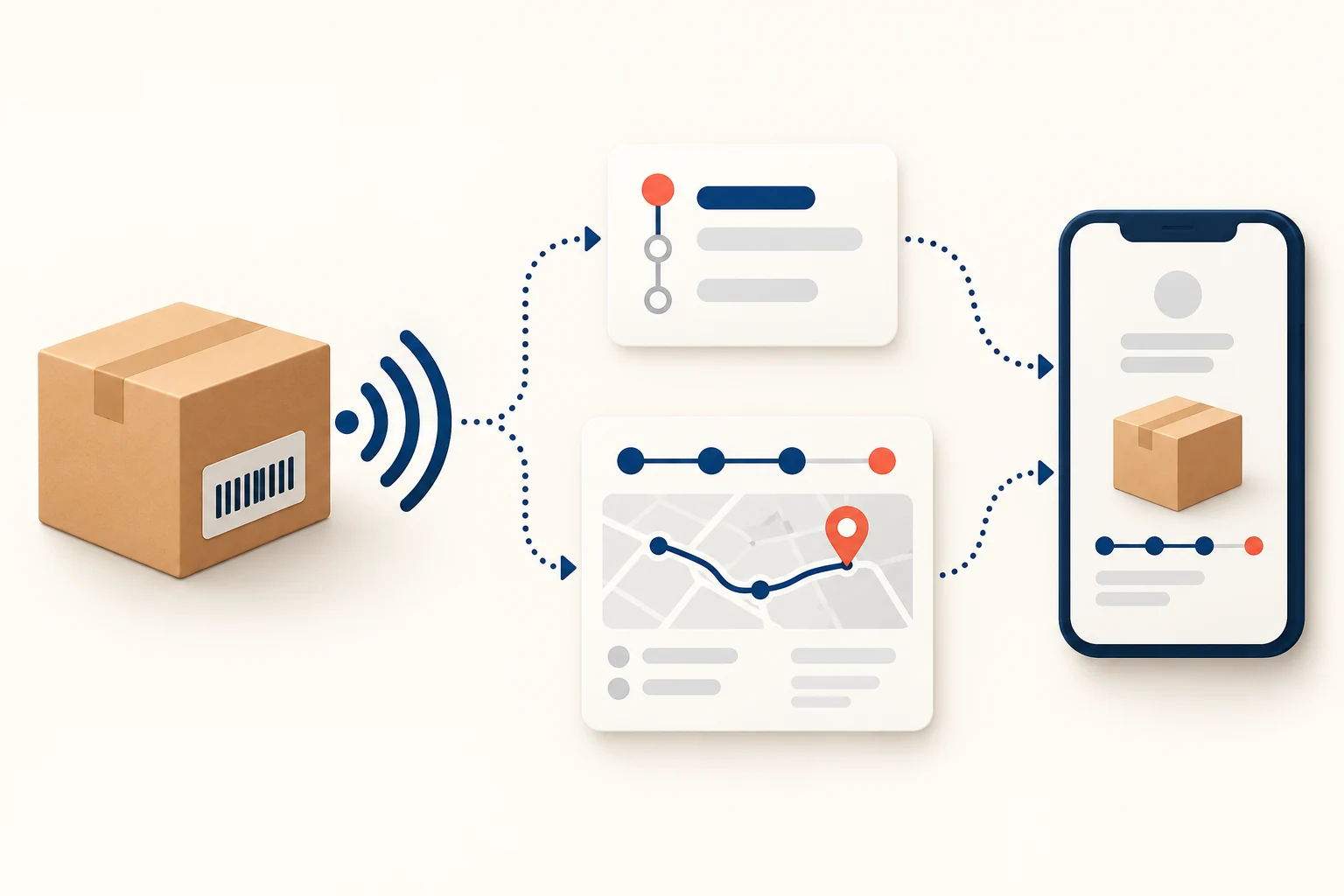
A tracking app can help a dropshipping store show several carriers and parcels together, send selected delivery updates and give support a queue of problems to investigate. Try the native Shopify link first. Pay for an app when it solves a specific buyer or support problem, not just because it has a branded page.
Start with one ordinary order and one order shipped in two parcels. Open the links as the buyer would. If both are easy to follow and your support inbox is quiet, you may not need more software. If the shirt shows delivered but the separately shipped mug is invisible, or your team jumps among several carrier sites all day, an app may solve a real problem—provided it shows the correct shipments and does not send duplicate or misleading messages.
01
See what your store already gives the customer
In Shopify, a fulfillment can carry a tracking number, carrier and tracking URL. The buyer can return to the order-status page, use links in shipping messages, and, when applicable, follow the shipment in Shop. Some carriers feed more status detail than others. An order number identifies the purchase; a tracking number identifies a parcel. One customer order can need two tracking records.
One clear native link may be enough
That native setup may be enough for a small store. A clear shipping confirmation plus a working carrier link answers many simple questions without a monthly app charge. Test it first: does the link open the actual parcel, show the correct carrier, and let the buyer distinguish items that will arrive separately? Shopify’s Shop delivery-tracking guidance specifically calls for a tracking number for each separately shipped part of an order.
Correct the carrier before buying another app
If the supplier’s fulfillment integration sends only a number, the platform may guess the carrier incorrectly. Shopify says a third-party fulfillment app should supply the carrier and tracking URL as well as the number when possible. Fixing those fields can improve the customer’s link without buying a new tracking app. The existing dropshipping tracking guide explains the basic shipment record, carrier events and what to do when scans stop. Once the carrier and URL are correct, ask which customer or support task an extra app would solve.
Correct the source tracking record before testing another app
Inspect the actual fulfillment record in your own Shopify order. A provider-generated fulfillment may need its provider to correct the source too; verify that the next sync does not restore the wrong carrier.
Add tracking to the correct fulfillment
For a manually controlled, already fulfilled Shopify order, the current instructions give this route. A third-party fulfillment service can control its own status; check that integration before changing its records.
Save the real number and carrier
Open Orders → the order → the relevant Fulfilled section → Add tracking. Enter the real number, correct the carrier selection if needed, choose whether to send a customer notification, then Save. For Other, enter the complete tracking URL with the parcel reference.
Check each parcel’s identity
Open the saved buyer link and compare the carrier and parcel. Shopify’s Add another tracking number in this record requires the same carrier. Different carriers need their correct separate fulfillment/item records; do not group them under one guessed operator. Confirm the supplier integration does not overwrite your correction.
Use an authorized test or an actual order you are responsible for. Do not send rehearsal notices to customers or mark a label-only parcel delivered. No Shopify order was edited for this article.
02
Match each promised benefit to a customer problem
Tracking-app listings often show a branded page, carrier coverage, notifications and analytics. Treat those as features to test, not as proof that your customers will buy again or your ticket count will fall. An app earns its place when a feature removes a specific point of confusion.
| Your current problem | What an app may add | What must be true to benefit |
|---|---|---|
| Buyers search several carrier sites | One order lookup page with the relevant parcels | The app imports the right carrier, number and item-to-parcel map |
| Split orders look “delivered” after only one parcel arrives | Separate progress for each shipment | Each parcel has its own number and the page makes the remaining item obvious |
| Staff manually send the same update after every real milestone | Selected emails or messages tied to shipment events | Notices are accurate, timely and do not duplicate existing store messages |
| A delay is found only after the customer complains | A queue for actual exceptions or stale milestones | Someone reviews it and can contact the responsible shipper or carrier |
| International buyers cannot read the status well | A clearer or localized customer page | Translation keeps the event meaning and origin/delivery facts honest |
On a phone, swipe the table sideways to compare every column.
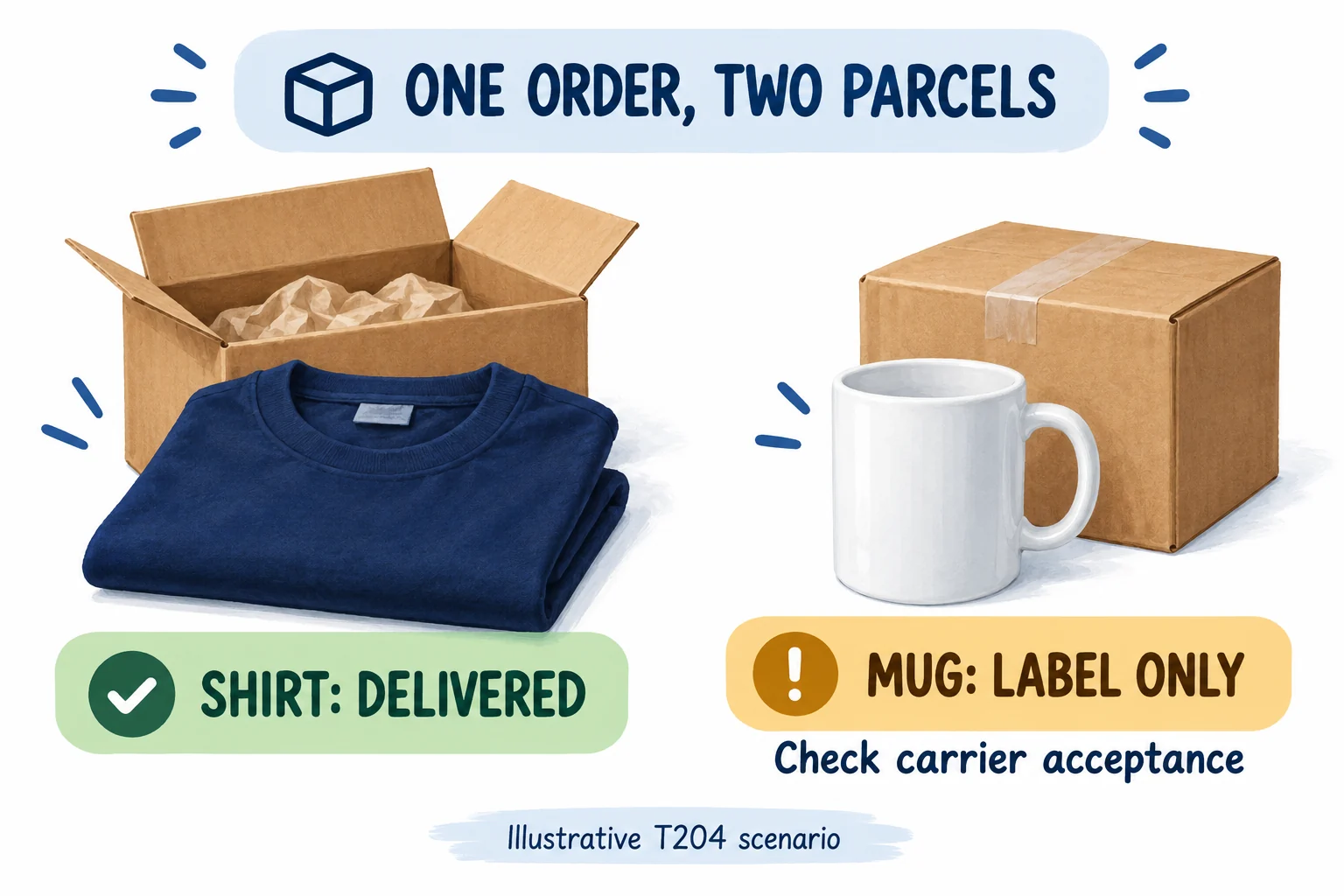
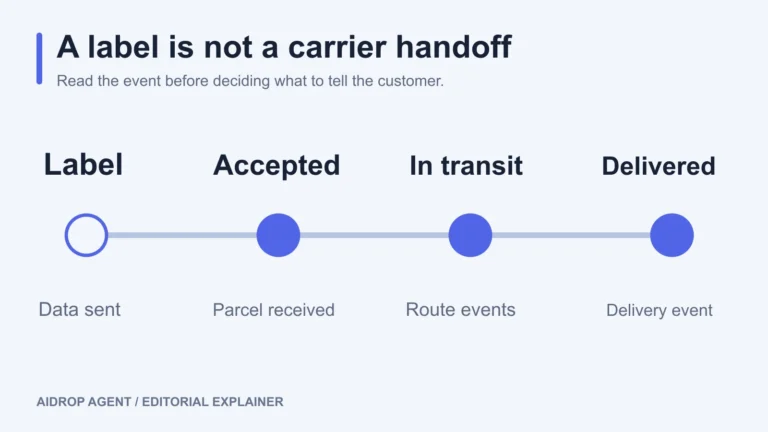
A polished tracking page can still give the wrong answer. In hypothetical order T204, the shirt’s carrier confirms delivery on Friday, while the mug supplier has only created a label. The order is partly delivered. The mug is not in transit until the carrier accepts it.
Keep the delivered shirt separate from the mug
The app passes this test only if it keeps one order ID, two item lists and two tracking numbers together. It should show the shirt as delivered, the mug as awaiting carrier acceptance, and route the unscanned mug to a named support owner. A single green “delivered” badge for the whole order would send the buyer to the wrong conclusion. T204 is a test scenario, not an observed AIDrop result.
Resolve stale app summaries at the source
Use a carrier’s record to resolve an app summary that looks stale or contradictory. An app can combine events from several carriers, but it cannot create a real acceptance scan, correct a wrong supplier number, or recover a parcel unless someone acts on the exception. The branded page earns its place when the buyer can tell which item is where and what happens next.
Exception alerts are useful for a different reason: they can move work before the buyer asks. A carrier reports an address problem; support can request a correction rather than waiting for a complaint. Some tools also let a merchant define a rule such as “no update after a chosen period.” AfterShip’s exception-settings documentation describes carrier-reported, custom and manual exceptions. A rule still needs the right route-specific timing and a person who can act. An alert sitting unread in a dashboard does not recover a parcel.
Save one exception rule and inspect its result
AfterShip’s current exception instructions distinguish carrier-reported, custom and manual flags. Verify access and feature availability in your account.
Choose the problem you can act on
Open Settings → Exception handling. Enable the relevant carrier-reported type, or Add a Custom type. Give it a plain name, enable Automation only for automatic detection, add the supported filter condition and Save. Choose a no-update threshold from your route’s normal scan gaps, rather than treating every quiet parcel as lost.
Inspect before acting
Open the matching shipment and exception task. Confirm its number, latest event, reason and investigator. A rule flag does not notify the buyer or rescue the parcel. AfterShip describes Copilot recommendations as needing someone to review and run them; verify recipients and scope before any real action.
For manual-only types keep Automation off. Save a test record of the expected and actual flag; the T204 mug still needs its own shipper’s handoff evidence.
A branded page is not a delivery promise
A page that uses your logo may feel easier to navigate than a supplier dashboard. That is a design benefit only if it retains the facts a buyer needs: the correct parcel, carrier event, date and a way to get help. Be careful with features that hide origin, carrier or location. Some dropshipping-focused tools offer such controls; 17TRACK’s own guidance warns that hiding keywords can make event sentences incoherent. Do not make a parcel appear locally dispatched if it is not. A clean explanation of the real delivery journey is better than an attractive but deceptive timeline.
Review what customer data the app receives
There is also a privacy and permission cost. An app may need order, shipment and customer contact data to build pages or send messages. Read the permissions and current data-handling terms for the actual app before connecting it. Disable features you will not use. A feature list does not answer who can see customer addresses, what happens to past tracking links if you remove the app, or which party sends a notice when a parcel is delayed.
03
Know the limit: the app does not move the parcel
If the supplier has created a label but has not handed over the box, no tracking app can produce a genuine carrier acceptance scan. If the supplier sends the wrong number, an app may faithfully display the wrong shipment. If the carrier has not scanned during a long transfer, the app may have nothing new to show. It can organize the available information, but it cannot replace the shipper’s dispatch evidence or a carrier investigation.
Plain status wording must stay accurate
This matters most when the app uses a simplified status. “In transit” may cover several distinct events, including a partner handling the parcel before the final carrier receives it. When an order is late, compare the app’s event history with the carrier page, then ask the party responsible for the last confirmed handoff. The tracking guide gives that investigation sequence; installing a second tool does not change the physical chain of responsibility.
Compare timestamps as well as labels
Check event timing as well as event wording. If the carrier has marked a parcel delivered at noon and the app sends an “out for delivery” message in the evening, you have added confusion. Do not write “real-time” into your customer promise merely because a vendor uses that phrase in marketing. Test the update lag on the actual services you use, particularly a cross-border route that changes carriers.
04
Trial four shipments before turning on every notification
You do not need a huge pilot to find basic integration errors. Pick a small sample that contains the situations your store actually faces. If you do not yet have real orders, use the platform and vendor’s permitted test paths, then repeat with the first real shipments before drawing a conclusion. Do not send trial notices to actual buyers by accident.
Ordinary one-parcel order
Does the link open the right shipment and show understandable progress? — Match app event and time to carrier page
Two-parcel order
Are delivered and outstanding items separate? — Confirm two numbers and item mapping
Number with ambiguous or wrong carrier
Does the app send the buyer to the correct operator? — Correct carrier/URL at the source, then see whether it re-syncs
Quiet, delayed or exception route
Does the page avoid a false promise and give a useful next step? — See whether the exception reaches the person who can act
Open each link from the shipping email, order-status page and your store’s tracking page, if you have one. Verify the mobile view as well as desktop. An app can be installed correctly in the admin yet leave an old carrier link in the email the buyer actually receives. AfterShip’s branded-page integration FAQ notes that merchants can keep Shopify’s usual emails while inserting an app page link; redirects and templates need deliberate setup. Do not assume installation automatically changes every customer path.
Avoid two senders for the same event
Choose one owner for each notification event. Shopify already sends order and shipping messages, and its notification settings allow merchants to manage customer emails. If an app also sends a “shipped” email, your buyer may get two messages with different links. During the trial, list the events you actually want communicated—handoff, out for delivery, exception, delivered—and record whether Shopify, the app or your support team sends each one. For an exception, decide who can reply to the customer and who can contact the shipper. Silence may be better than a wrong automated promise.
Reshipments need a new parcel record
Also check what happens when a shipment is replaced or reshipped. The new parcel needs a new record; the old one should not keep announcing progress as if it is the replacement. App-specific automation for reships and refunds may be limited by platform or plan. A vendor feature page is an invitation to test this case, not evidence that it is configured in your store.
05
Decide whether the benefit covers the added work and cost
Use 30 recent orders as a baseline. Record correct buyer links, split parcels, wrong-carrier matches, duplicate notices, tracking questions and staff minutes. Repeat during the trial with a similar mix of routes; the difference is an operating signal, not proof that the app alone caused it.
- Before the app: 12 tracking replies — 60 minutes: 12 × 5 minutes
- During the trial: 4 tracking replies — 20 minutes: 4 × 5 minutes
- Gross difference — 40 minutes: 60 − 20
Subtract recurring work from gross time saved
That 40 minutes is not net savings. Subtract setup, exception review, subscription or SMS charges, and new work caused by wrong statuses. If the trial’s parcels were simpler than the baseline, repeat it before buying. A prettier page is not valuable when it shows the wrong carrier or hides an undelivered item.
For a fictional like-for-like monthly comparison, suppose the app saves those 40 reply minutes but adds 20 minutes of recurring exception review. Net time saved is 20 minutes.
Eight dollars of time value does not cover a twelve-dollar fee
At an assumed labor value of $24 per hour, that is $8. A $12 monthly fee leaves −$4 before setup time or SMS charges.
Time value is not guaranteed cash saved
This prices time, not a guaranteed cash saving. Use your own recurring work and actual plan fee before deciding.
Check allowance, SMS and feature costs
Current plans may count shipments, notifications or feature tiers differently. Read the vendor’s present pricing and data terms for your expected volume rather than copying an old comparison table. The Shopify App Store listing for 17TRACK illustrates that split-order emails, analytics and shipment allowances can sit on different plans; that is a plan description, not a recommendation. For any candidate, ask how it handles your actual carriers, replacement tracking numbers, customer contact permissions and export/removal of data.
Keep the app if it makes the buyer view more accurate or usable, gives support a reliable earlier action, and costs less than the value of the work it saves without creating new confusion. Reconfigure it if one notification or carrier-matching rule is the problem. Skip or remove it if the native link already does the job. Before removal, restore customer email links and check that existing tracking-page URLs will not strand people with open orders.
Keep one page of trial results
Put the native buyer link and the app link side by side. Record the four shipment tests, who sends each notice, the support minutes saved, the current fee and your keep-or-remove decision on one page. For a delayed parcel, your store still needs a human recovery path through the supplier or carrier. The app is a window onto that work, not the party that ships the box.
If the missing piece is dispatch evidence
If a China-side supplier has not confirmed the handoff, send AIDrop Agent the product, order references and actual tracking events for a scoped fulfillment discussion. We can discuss what to verify with the source; this is not a promise to recover a parcel, configure a particular app or produce a scan.
Questions about tracking-app benefits
Do I need an app for one supplier and one carrier?
Try the native buyer link first. If it is correct and understandable, an extra app needs a specific benefit, such as handling split parcels or giving support a useful exception queue, to justify its cost.
Can an app make label-created mean shipped?
No. Ask the shipper for genuine carrier acceptance or handoff evidence. An app can display and organize events; it cannot create a physical scan or move the mug.
Should T204 show delivered after the shirt arrives?
Show the shirt’s delivery separately and the mug’s actual label-only or other current state. Tell the buyer which item is outstanding and who is investigating it instead of using one delivered badge for both.
How do I know the app pays for itself?
Compare like-for-like routes and support tasks, subtract the new recurring work, and include the actual subscription and notification fees. The teaching example gives 20 net minutes worth 8 dollars against a 12-dollar fee; your order mix can differ.
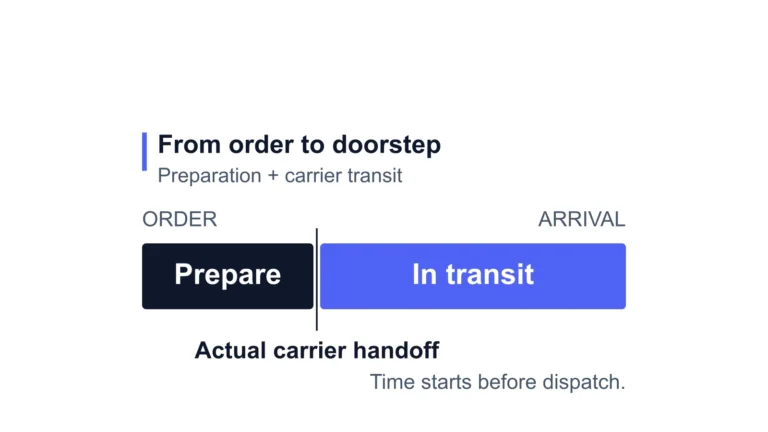
Dropshipping Shipping Times: What to Promise Your Customers
Use product-specific processing and transit estimates to set a delivery promise. Named route examples and a worked
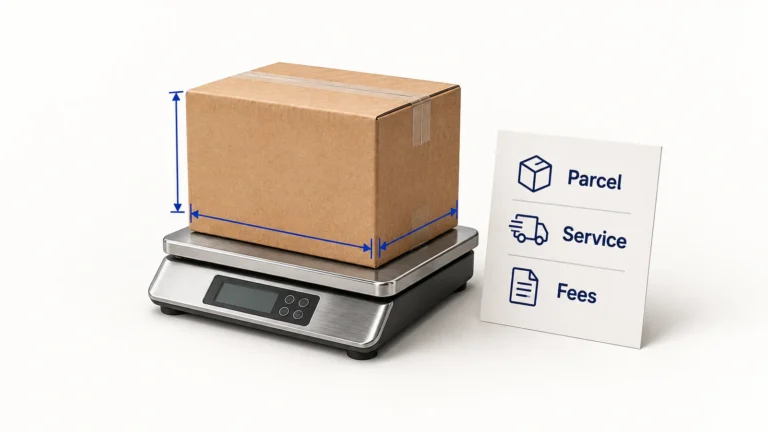
Dropshipping Shipping Costs: Compare the Whole Parcel Quote
Calculate dropshipping shipping costs from packed dimensions, billed weight and fees. Compare a worked parcel quote, import
Dropshipping Tracking: Set It Up and Handle Missing Updates
Set up parcel-level tracking, interpret carrier events, and investigate missing updates without mistaking a shipping label for
