
DSers is a useful catalog and order-management layer for merchants buying from supported supplier platforms, especially AliExpress. Its strongest reason to be on your shortlist is the connection between store variants, supplier variants and bulk orders. Basic can handle a supervised catalog; a paid plan becomes more relevant when automatic stock and price updates are part of your operating requirement.
It does not make every supplier dependable or every imported product profitable. Nor does placing an order through an app mean that the supplier has been paid. Those distinctions matter more than the speed of an import button.
This is a documentation-based review as of September 22, 2026. We read current DSers pricing and help pages, checked its Shopify App Store listing and examined a small visible merchant-review sample. We did not subscribe, place orders or benchmark synchronization speed. The assessment separates documented capability from actual service performance.
01
Where DSers fits
DSers is a reasonable option when you already know which supplier products you want to sell and need to connect them to your store. It is particularly useful when multiple variants make manual ordering error-prone or when copying customer order details has become repetitive.
It is less likely to solve a problem caused by poor product quality, a supplier that repeatedly misses dispatch, or an unsuitable return address. Those are sourcing and fulfillment decisions. A cleaner order feed can expose them, but it cannot repair the underlying service by itself.
DSers’ current materials cover more sourcing routes than AliExpress alone, including 1688, Alibaba and agent arrangements. Do not assume every route has identical payment, mapping or shipping behavior. This review uses the well-documented AliExpress workflow for its detailed order example; confirm the requirements for any other route before moving a catalog.
For a comparison with catalog marketplaces and broader monitoring tools, see our dropshipping automation software guide.
02
Basic, Advanced and Pro: the differences that matter
These are current USD monthly prices from the official DSers plan table, checked on the research date. Supplier purchases, shipping and optional add-ons are separate.
| Plan | Monthly price | Store allowance | Operational distinction |
|---|---|---|---|
| Basic | Free | 3 | Imports and bulk ordering; no automatic store inventory or price updates |
| Advanced | $19.90 | 10 | Adds paid update functions; one sales channel listed |
| Pro | $49.90 | 25 | Three sales channels listed and higher operational allowances |
The table lists supplier-monitoring intervals of 24–36 hours for Basic, 12–24 for Advanced and 6–12 for Pro. These are not guarantees that every store update or parcel event happens on that schedule. Monitoring, store synchronization and tracking are different processes.
Paid plans advertise a 14-day trial. AI text allowances and image add-ons are separate entries, so select a plan for the required workflow rather than assuming “AI included” means unlimited use. Product limits also distinguish imported or mapped records from store capacity; check the specific limit your catalog will consume.
The free plan is most attractive when a person can keep up with the remaining checks. Advanced is easier to justify when paid update functions remove a real recurring task. Pro should solve a demonstrated channel, capacity or feature requirement; a small catalog does not need it simply because it is the higher tier.
03
Mapping is the feature to understand before importing widely
A supplier mapping connects a store variant to the exact item that should be purchased upstream. The photograph and title may help a person recognize the item, but the actual relationship needs to preserve the supplier variant and its attributes.
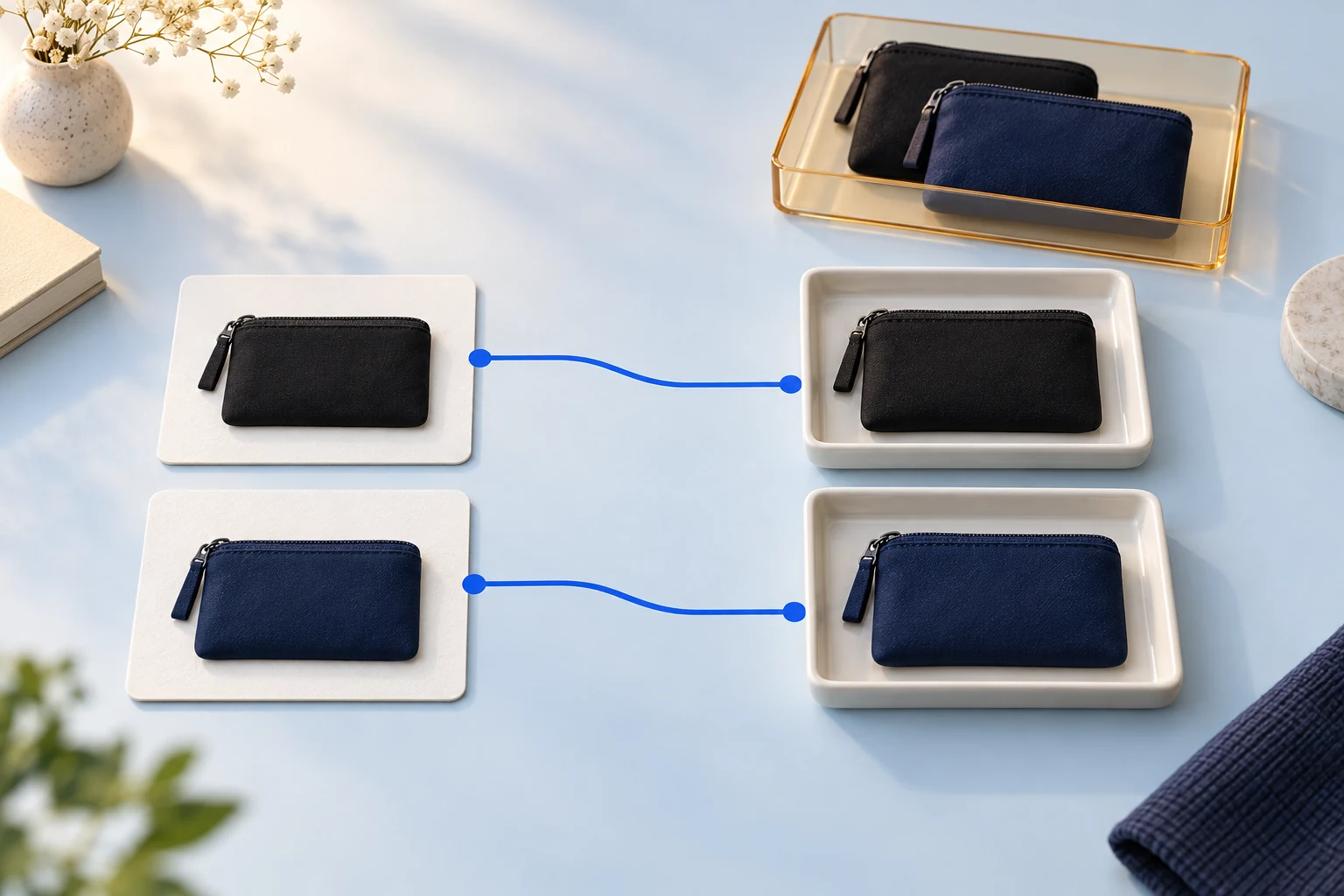
Consider an illustrative store selling cable pouches in black and navy. Supplier A calls the options “01” and “02.” Supplier B uses “Black” and “Blue.” You cannot safely remap “02” to “Blue” from the labels alone; the color and physical product must match the offer your customer bought.
| Store variant | Current supplier record | What must be checked before replacing it |
|---|---|---|
| Pouch / Black / Single | Supplier A, option 01 | Color, dimensions, contents and dispatch route |
| Pouch / Navy / Single | Supplier A, option 02 | Whether Supplier B’s “Blue” is actually the same shade and specification |
| Pouch / Black / Two-pack | Separate supplier pack option | Quantity per pack, not just the same product photograph |
Use a sample and specification to approve the product before relying on a match. A cheaper supplier record is not automatically an interchangeable item.
DSers’ supplier-remapping guide makes an important distinction: changing the product’s default mapping affects eligible orders that have not been placed upstream and future orders. It does not rewrite orders already placed on AliExpress, including orders awaiting payment or shipment.
Suppose order 1042 is still waiting to be placed, while 1043 already exists as an unpaid AliExpress order. Changing the default supplier can change the route for 1042. It does not change the supplier on 1043. Resolve the existing upstream order separately before creating a replacement, or you risk two purchases for one customer.
A supplier change is a product and order-state decision, not just a new URL. Record which open orders use the old supplier before saving a new mapping.
04
Paid inventory automation still needs configuration
DSers’ inventory-update documentation describes separate responses for an unavailable product, an unavailable variant, lost mapping and a positive quantity change. The documented defaults are “Do nothing.” Paying for the feature does not establish that your chosen response is active.
For an unavailable variant, setting quantity to zero is often easier to reverse than removing the variant. That is an operational preference, not a claim that one option suits every store. Confirm how your storefront behaves and how connected apps use the variant identifier.
The same help page says the described updates do not apply to multi-supplier products such as Advanced Mapping. It also identifies supported Shopify inventory locations. These conditions can explain why a feature exists on the plan while a particular product does not update as expected.
Before advertising a product heavily, inspect the source quantity, mapped variant, store location and configured response together. Keep a record of the latest successful update. If the feed is stale and the supplier cannot confirm stock, pausing the affected offer is safer than treating the last recorded number as a reservation.
Our inventory-management guide explains how shared supplier availability differs from stock allocated to your orders.
05
Price rules need a contribution target
Automatic repricing is useful when a supplier changes costs frequently, but a markup rule must reflect the offer you actually sell. Shipping, payment charges, discounts and acquisition costs can consume the gap between product cost and retail price.
DSers’ price-update guide says the documented feature is paid, applies to Basic Mapping and the main supplier, and requires pricing rules to be active. It also allows responses to cost increases or decreases. Read those conditions before expecting every mapped product to change automatically.
For an illustrative item selling at $30, suppose product cost is $10, shipping $5, payment $1.20, acquisition $7 and expected service losses $1. The contribution is $5.80 before fixed costs. A $2 supplier increase reduces it to $3.80 if the selling price stays unchanged.
You might accept that margin, raise the price or stop the offer. The app cannot decide which response your customers and economics support. Set the minimum contribution you will accept, then choose an update or review rule that respects it. Do not confuse a percentage markup with a profit margin.
06
Follow the payment boundary in the AliExpress workflow
The current fulfillment guide describes two distinct actions: create the supplier order in DSers, then pay on AliExpress. A customer-paid store order first appears for ordering; selecting the shipping option and placing it creates an unpaid upstream order. Payment is completed through the connected AliExpress account.
That means the store’s customer payment and the supplier’s receipt of funds are different events. Keep enough funding available to cover the supplier order even when your store payout has not arrived.
After supplier shipment, tracking can synchronize back through the connection. If tracking is present upstream but absent in DSers, the guide documents a manual synchronization option. If the supplier has not dispatched, forcing a sync cannot create a real carrier handover.
Use separate working lists for orders not yet placed, orders awaiting supplier payment and paid orders awaiting shipment. A single “unfulfilled” list hides which action is needed next.
| Problem | First useful check | Avoid |
|---|---|---|
| Order missing from the AliExpress unpaid list | Confirm the connected purchasing account and upstream order reference | Recreating the order before establishing whether it exists |
| Supplier variant unavailable | Check actual mapping and approved replacement specification | Substituting the nearest-looking option |
| Tracking missing in store | Compare upstream shipment evidence with the integration record | Promising dispatch from an app status alone |
| Customer cancellation after supplier payment | Establish the upstream cancellation result | Assuming a store refund automatically stops shipment |
The automated fulfillment guide covers how to hold an uncertain order and resume it without duplicating the purchase.
07
When a paid plan can justify its price
Use the work you expect to remove. Suppose a small store spends 12 minutes a day on stock and price checks across 20 operating days. That is four hours per month. At an assumed $20 hourly cost, the work is worth $80.
If a paid setup reduces that work to one hour of exception review, it saves $60 in labor. Subtracting the $19.90 Advanced subscription leaves a modeled $40.10 monthly benefit before setup time or additional charges.
This is a hypothetical decision model, not measured DSers performance. If the mapping type does not support the intended automatic updates, or the checks still take four hours, the expected benefit does not exist. Verify the actual workflow during the trial instead of treating the calculation as a promise.
The same reasoning explains when Basic is enough: if your catalog is small and the paid function removes little work, keeping the free plan can be rational. Order volume alone is not the only variable; frequent supplier changes may matter more.
08
What customer reports suggest checking
The visible Shopify App Store sample showed both praise and friction. A September 8, 2026 merchant with four months of use praised mapping and support. A September 2 merchant with about one month of use described the ordering process as confusing while praising the support assistance. An August 30 Australian merchant appreciated help but still did not find a suitable supplier for that product and destination. These are individual reports from the App Store listing.
The useful lesson is specific: support can help someone navigate a workflow without eliminating its complexity or guaranteeing a supplier match. Test the whole order path and destination before judging the app from importing alone.
This small visible sample is not a representative satisfaction study, and it does not establish failure rates. We did not independently reproduce the reported situations. Actual support response time, shipment quality and synchronization reliability remain unmeasured in this review.
09
Alternatives and an orderly exit
AutoDS is relevant when broader supplier monitoring and its ordering arrangements fit the store better; compare the exact tier and add-ons. Syncee and Spocket are more relevant when the purchase includes discovering a different supplier catalog. A sourcing or fulfillment partner may be more useful when the unresolved work is inspection, packaging or supplier coordination rather than copying order data.
Avoid changing software and suppliers simultaneously across the entire store. Keep the successful product relationships, establish the replacement’s mappings and decide which application owns each new order. Preserve existing supplier references and tracking until all older orders are reconciled.
For the subscription itself, DSers’ cancellation guide directs users to change the plan to Basic and warns that uninstalling alone does not cancel the subscription. It also says changing a plan ends a trial immediately.
There is an official-documentation conflict on annual refunds: that guide discusses fully unused annual months, while the billing and refunds page says subscription refunds are generally not offered. Do not buy an annual plan assuming a guaranteed prorated exit. Ask support to confirm the terms for your billing route in writing before committing.
Our assessment: DSers is strongest when the supplier relationship is already viable and mapping or order administration is the problem to solve. Start with the smallest plan that performs the required task, demonstrate its behavior on your actual products, and keep supplier payment and shipment evidence visible.
10
Frequently asked questions
Is DSers free?
Basic is a free plan with importing and bulk-order functions. Automatic store inventory and price updates are paid features. Supplier products and shipping are not included in any software subscription.
Does DSers automatically pay AliExpress orders?
The documented standard workflow reviewed here creates the supplier order in DSers and completes payment on AliExpress. Do not infer automatic payment from automatic order synchronization; verify any separate payment arrangement before enabling it.
Does DSers control shipping speed?
It can help transfer orders and tracking information. The selected supplier, dispatch process and carrier determine physical movement. Synchronizing a tracking number faster does not make an unshipped parcel leave the warehouse.
Can I change suppliers without losing the store product?
Mapping can change the upstream supplier relationship. Verify every variant and distinguish orders not yet placed from existing supplier orders. A mapping change does not automatically cancel or rewrite a purchase already made upstream.
