
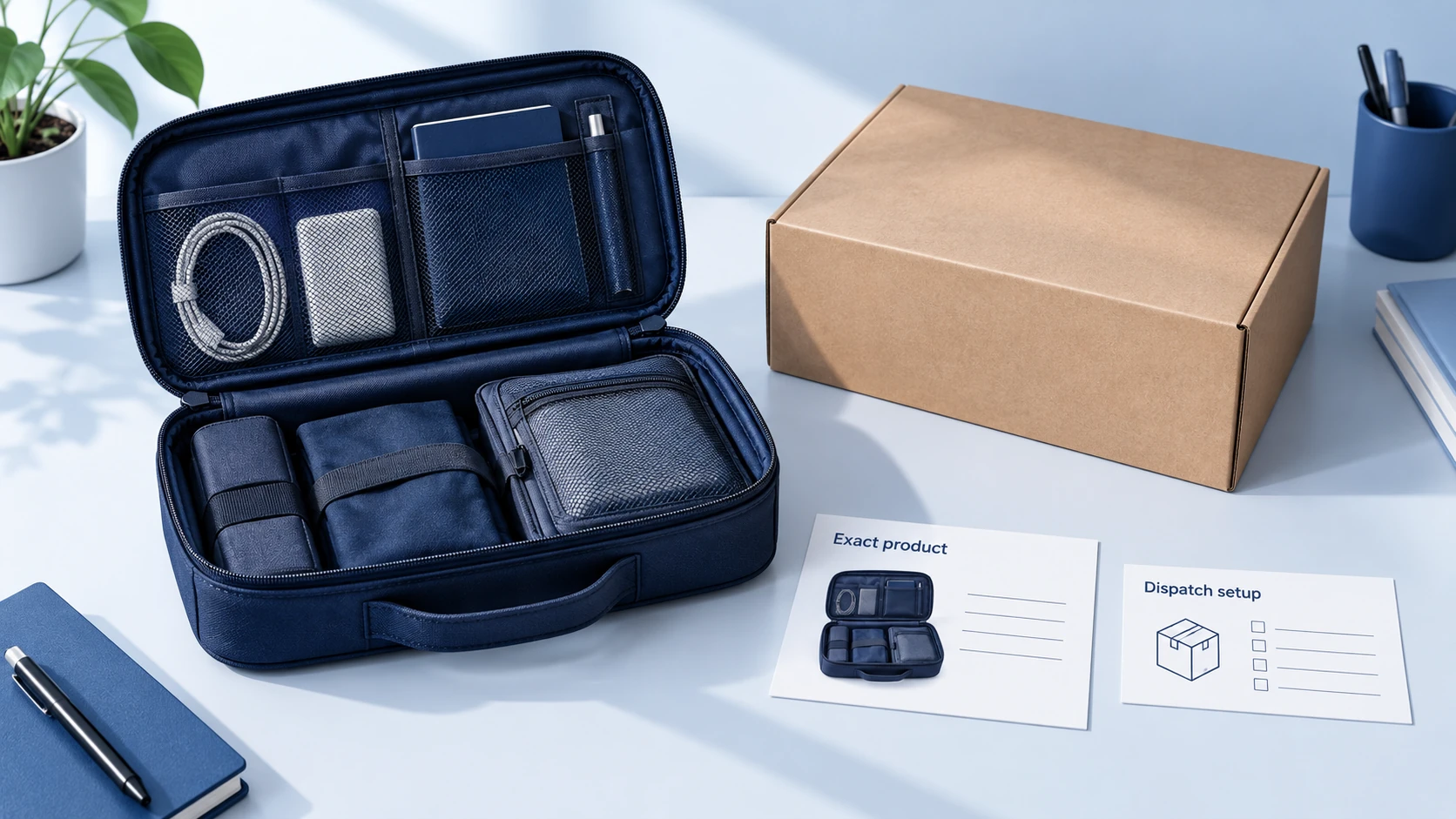
To start dropshipping on TikTok Shop, confirm that you can open the intended US seller account, arrange compliant inventory and fulfillment, then set up the shop, list a verified product and begin selling through product content. Your first objective is a complete, manageable order process for a small selection of goods.
For US local sellers, inventory ownership and the shipping arrangement come before the product launch. TikTok allows third-party fulfillment when the seller owns the inventory and prohibits purchasing from another retailer for direct shipment to the customer. Review the US third-party fulfillment and packaging requirements with your prospective provider.
The steps below cover a US local shop. If you are applying through a cross-border program, follow that program’s onboarding and fulfillment requirements. The broader TikTok Shop dropshipping guide explains the business model and its costs.
01
Confirm the account you can register
Open the US Seller Center through the official TikTok Shop site and review the current requirements for your actual seller type. An individual, sole proprietor and incorporated business may have different verification inputs. Use your own accurate identity and business information.
Prepare the requested contact details, identity or company records, tax information and payout information before submitting. Check that the name and address match the documents. TikTok’s Seller Center setup guide describes the registration, verification and banking sequence.
If verification fails, identify the rejected field or document and correct the real mismatch. Repeatedly submitting inconsistent information will not establish eligibility. Keep personal documents inside the official process rather than sending them to a supplier offering to “activate” your account.
At the end of this step, you should know which seller account you are applying for and what verification remains outstanding. Do not treat a registration submission as approval to sell.
02
Select a small product range and arrange stock
Choose products around one customer need. For example, a small range of travel organizers gives you related dimensions, use cases and demonstrations to understand. A random assortment of beauty, electronics and children’s products creates very different product and compliance questions immediately.
Request the exact supplier SKU, current stock location, ownership terms and dispatch process. Confirm how units are allocated to you and what happens when availability changes. The provider should be able to explain which warehouse will fulfill the actual TikTok order and which shipping service it can use.
Order a sample before making product claims. Check the dimensions, contents, material and intended use against the proposed listing. Photograph the actual variant. Request any category-specific documents and brand authorization that the product requires; pause that listing if essential evidence is missing.
Keep a simple product record with the approved specification, supplier SKU and photos. The product research guide can help turn a loose idea into details a supplier can quote and fulfill.
03
Configure pickup, returns and shipping together
Obtain the provider’s current pickup and return instructions. A fulfillment address and a return address may be different places. Confirm the contact who will receive parcels at each location and use only addresses you are authorized to use.
Check the shipping services actually available in your shop. Seller Shipping is not available to every account. TikTok Shipping requires a compatible domestic warehouse and label process; FBT involves sending eligible stock into TikTok’s fulfillment operation. The official logistics overview describes the differences.
Ask the warehouse to confirm the assigned service in writing before switching on automatic fulfillment. If it cannot use that service, resolve the configuration or select a compatible provider. Changing a tracking number later does not repair a parcel sent through the wrong process.
Measure the packed product, including its box or mailer and accessories. Save those dimensions and weight in the correct fields. A shipping estimate based on a bare item can understate the charge for the actual parcel.
Complete the return route now. Know who logs incoming returns, how you obtain condition evidence and how quickly they can respond. Your customer-service process must continue even if a supplier has not yet approved reimbursement.
04
Set the price and a spending limit
Write down the product cost, inbound allocation where applicable, packing, outbound shipping, platform charges and expected acquisition cost. Include an allowance for refunds and other losses. Use the applicable category rate and seller terms instead of assuming every order has the same platform charge.
Then decide how much cash you can commit to stock, samples and content before receiving sales proceeds. Treat this as a budget, not a prediction of how much the shop will earn. The margin guide helps separate product markup from the amount left after order costs.
A useful launch rule is to decide in advance what result would justify another stock purchase. It might require enough genuine delivered orders to inspect dispatch performance, customer questions and early returns. The appropriate sample size depends on the product and risk; there is no universal number of orders that proves a product will succeed.
05
Build and check the first listing
Add the correct category and the exact item you sampled. Explain the use, dimensions, materials, included parts and relevant limitations. Keep the title readable, and make sure the selected images correspond to the variants offered.
When you connect a supplier app or import a catalog, compare the imported data with your approved product record. Pay particular attention to bundle quantity, size units, variant names and claims. Remove promises you cannot substantiate.
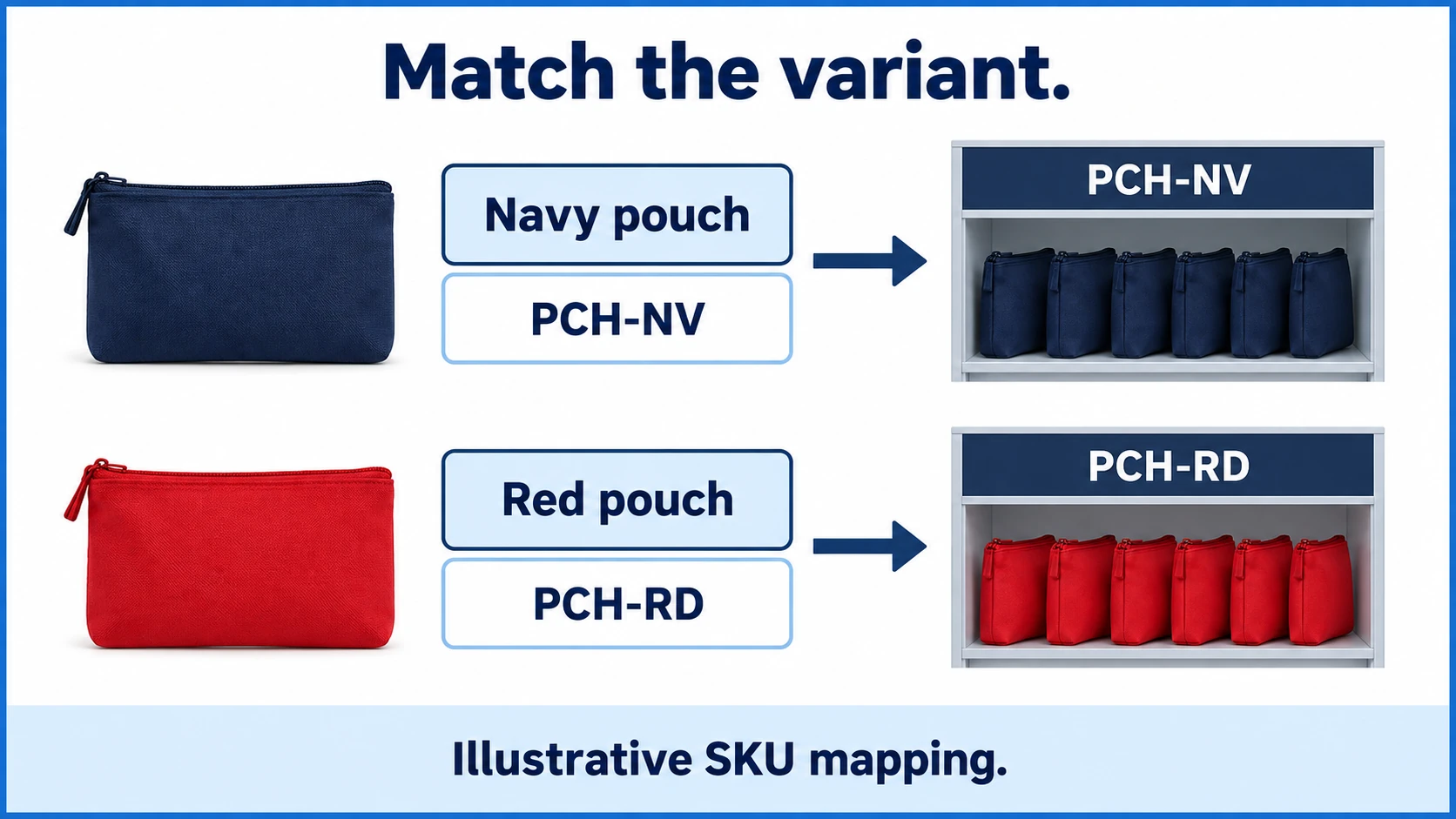
Map variants explicitly. This illustrative example uses two colors of the same pouch:
| Shop variant | Supplier SKU | Stock to allocate |
|---|---|---|
| Navy pouch | PCH-NV | Approved navy units at the configured warehouse |
| Red pouch | PCH-RD | Approved red units at the configured warehouse |
The color name is only a description; the mapped SKU is what directs fulfillment. If a supplier changes a code, review the mapping before more orders are released. A product connection that works for navy does not prove that red is connected correctly.
Check the buyer-facing listing after it is approved and visible. Verify the displayed price, variant selection, delivery information and contents. An administrative “saved” message alone does not confirm what a customer sees.
06
Connect the order flow without creating duplicate work
Choose one responsible route for each order. If TikTok sends an order directly to a provider and another system also forwards it through your store, two records could reach the warehouse. Decide which system releases fulfillment and which systems only observe it.
Check the integration’s current setup instructions. TikTok’s shipping integration guide explains the platform-label process and lists compatible integration providers. A name on that list does not mean every configuration is ready without setup.
Before taking orders, inspect these relationships in the software:
- The correct shop and warehouse are connected.
- Each active variant maps to its intended product and sellable stock.
- The provider receives the shipping method assigned to the order.
- An order reference can be matched across the shop and provider records.
- A failed import, unavailable item or uncertain fulfillment result is visible to a person.
Use any legitimate sandbox or preview function the provider supplies. Do not create fake customer orders, reviews or sales to manufacture activity. A configuration check can confirm fields and connections; only genuine order execution will show the real pickup and delivery behavior.
07
Publish product content that matches the listing
Link the appropriate official account and complete the requirements for the functions you intend to use. TikTok’s creator policy separates official accounts from affiliate creators. A follower threshold quoted for affiliates should not be treated as the seller-account registration rule.
Make the first demonstrations with the product you inspected. Show what arrives, how it is used and one relevant limitation. If the product is a travel pouch, show the objects it holds and the available space; avoid implying that every large charger or bottle will fit.
Use questions from viewers to improve the next demonstration and the listing. If you engage creators, supply the correct sample and verified product details, and agree on compensation, rights and required disclosures. Keep advertising or sample spending inside the budget already set.
08
Follow genuine orders through delivery
When the first real orders arrive, compare the shop record with the supplier’s accepted order. Confirm variant, quantity, warehouse and release state. If the provider cannot find the order, check the integration result before creating a replacement manually.
Follow the parcel beyond label creation. Record whether the carrier has actually received it and whether Seller Center shows the expected progress. Use the deadline on the order and the applicable handling rules. A warehouse saying “processed” may refer to packing rather than pickup.
| What you observe | What to investigate |
|---|---|
| Paid order missing at the provider | Connection, import error and variant mapping |
| Order exists but has not been released | Payment, stock allocation or an approval hold |
| Label exists without carrier movement | Packing completion, handover evidence and pickup scan |
| Customer receives the wrong item | Order mapping, picking record and product identity |
These are investigation prompts, not diagnoses. Preserve the order history and contact the responsible party. If fulfillment is impossible, use the shop’s cancellation process promptly rather than marking an unshipped order as dispatched.
09
Review the first selling period before expanding
Look at completed delivery and after-sales results alongside sales. Check whether the exact variants remained available, whether charges matched the assumptions and which questions repeatedly reached support. Update the offer when the evidence shows a misunderstanding; fix the supplier process when it shows a fulfillment error.
Keep watching return requests after the initial sales period. TikTok’s returns requirements use different rules for product and request types. Assign someone to monitor the live deadlines and obtain evidence from the return receiver.
Increase stock or promotion when the existing operation can support it. If a supplier cannot explain missing scans or variant substitutions, resolve those failures before sending it more orders. The first launch should give you a workable routine as well as information about demand.
10
Frequently asked questions
Can I use a supplier’s warehouse address?
Use the actual approved fulfillment location with the provider’s permission and correct setup instructions. A borrowed address does not establish inventory, eligibility or compatibility with the selected shipping service.
Do I need Shopify to start?
No. You can create a shop and add products through Seller Center. An existing Shopify store can be part of the operation, but its product, stock and order synchronization must be configured correctly.
Can I copy the supplier’s product photos?
Obtain permission to use them and verify that they show the exact goods offered. Take your own sample photos where they make dimensions, contents or limitations clearer. Do not copy another seller’s video or customer review.
How soon should I run paid promotion?
Start when your listing is accurate, stock and fulfillment are ready, and you have a defined budget and a way to monitor orders. There is no fixed waiting period that makes an untested order process reliable.
