
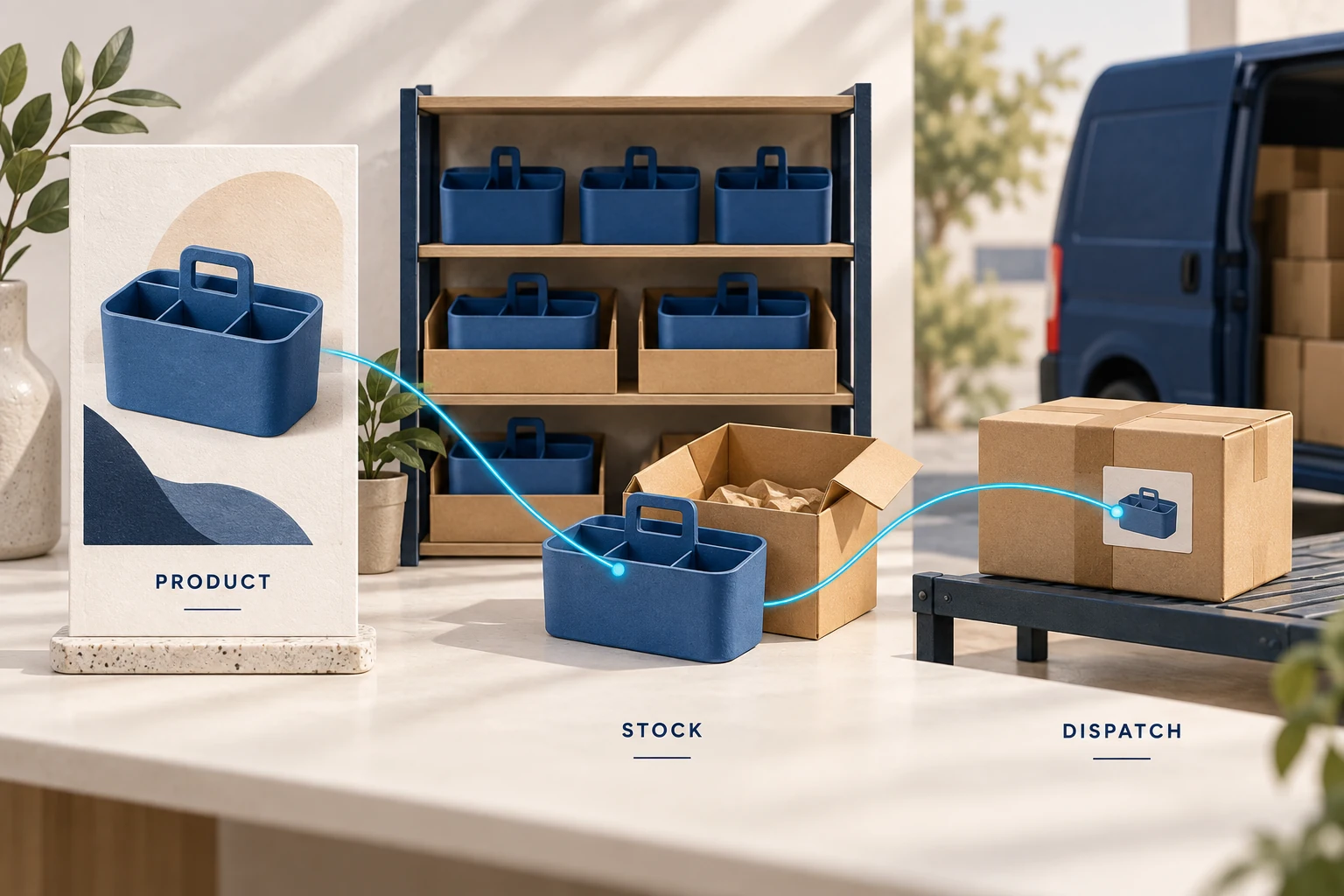
CJ can connect products and fulfillment to TikTok Shop, but connecting the app is only the first part of the setup. For a US local shop, you need the matching CJ integration, sellable US warehouse stock, correct variant and warehouse connections, and a shipping route available to that shop. Then an order must reach CJ, be paid for and reach the carrier before its deadline.
This guide focuses on TikTok Shop US Local and the current CJ workflow, checked September 21, 2026. A UK shop, another local market or a US cross-border account may have different authorization and logistics requirements. For the broader business decisions before choosing an integration, start with our TikTok Shop dropshipping guide.
01
Choose the shipping arrangement before importing products
Open the shipping options available in your own Seller Center. TikTok’s US documentation distinguishes TikTok Shipping, Fulfilled by TikTok and Seller Shipping, with Seller Shipping available only to eligible sellers. These names describe different responsibilities; they are not interchangeable settings. TikTok logistics overview.
| Arrangement | Where the parcel is prepared | What it means for a CJ setup |
|---|---|---|
| TikTok Shipping | Your warehouse or a third-party warehouse | CJ needs the correct order, stock and platform shipping label; TikTok’s shipping service handles the supported last-mile route |
| Fulfilled by TikTok | TikTok’s fulfillment network | Inventory must enter that network under its requirements; connecting CJ does not turn CJ-held stock into FBT inventory |
| Seller Shipping, where eligible | Your warehouse or a third party | The carrier, tracking and service must satisfy the rules for the shop and order; availability cannot be assumed |
If the business plan is “buy in China after the video goes viral,” settle the US inventory question now. CJ’s US-local connection guidance requires US warehouse stock for this route. A product appearing in CJ’s global catalog is not proof that the particular color or size is ready in the warehouse serving your shop.
For example, a black kitchen organizer may have US stock while the white version is available only in China. Importing both variants under the same delivery promise creates a problem the integration cannot solve. Start with the variant that can actually follow the promised route.
02
Connect the US-local app to the right shop
CJ’s current connection instructions begin in Apps → Install App, where you select TikTok Shop US Local. Install that integration, open its entry in Apps and start adding your store. Complete TikTok’s authorization using the account permitted to manage that shop, then return to CJ and confirm the store shows an activated connection. CJ’s US-local connection guide.
Before leaving authorization, compare the shop name and market with Seller Center. This matters when an operator manages several shops: a successful authorization to the wrong shop can still look like a successful installation.
Keep the connection under an account your business controls. When a staff member leaves or permissions change, recheck the integration rather than assuming product and order access will continue. Do not pass account passwords to someone offering to “activate” an unsupported market.
If the US-local app is unavailable, stop at that mismatch. Confirm the actual account type and market with CJ and TikTok support. Selecting a different country to force authorization can leave the warehouse, product eligibility and shipping arrangement inconsistent with the real business.
03
Map each variant and its dispatch warehouse
There are two product tasks. List creates a TikTok listing from a CJ product. Connect links an existing shop product to the CJ product that should supply it. Use the second route when the listing already exists; creating another listing does not repair the original listing’s fulfillment connection.
CJ’s product-connection documentation describes the relationship at both product and variant level. A shop’s blue, medium item must point to the corresponding CJ variant, not just to the parent product containing several colors and sizes. CJ product connection documentation.
Write down the small set of identifiers needed to trace an order:
| TikTok side | CJ side | What must agree |
|---|---|---|
| Shop and product | Authorized store and connected product | The order belongs to this shop and this offer |
| Variant or seller SKU | CJ variant or SKU | Color, size, material and pack quantity |
| Dispatch warehouse | Corresponding CJ warehouse | The parcel can leave from the location assigned to the order |
| Available quantity | Inventory available for that variant and location | Units are genuinely available after commitments and any operating buffer |
For warehouse setup, use the current warehouse details CJ provides for your route, then create or select the matching warehouse in TikTok Shop. Connect it in CJ’s inventory-sync settings. Do not copy an address from an old tutorial: a plausible US address is not enough to establish that your stock will ship from it.
Treat stock as an allocation decision. Suppose 10 units are physically available, four are already committed to other orders and you retain two against reconciliation delays. That leaves four units to offer under that assumption. Publishing “10 available” to multiple channels independently can promise more stock than exists. This example explains the operating quantity; it does not claim CJ exposes a configurable buffer in every connection.
Check what the active inventory-sync setting actually publishes and which system owns updates. A manual quantity edit may be overwritten on the next sync. Our inventory management guide explains how to reconcile commitments across channels.
For custom integrations, CJ’s API can reject a connection when the applicable US variant has no available stock. The documented override bypasses that connection check; it does not create sellable inventory. Keep an out-of-stock variant unavailable until the fulfillment arrangement is real.
04
Publish a listing that matches the supplied item
For a new product, CJ’s current listing guidance uses the product’s List action, then Custom Editing, store selection, the TikTok category and pricing for each variant. Read the submission result rather than treating a click on List as confirmation that the product is live. CJ also states that Template Listing is not supported for US Local or US Cross-border shops in that workflow. CJ product listing guide.
After submission, inspect the listing in TikTok’s product management area. The buyer-facing item needs the right category, variant quantities and prices, accurate product information, and any required brand authorization or product documentation. Shipping dimensions should describe the packed parcel. TikTok’s product listing instructions.
A supplier photograph of a three-piece set can cause expensive confusion if the connected SKU supplies one piece. Likewise, a carton’s dimensions are inappropriate for a single-unit parcel. Correct those differences before asking a creator to demonstrate the product.
Approve a sample of the supplied variant and packaging when evaluating the product. A successful listing import confirms data transfer; it provides no evidence about seam strength, battery performance or the contents of a sealed package. Use the relevant product quality checks for that physical question.
05
Configure platform logistics without assuming every carrier is available
CJ’s platform-logistics instructions place per-store configuration under Authorization → TikTok Shop US → Store List → Action → Logistics Type Settings. That workflow also covers warehouse connection and switching the shop to the applicable TikTok Shipping arrangement. CJ platform-logistics setup.
The carrier restriction is easy to misunderstand. CJ describes eligible choices as the overlap between what TikTok offers for the order, what the merchant allows and what the warehouse supports. A preferred carrier outside that overlap cannot fulfill the order through that configuration.
As a simple example, suppose the order permits carriers A and B, the warehouse supports B and C, and the merchant permits A and B. Only B remains. If the merchant instead allows only A, nothing remains. Adding C to the merchant’s preferences would not help because the order does not permit C.
There is a further limit in TikTok’s updated US shipping instructions: the upgraded service assigns the carrier automatically. CJ preferences cannot override that assignment or make an unavailable service eligible. Where an order has a fixed assigned service, work with that service rather than treating CJ’s preference controls as a promise of free carrier selection. TikTok Shipping instructions.
The same instructions tie the order to its designated dispatch warehouse. Do not reroute the physical parcel to a different warehouse while retaining a label generated for the original route. Resolve the warehouse or label problem through the supported workflow before dispatch.
This is why an old tutorial recommending one named carrier for every CJ order can be misleading. Read the order’s actual assignment, warehouse and active shipping configuration together.
06
Follow payment through to a real handoff
An order paid by the TikTok customer still needs its CJ fulfillment costs settled. Confirm the product, quantity, shipping arrangement and charge in CJ before release. CJ’s platform-logistics guide describes platform-label purchase after payment in its workflow; it does not mean customer checkout funds have automatically paid every supplier expense.
Keep the original shop order reference attached to the CJ order. If synchronization or payment appears to time out, look for that existing reference and payment result before creating another order. Otherwise a delayed response can turn one customer purchase into two supplier purchases.
The meaningful sequence is:
- The customer order appears in the correct shop and reaches CJ.
- Every line matches the intended stocked variant and dispatch location.
- CJ payment and fulfillment release are confirmed once.
- The correct platform label accompanies the correct parcel.
- The carrier receives the parcel and the order gains the required dispatch evidence.
A label is not proof that the carrier has the package. For regular US orders, TikTok’s fulfillment policy sets a two-business-day dispatch requirement, a five-business-day tracking/collection threshold associated with automatic cancellation, and a six-business-day delivery requirement. Custom handling and other supported order types have different rules; use the deadline shown for the actual order. TikTok Fulfillment Policy.
Monitor the interval between label creation and handoff. TikTok’s shipping requirements also warn against generating labels long before parcels are ready, and recognize qualifying scan or manifest evidence only under the applicable rules. Do not manufacture a shipping event to make an order appear on time. Customer order shipping requirements.
Keep cash available for supplier fulfillment while waiting for platform settlement. The amount depends on daily order volume, the charge per order and the gap between paying CJ and receiving usable payouts. Prepaid stock adds a separate funding requirement.
07
Fix the failed stage before retrying the order
| What you see | Likely area to investigate | Response before retrying |
|---|---|---|
| Store authorization is inactive | Expired access, wrong account or market | Reauthorize the intended shop and verify its identity |
| Product appears in TikTok but the order line is unconnected | Existing listing or variant mapping | Connect the exact variant; do not create a duplicate listing |
| No quantity is available | Variant, warehouse or stock allocation | Check that location’s sellable quantity; pause the offer if supply is unavailable |
| No usable shipping service | Assigned route, merchant restriction or warehouse support | Compare the actual order and warehouse settings; do not substitute an unrelated label |
| Customer paid, CJ order remains unpaid | Separate supplier payment | Confirm the existing payment result and pay once if still required |
| Label exists but there is no handoff evidence | Warehouse release or carrier collection | Obtain the real parcel status and act before the order deadline |
| Customer cancels after release | Cancellation arrived after fulfillment started | Check CJ’s physical progress before assuming dispatch can still be stopped |
When an order is missing, first search the existing CJ records by its TikTok reference. Then inspect authorization and product connections. A manual replacement may be necessary in a supported recovery workflow, but it should not be the first response to every delayed sync.
For returns, confirm where the customer should send the item and who receives and inspects it. The dispatch warehouse does not automatically prove an agreed return service. Keep the customer refund decision separate from any supplier reimbursement request; our returns guide covers that handoff.
Before expanding the catalog, follow an authorized order through the full route and reconcile the actual charge, item and tracking. This is a launch check to perform, not a claim that the integration has been tested in your account. A green connection status is useful; a correctly supplied and traceable order is the stronger evidence.
08
Frequently asked questions
Can CJ dropship directly from China to a US-local TikTok shop customer?
Do not base this US-local workflow on that assumption. CJ’s US-local guidance requires US warehouse stock for the route described here. Confirm the applicable market, account and shipping rules before considering a different arrangement.
Does CJ handle Fulfilled by TikTok orders automatically?
CJ warehousing with TikTok Shipping and Fulfilled by TikTok are different arrangements. FBT requires inventory and operations within TikTok’s fulfillment program. An ordinary CJ app connection does not establish that setup.
Why does my preferred carrier disappear?
The order, warehouse and merchant settings can restrict the available route, and TikTok’s upgraded shipping service may assign the carrier automatically. A preference cannot override an order’s fixed assignment.
Can I connect an existing TikTok product?
Yes, use the product-connection workflow and match every variant to the intended CJ SKU. Creating a new listing is a separate action and will not automatically repair an existing product’s order mapping.
Is an imported CJ order ready to ship?
Not necessarily. Check variant mapping, stock, payment, the assigned warehouse and the label. Then confirm actual handoff evidence; an imported order or generated tracking number alone does not show that the carrier received it.
