
To dropship on eBay, establish a suitable wholesale source, register as a seller, research and cost a specific product, create an accurate listing, and arrange how the supplier will fulfill each order. Start with a small offer that you can monitor through delivery and returns before increasing the catalog.
This workflow assumes a wholesale arrangement that meets eBay’s sourcing policy. Resolve the source before configuring software.
The broader eBay dropshipping overview explains the business and its costs. Here, the goal is to get one accurate, serviceable offer from preparation to its first completed orders.
01
Register with information you can verify
Create or configure the seller account using the identity and business details that apply to you. Follow eBay’s registration guidance for the relevant market. The process checks seller and payout information; do not borrow another business’s details to bypass an unresolved registration issue.
Check that your payout setup is complete and understand when proceeds become available. You may need to pay a supplier before money reaches your bank. Keep funds for the intended trial and potential customer resolutions separately from money needed for essential bills.
Review the selling limits shown in your account. Plan the first assortment within those limits rather than importing a catalog and discovering that the account cannot support it. Requests to increase limits should use accurate business information and the applicable account process.
Before continuing, you should know which account will sell, which business receives payment and who will handle daily customer messages.
02
Choose one product and confirm the exact source
Select a product whose specification you can explain. Record the variant, pack quantity, dimensions, materials and included accessories. Compare relevant sold and active offers, making sure the products and buyer market actually match.
Ask the wholesale source to confirm that it can supply that item and dispatch individual orders under your arrangement. Establish the location, stock-update method, handling process and return route. Resolve a missing product or commercial detail before creating the offer.
Order a sample to an address you control. This is a supplier test, not a reason to create misleading marketplace purchases or reviews. Use the sample approval process to keep the accepted version identifiable.
If the sample differs from the intended listing, either obtain the correct item or revise the offer honestly. Do not approve one version and assume the warehouse will automatically understand a different photograph or variant name.
03
Build the price from the delivered order
Obtain a quote for the actual packed item and destination. Include product, handling, packaging and shipping, along with any additional charges that may apply. Ask how long the quote is valid and what changes the total.
Then add the selling costs applicable to your eBay market, category and account. Check the current fee schedule; avoid using a generic percentage from an older tutorial. Include any advertising you choose and a reasoned allowance for exceptions.
Set a minimum acceptable result before publishing. If the viable selling price exceeds comparable offers, explain what additional value the customer receives. If there is no convincing answer, change the product or source rather than ignoring a cost to make the spreadsheet work.
Keep the quote, fee assumptions and price calculation together. When the supplier changes price or packed weight, you can decide whether to revise or pause the listing before another order arrives.
04
Configure policies from the service you can deliver
eBay’s business policies let sellers organize payment, shipping and return preferences for listings. Use the policies available for the marketplace on which you are listing; regional shipping choices differ.
For shipping, check the dispatch origin, handling time, carrier service, destinations and any exclusions. Ask the supplier about weekends and cutoffs before setting a short handling promise. The time needed to procure an item is not automatically included in a carrier’s transit estimate.
For returns, establish a usable address and the person who will accept and inspect goods. Your supplier’s reimbursement process should support your customer obligations, but it does not replace them.
Review the finished combination as a buyer would: product price, shipping charge, expected arrival and return information. A policy template can be internally consistent while still describing a service your supplier cannot perform.
05
Create the listing and check the mapping
Use an accurate title, category and item specifics. Describe the exact quantity and condition. Use original or authorized images and remove claims that you cannot support about materials, compatibility or performance.
Confirm the item location reflects where the product will actually ship from. Your office address and the supplier’s headquarters are not substitutes for the relevant dispatch location. If you cannot establish the origin, resolve it before publishing.
Pay particular attention to variant mapping. A supplier may call a color “navy” while your listing uses “blue,” or offer a two-pack under a similar product name to the single item. Record the mapping explicitly.
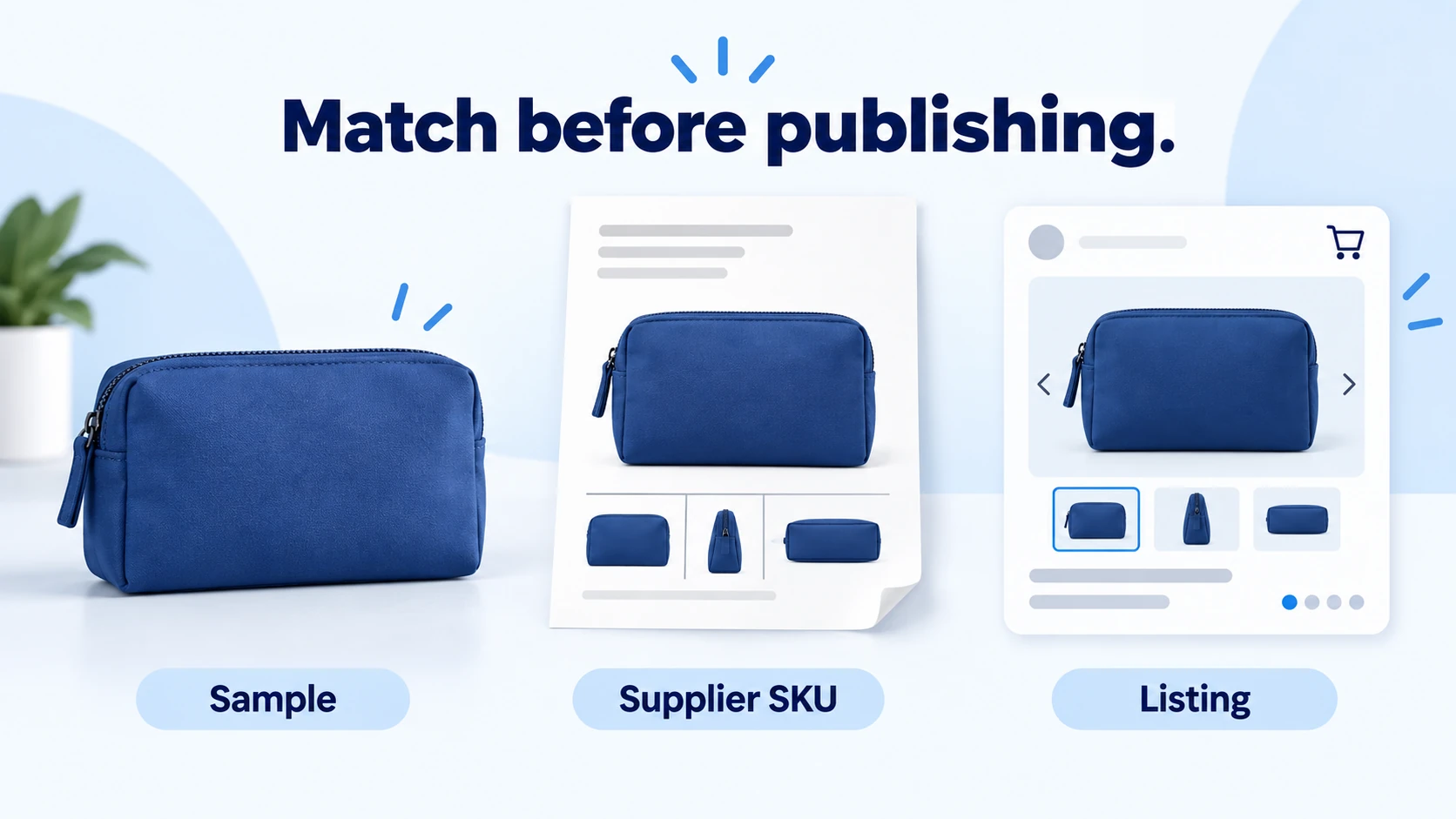
Before publishing, compare three things side by side: the physical sample, the supplier SKU record and the buyer-facing listing. The color, size, quantity and included parts should agree across all three. Correct a mismatch at its source rather than relying on a note someone might overlook during packing.
Start with a quantity supported by the supply arrangement. A supplier’s shared catalog total is not necessarily reserved for you. Find out when stock becomes allocated and how quickly your offer changes after another seller buys it.
06
Route the first orders with visible confirmation
When an order arrives, review its payment and order state in eBay. Confirm the selected variant, quantity and authorized shipping details, then submit it through the agreed supplier process.
Check that the supplier accepted the order. If the response is uncertain, inspect the existing record before submitting again. A duplicate click or automated retry can create a second paid purchase without resolving the first.
Use a short exception list during the initial launch:
- Orders submitted but not accepted.
- Accepted orders approaching the agreed dispatch point.
- Orders with a label but no corresponding movement evidence.
- Orders with incorrect or missing tracking details.
- Customer requests requiring a response.
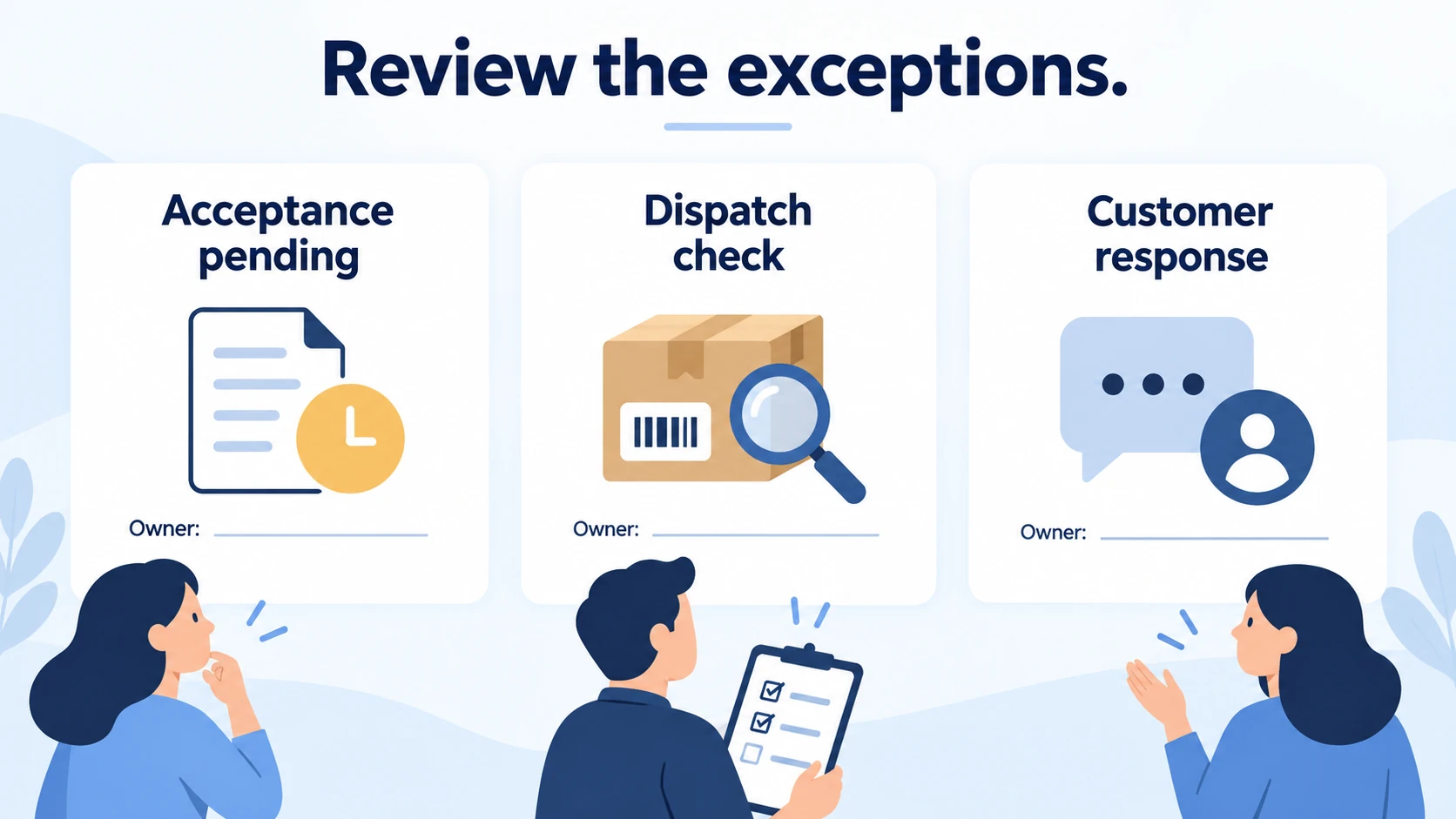
Assign someone to each unresolved item. “The system is processing it” is not enough when nobody knows whether stock was allocated or the supplier needs information.
07
Add the correct tracking and investigate gaps
After dispatch, add the carrier and tracking number for that order through the available eBay workflow or verified integration. eBay’s tracking instructions describe adding and editing the information in Seller Hub or My eBay.
Open the carrier record to check that it corresponds to the parcel and destination. A number appearing in software is a data event; carrier acceptance is a physical handoff. Do not use unrelated tracking to make an order look complete.
If progress stops, ask the supplier where the parcel is and what evidence it can obtain. Identify whether the delay happened before pickup, during transport or near delivery. Respond to the buyer using confirmed information and the applicable order process.
Keep the original order and shipment records linked. This makes a later missing-item inquiry much easier to investigate than searching across disconnected screenshots.
08
Review the launch before adding more listings
Look beyond the number of sales. Review whether the accepted product arrived, whether the delivery promise was supported and what each completed order actually cost. Recent orders may still produce returns or replacement expenses.
Match the corrective action to the observed problem:
Views without purchases: inspect the product match, price, delivery proposition and listing clarity. Do not assume that more catalog imports will improve the same weak offer.
Sales with weak contribution: compare actual charges with the quote and fee assumptions. Reprice, renegotiate or stop the offer if the economics no longer work.
Orders with fulfillment defects: pause the affected product or route, establish the cause and verify the correction. A profitable listing still needs a dependable product and dispatch process.
Before expanding, confirm supplier capacity, available cash and account limits. Increase only the part of the arrangement you can continue to monitor. A small reliable assortment is a stronger starting point than a large catalog with unclear exceptions.
09
Frequently asked questions
Do I need an automation tool to start?
Not necessarily. A manageable first assortment can help you learn the order process before selecting software. Add a tool when it supports a specific task and you can verify its product mapping, order acceptance and tracking behavior.
Should I copy supplier descriptions directly?
Review every claim and obtain permission for material you use. Supplier descriptions can contain another variant, unsupported performance wording or incomplete quantity information. Your listing should describe the goods your buyer will receive.
What if the supplier runs out after an order?
Investigate promptly, stop offering unavailable stock and resolve the existing order accurately through the applicable eBay process. Do not substitute a different product without an appropriate customer decision or enter a false reason to hide the shortage.
When is the first listing ready?
When the source is suitable, the product and listing match, the cost leaves an acceptable result, the delivery and returns arrangements work, and someone can handle the first order and exceptions. Publishing the listing is the beginning of the test, not proof that the setup has succeeded.
